
Tabby Review 2026 - Open-Source AI Coding
Verified Oct 21, 2026 by Tooliverse Editorial
Tabby is an open-source AI coding assistant you can run on your own hardware, with completions, chat, and an answer engine in your IDE. Its new agent, Pochi, even takes on whole tasks like a teammate.
Discover real-time updates and trending conversations.
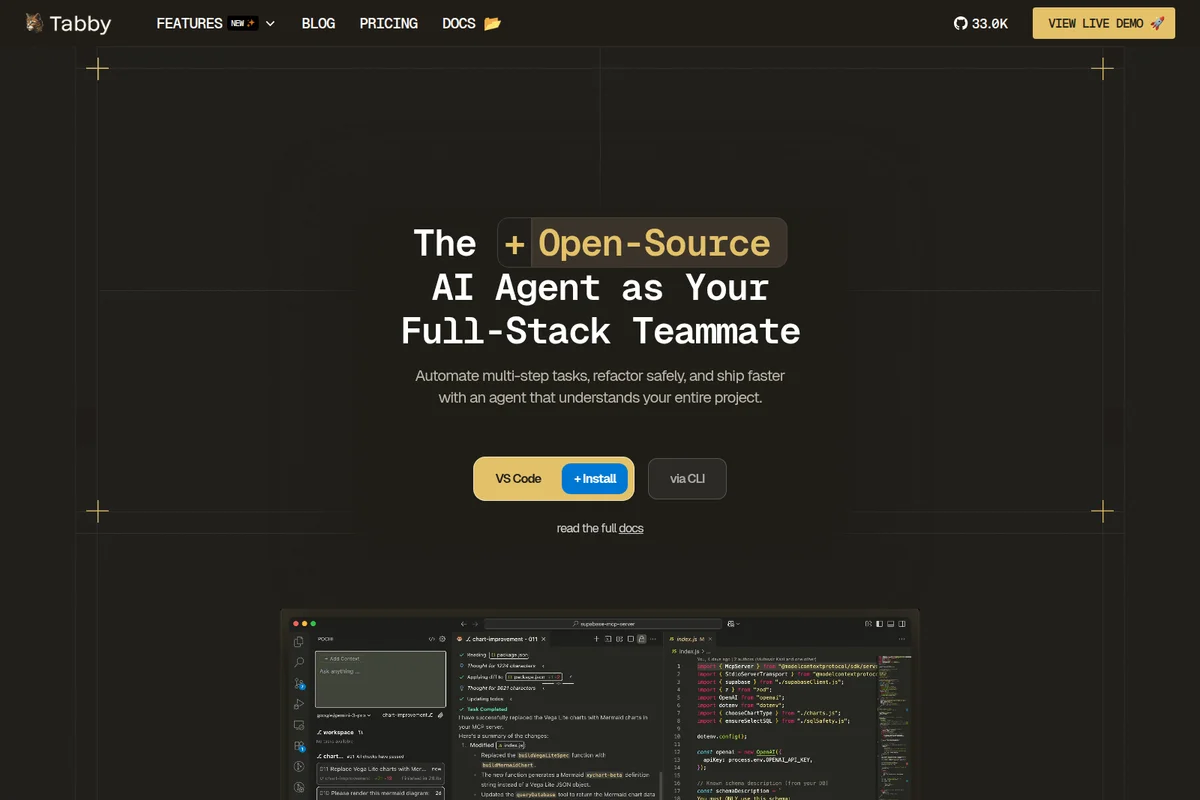
Automate multi-step tasks and refactor code safely with your AI teammate.
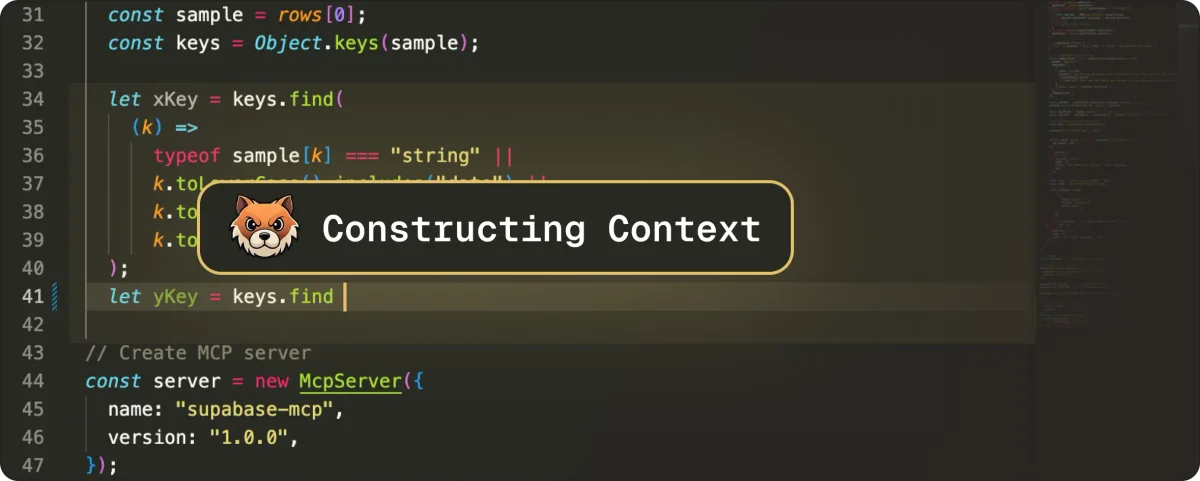
Tabby's AI actively constructs code context for intelligent assistance.
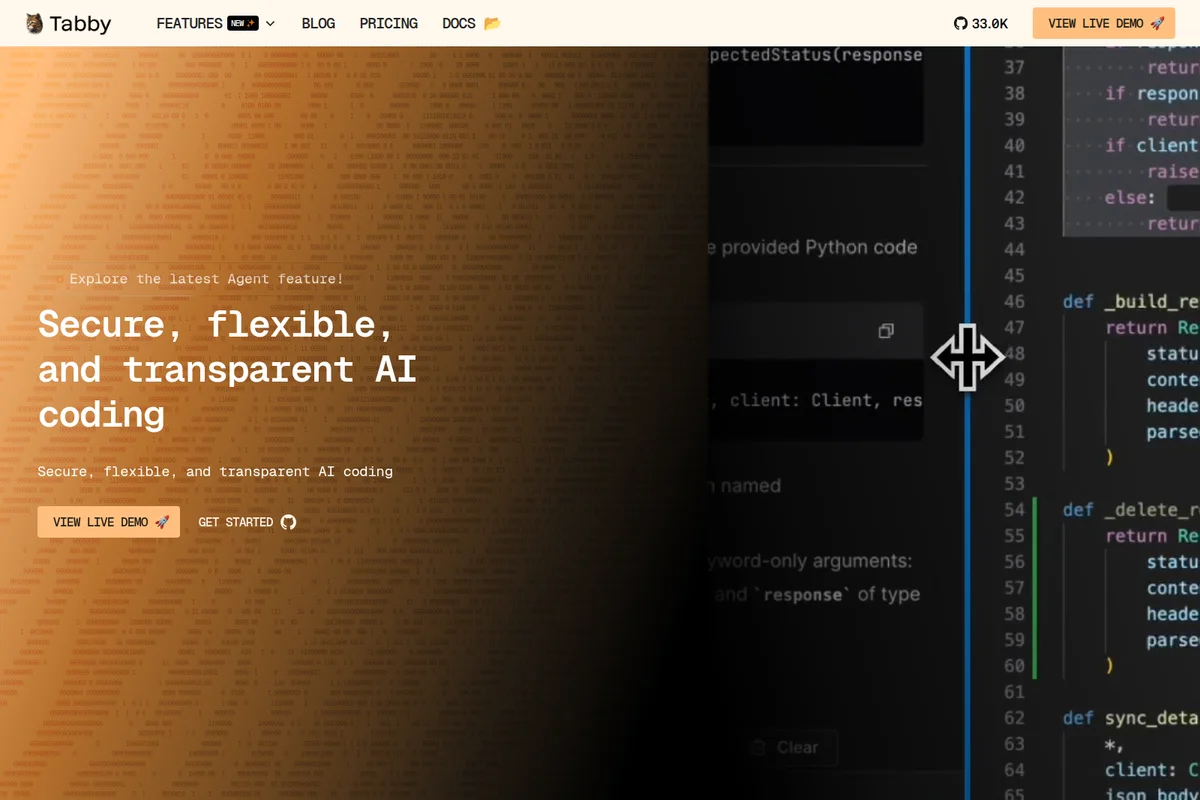
Accelerate development with secure, flexible AI coding and real-time suggestions.
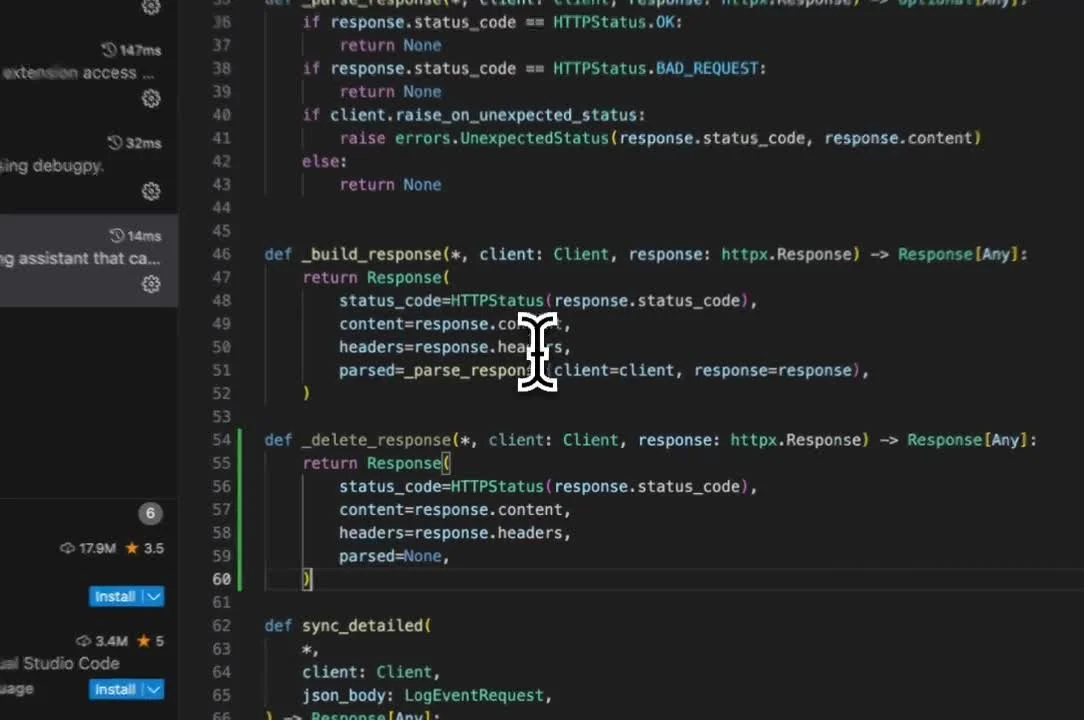
Code with real-time AI assistance and performance insights in your editor.
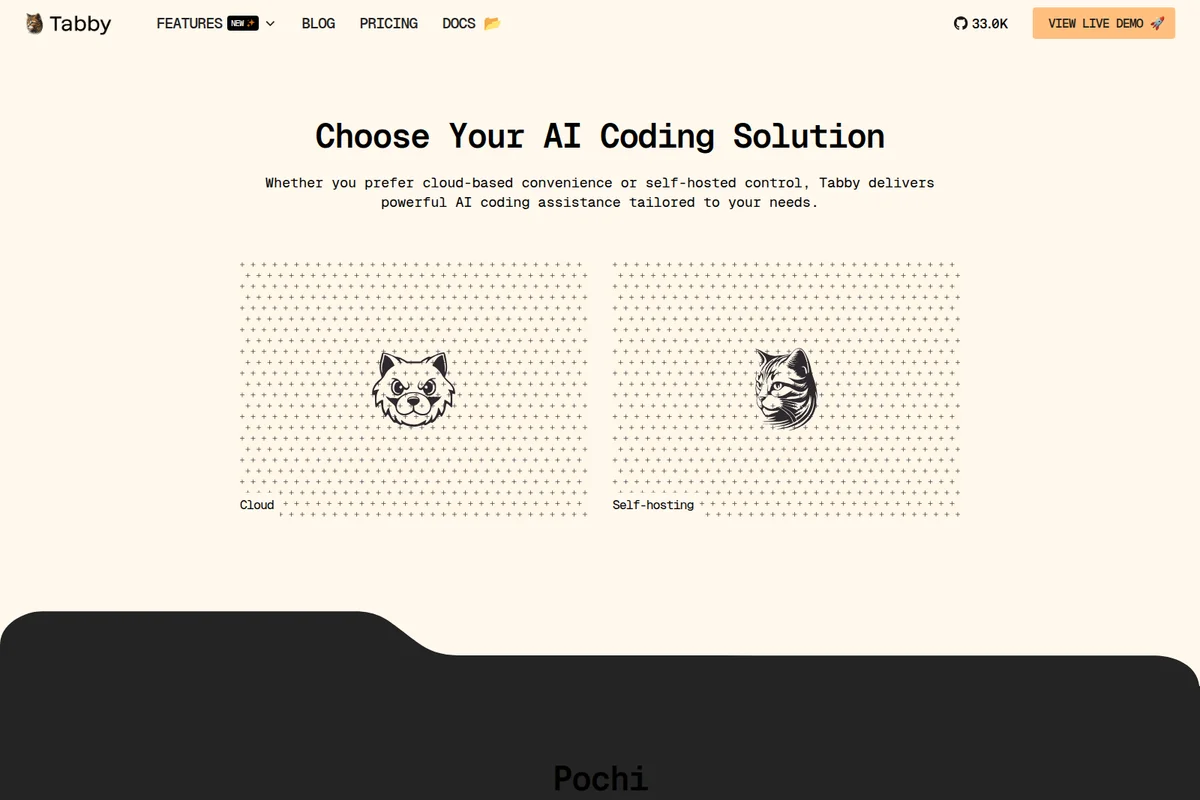
Choose your preferred AI coding solution: cloud-based convenience or self-hosted control.
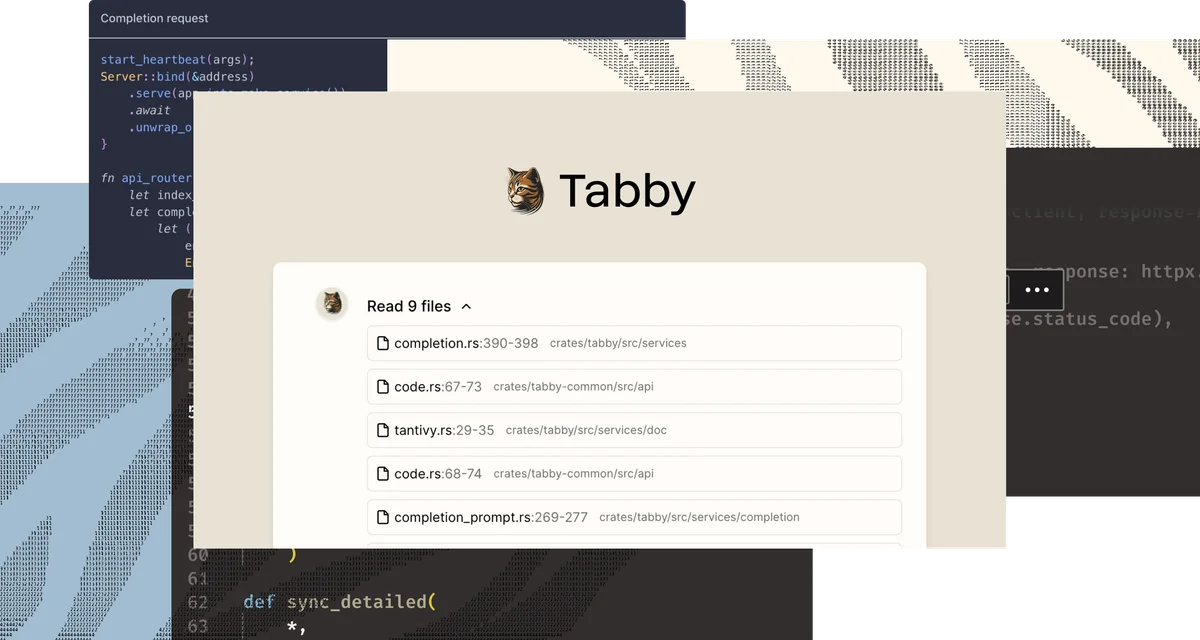
AI assistant automatically identifies and reads relevant project files for better completions.
Tabby Review: Tooliverse Consensus





Based on 762 verified reviews across 5 platforms,
combined with Tooliverse's expert analysis
Tabby is a self-hosted coding assistant built for teams whose code can't leave their own servers, bringing completion, an answer engine, and inline chat to air-gapped setups. Reviewers praise its fast local completions, simple Docker deployment, and flexibility across open-source models, and many see it as a credible open alternative to Copilot. The catch is hardware: larger models demand serious GPU memory, and chat depth and context handling on big codebases trail mature competitors, so expect to tune model size to your machine.
Bottom line: A top-tier self-hosted coding assistant that keeps your code entirely in-house with fast local completions, though larger models demand serious GPU hardware and its chat features trail more mature rivals.
Tabby | Key Specs
- Platforms
- Web, API (self-hosted server; VS Code extension for Pochi)
- Pricing Model
- Free + Paid Tiers ($0-19/seat/mo, Enterprise custom) See plans
- Privacy/Data Use
- Self-hosted, local-first deployment; open-source and inspectable
- Security
- Self-hosting, enhanced security and group management (Enterprise) See details
Wins
- •Ensures complete data privacy by allowing full self-hosting on local infrastructurementioned in 184 reviews
- •Provides a seamless open-source alternative to proprietary coding assistants like GitHub Copilotmentioned in 156 reviews
- •Delivers low-latency code completions that feel instantaneous on local hardwarementioned in 142 reviews
Watch-Outs
- •Requires significant GPU resources to maintain high performance with larger modelsmentioned in 82 reviews
- •Lacks some of the advanced "chat" features found in more mature competitorsmentioned in 64 reviews
- •Initial configuration can be challenging for developers unfamiliar with self-hostingmentioned in 51 reviews
Tabby Features 2026
Open-Source and Self-Hosted
Open-source by default with local-first deployment, so you can inspect code and keep full data control.
Pochi Autonomous Agent
An open-source AI teammate that plans, executes and checks in on multi-step tasks, understanding your entire workspace.
Data Connectors
Connect data sources and context providers for smarter, domain-aware AI assistance.
Bring Your Own Model
Run your own or local models by following the Tabby Model Specification.
Tabby User Reviews
Selected Reviews
"The latency is impressively low. Running StarCoder-1b locally feels faster than waiting for a cloud response. It's a game changer for my offline workflow."
"Finally, a Copilot alternative I can actually use at work without the legal team having a heart attack. Setup was surprisingly easy with Docker."
"It works well for Python and JS, but I noticed it struggles a bit more with Rust syntax compared to Copilot. Still, for a local tool, it's impressive."
More from the Community
"Good tool, but it really needs a beefy GPU. My 3060 struggles with the 7B models, making completions a bit sluggish. Stick to smaller models if you lack VRAM."
"I love the open-source spirit here. It's not quite as "smart" as GPT-4 based tools yet, but for standard boilerplate, it's perfect and free."
"Tabby has become essential for my home lab. Being able to code without an internet connection is a game changer for my workflow."
"The VS Code extension is solid, though I'd love to see better support for JetBrains. It's getting there though, and the updates are frequent."
"A bit of a learning curve to get the model weights optimized, but once it's running, it's a dream for privacy-conscious devs."
"Good tool, but it really needs a beefy GPU. My 3060 struggles with the 7B models, making completions a bit sluggish. Stick to smaller models if you lack VRAM."
"I love the open-source spirit here. It's not quite as "smart" as GPT-4 based tools yet, but for standard boilerplate, it's perfect and free."
"Tabby has become essential for my home lab. Being able to code without an internet connection is a game changer for my workflow."
"The VS Code extension is solid, though I'd love to see better support for JetBrains. It's getting there though, and the updates are frequent."
"A bit of a learning curve to get the model weights optimized, but once it's running, it's a dream for privacy-conscious devs."
"Decent completions, but the context awareness could be better. It sometimes misses imports from other files in the project which Copilot usually catches."
"The best part is not having my code used for training some giant corporate model. Tabby gives me control back over my intellectual property."
"Simple, effective, and free. It's exactly what the developer community needed to break the monopoly on AI assistants."
"I've tried a few self-hosted options and Tabby is by far the most stable. The documentation is actually helpful for once."
"Decent completions, but the context awareness could be better. It sometimes misses imports from other files in the project which Copilot usually catches."
"The best part is not having my code used for training some giant corporate model. Tabby gives me control back over my intellectual property."
"Simple, effective, and free. It's exactly what the developer community needed to break the monopoly on AI assistants."
"I've tried a few self-hosted options and Tabby is by far the most stable. The documentation is actually helpful for once."
Tabby Pricing 2026
View SourceCommunity is the entry point and a real product: free, open source, up to five users, with completion, answer engine, and chat. Team at $19/seat/month is the pick once more than five people need to share one server, scaling to 50 users. The real cost on either plan is GPU hardware, so budget for that before comparing seat prices against Copilot.
Tabby In-Depth Review 2026

Tabby, from TabbyML, is an open-source AI coding assistant that you host yourself. It offers code completion, an answer engine, and inline chat inside the IDE, and it runs local or custom models on your own GPU, typically through Docker. With 33.9k GitHub stars behind it, the project has the community weight to back the pitch: you can read the code, run it on your hardware, and keep everything inside your network. Its sibling product Pochi adds an open-source agent that handles multi-step tasks in VS Code, the CLI, GitHub, and Slack.
What It's Like Day-to-Day
Once the Docker container is running, Tabby mostly disappears into the editor, which is the idea. Completions arrive as you type, and reviewers on the VS Code Marketplace describe latency that beats a cloud round trip; one user running a small StarCoder model said it felt "faster than waiting for a cloud response". Reddit users coming over from Copilot report that setup was easier than expected, and a Hacker News reviewer who had tried several self-hosted options called Tabby the most stable, with documentation that is actually helpful.
Tabby Security & Compliance
Security Features
- Self-hosting with full data control
- Enhanced security and group management (Enterprise)
Privacy Commitments
- Open-source by default so you can inspect, verify and trust every line of code
- Local-first deployment keeps code on your own infrastructure
Tabby: Frequently Asked Questions (FAQs)
Does Tabby have a free plan?
Yes, Tabby offers a free open-source Community plan for up to 5 users with local deployment, code completion, answer engine, inline chat and context provider.
How much does Tabby's Team plan cost?
The Team plan costs $19 per seat per month and supports up to 50 users with flexible deployment.
What does the Enterprise plan include?
Enterprise has custom pricing and includes unlimited users, customised deployment, and enhanced security and group management.
Is Tabby open source?
Yes, Tabby is an open-source AI coding assistant that is open by default so you can inspect and verify the code.
Tabby Integrations
| VS Code | Slack | GitHub |
| GitLab | Notion | Supabase |
| Figma |
Tabby: Verified Data Sheet
| # | Label | Data Point |
|---|---|---|
| [1] | Tabby Consensus: 9.06/10 | Tabby is one of the highest-rated AI coding tools in the Tooliverse index, with a consensus score of 9.06/10 across 762 verified reviews. |
| [2] | What is Tabby | Tabby, from TabbyML, is an open-source, self-hostable AI coding assistant with code completion, answer engine and inline chat. It has 33.9k GitHub stars, a free Community plan, and Team at $19/seat/month. |
| [3] | Tooliverse Consensus on Tabby | Tabby is a self-hosted coding assistant built for teams whose code can't leave their own servers, bringing completion, an answer engine, and inline chat to air-gapped setups. Reviewers praise its fast local completions, simple Docker deployment, and flexibility across open-source models, and many see it as a credible open alternative to Copilot. The catch is hardware: larger models demand serious GPU memory, and chat depth and context handling on big codebases trail mature competitors, so expect to tune model size to your machine. |
| [4] | Tabby Verdict | Tabby bottom line: A top-tier self-hosted coding assistant that keeps your code entirely in-house with fast local completions, though larger models demand serious GPU hardware and its chat features trail more mature rivals. |
| [5] | Community: Free | Tabby offers a free Community tier that is open source and supports up to 5 users, making AI coding tools accessible at no cost. |
| [6] | Open-source alternative to GitHub Copilot | Tabby serves as an open-source alternative to proprietary coding assistants such as GitHub Copilot, a point raised in 156 user reviews, and the project has 33.9k GitHub stars. |
| [7] | Near-instant local code completions | Tabby delivers low-latency code completions on local hardware that reviewers describe as feeling instantaneous, according to 142 user reviews. |
| [8] | Team: $19/seat/month | TabbyML's Team empowers users with Up to 50 users for just $19/seat monthly, significantly expanding on the free tier's capabilities. |
| [9] | Full self-hosting for complete data privacy | Tabby ensures complete data privacy by allowing full self-hosting on local hardware, a strength cited in 184 user reviews and backed by its local-first deployment model. |
| [10] | Straightforward Docker deployment | Tabby deploys through Docker, and 118 user reviews credit this route with simplifying setup significantly for a self-hosted coding assistant. |
| [11] | Larger models need substantial GPU memory | Tabby requires significant GPU resources to keep larger models responsive, with CodeLlama-7B needing about 8GB of VRAM in int8 mode on CUDA, according to 82 user reports. |
| [12] | Chat features trail mature rivals | Tabby lacks some of the advanced chat features found in more mature competitors, according to analysis of 64 user reports. |
| [13] | Privacy: Open-source by default so you can inspect, verify and trust every line of code | Tabby protects privacy by being Open-source by default so you can inspect, verify and trust every line of code and through Local-first deployment keeps code on your own infrastructure. |
| [14] | Enterprise: Self-hosting with full data control | Tabby delivers enterprise security through Self-hosting with full data control and Enhanced security and group management (Enterprise). |
| [15] | Keeps IP out of corporate model training | Tabby gives one verified Reddit reviewer "control back over my intellectual property" by keeping code out of "some giant corporate model" training. |
Best Tabby Alternatives
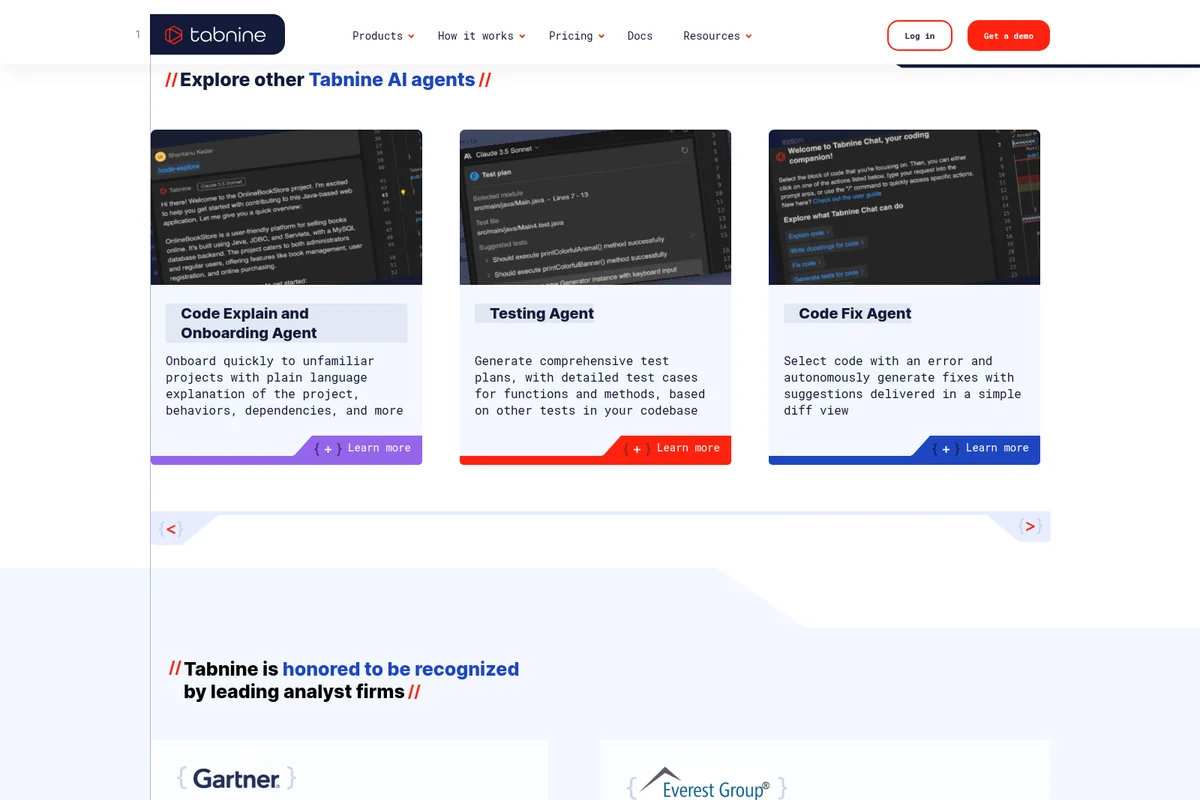
Tabnine
Code faster and safer with an AI coding platform that never trains on your code or leaves your infrastructure.
Refact.ai
Delegate coding tasks end-to-end to an open-source AI agent that works like a teammate.
Cline
Ship code faster with an open source AI coding agent that works in your editor, terminal, or your own products.