
Tripo Review 2026 - AI 3D Modeling Platform
Verified Jun 23, 2026 by Tooliverse Editorial
Tripo transforms text prompts or images into high-quality 3D models in seconds. Used by 6.5M+ creators worldwide, it delivers clean geometry, 4K textures, and production-ready assets for gaming, 3D printing, AR/VR, and design—no 3D experience needed.
Tripo AI + UE5 + Meta Tailor + Blender: The Step-by-step Tutorial for Generating Customized MetaHuma
Tripo AI Tutorial - 2026 | How to Create Production-Ready 3D Models | How to Use Tripo 3d AI
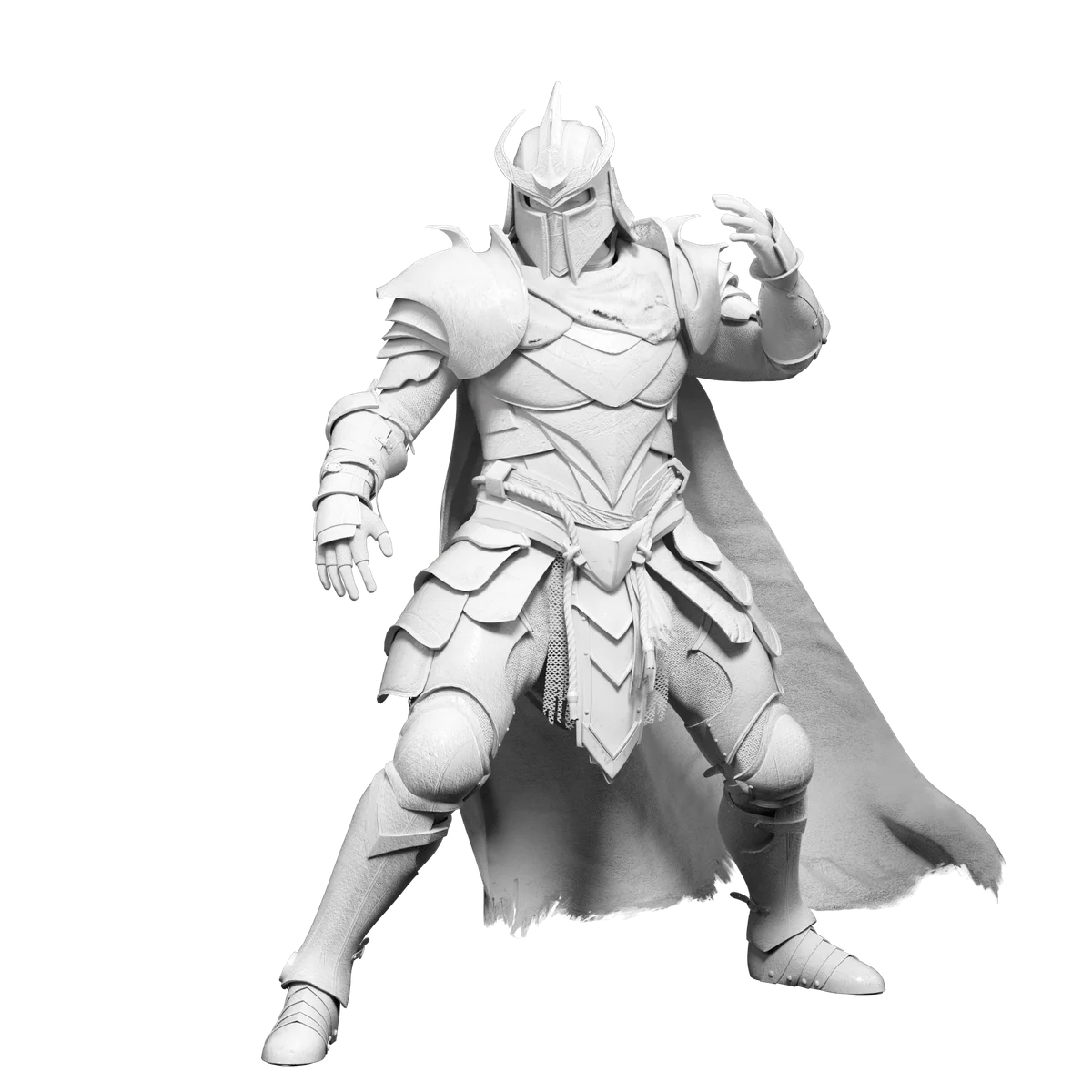
Showcase highly detailed AI-generated 3D character models for games and animation.
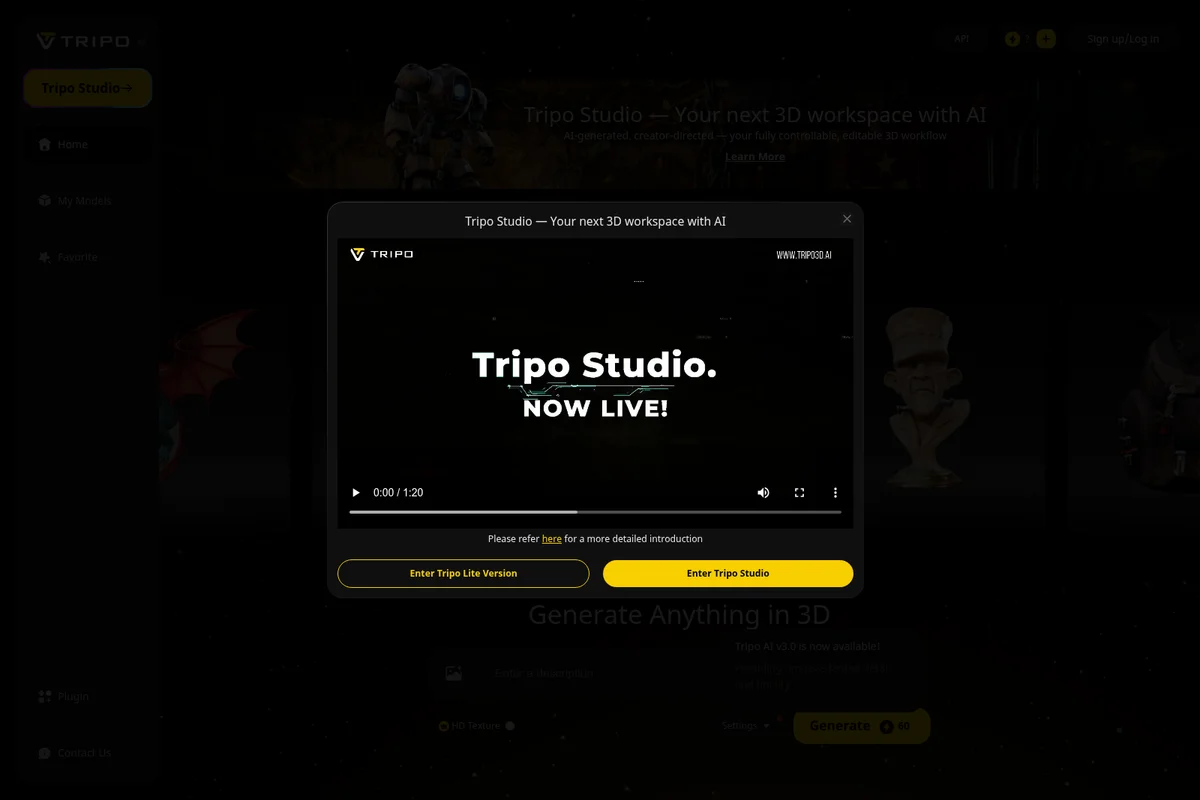
Discover Tripo Studio and begin creating 3D content now.
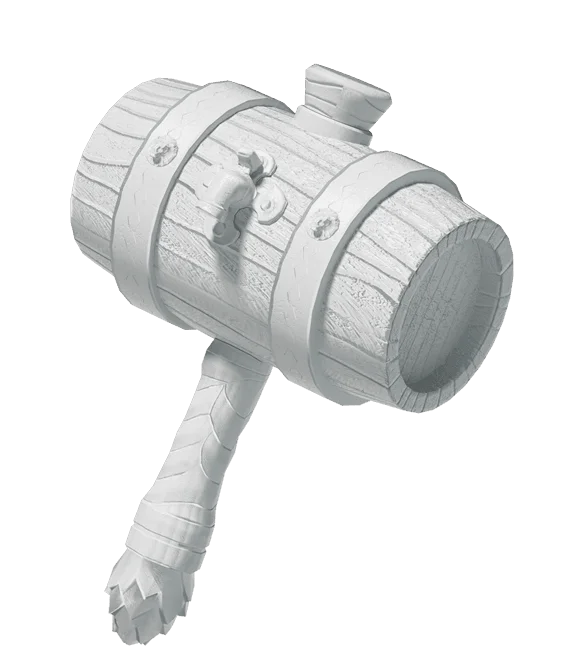
Generate high-quality, stylized 3D models with detailed textures and intricate designs.
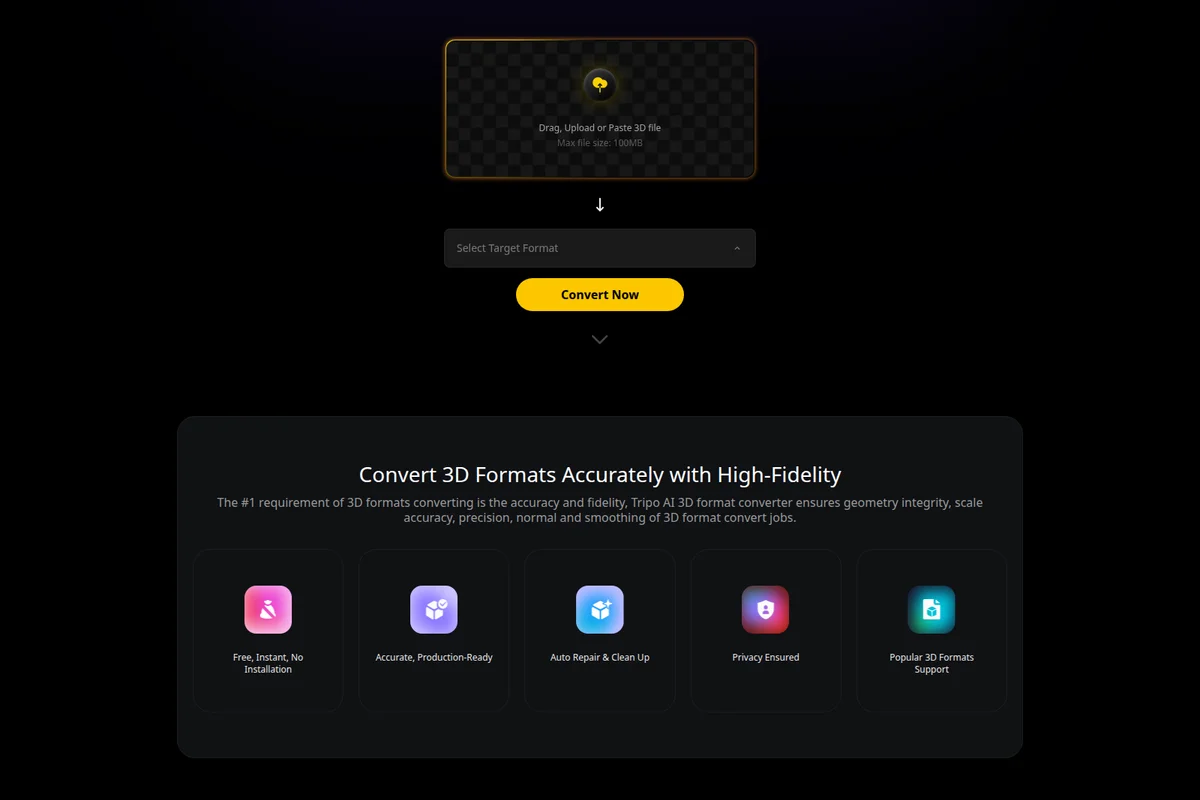
Convert 3D file formats accurately with high-fidelity conversion.
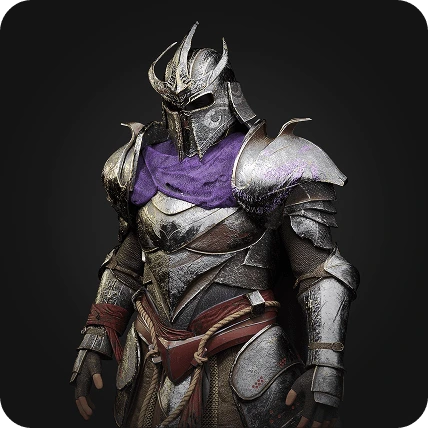
Generate highly detailed 3D models with photorealistic textures for games and creative projects.
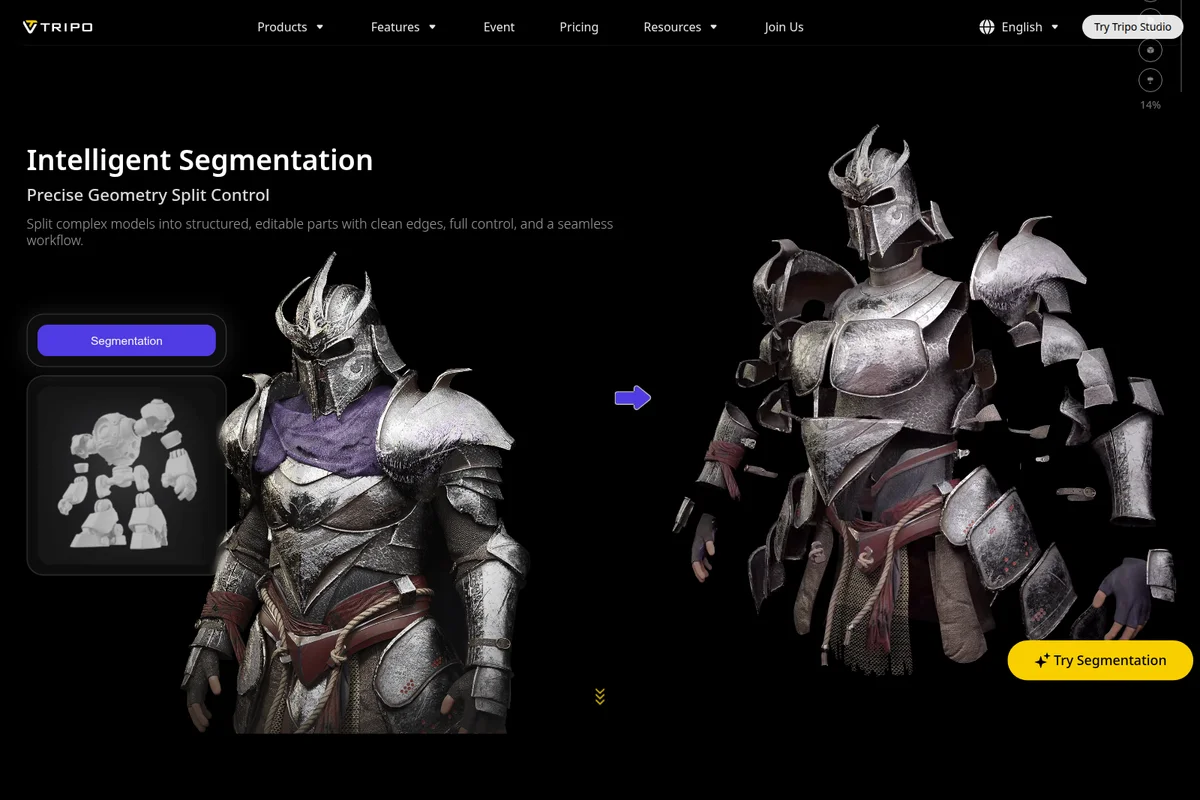
Gain precise geometry split control for complex 3D models.
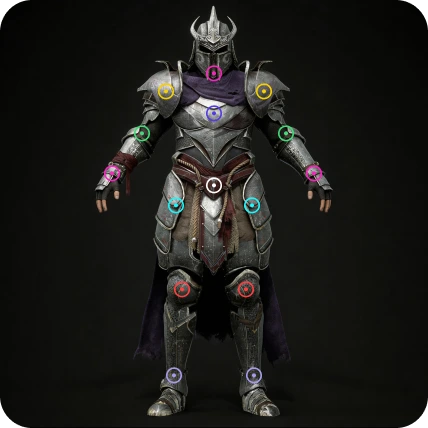
Pinpoint and visualize key articulation and material zones on your 3D character models.
Tripo Review: Tooliverse Consensus




Based on 575 verified reviews across 5 platforms,
combined with Tooliverse's expert analysis
Tripo transforms the 3D modeling bottleneck by converting text prompts and images into production-ready models in under 20 seconds, with PBR textures that hold up in game engines and rendering software without immediate rework. The speed and accessibility let creators without deep 3D backgrounds prototype at professional velocity, though the mesh topology typically requires manual cleanup for animation rigging and the credit-per-generation model can feel expensive during experimental iteration phases.
Bottom line: A top-tier AI 3D platform that collapses hours of block-out work into seconds with usable textures, though you'll still need traditional 3D skills for topology cleanup on rigged characters.
Tripo | Key Specs
Wins
- •Generates high-quality 3D models from simple text prompts in under 20 secondsmentioned in 214 reviews
- •Produces clean PBR textures that look professional right out of the boxmentioned in 186 reviews
- •Features an incredibly user-friendly interface that requires zero prior 3D modeling experiencementioned in 154 reviews
Watch-Outs
- •Generates mesh topology that often requires manual cleanup for animation or riggingmentioned in 94 reviews
- •Credit system can feel expensive for users experimenting with multiple iterationsmentioned in 76 reviews
- •Struggles with complex anatomical details like human faces or intricate handsmentioned in 62 reviews
Tripo Features 2026
Text to 3D Model
Generate high-quality 3D models from text prompts in seconds, with sharp geometry and solid topology. Simply describe what you want and Tripo's AI creates a custom 3D model.
Image to 3D Model
Transform any image, photo, sketch, or illustration into a detailed 3D model with accurate structure, rich textures, and realistic depth. Supports single-view and multi-view inputs.
AI Texturing with Magic Brush
Apply high-resolution 4K, PBR-ready textures in one click. Magic Brush allows seamless local repaint and precise detail control for texture refinement.
Intelligent Segmentation
Split complex models into structured, editable parts with clean edges, full control, and a seamless workflow. Precise geometry split control for organized editing.
Tripo User Reviews
Selected Reviews
"Awesome results to create 3d objects with artificial intelligence. I use TRIPO till 3 month with a pro account. i can create any figures i want from any photo or any drawing, even from a text description."
"It's fantastic because Tripo AI takes all the complexity out of 3D creation. You don't need a deep background in 3D design to jump in and start creating high-quality work."
"The app is also not iPad friendly, and runs in a mobile app window. I'll continue struggling to use it in Chrome on my iPad if I must use it away from my PC."
More from the Community
"Overall great understanding of prompts. Texturing may need a bit of work as I get varied results."
"Amazing service and smart usage of AI. The pricing is good and results are creative with dose of honesty."
"Saves hours of block-out time. The image-to-3D is a game changer for concept artists who need a fast 3D base to paint over."
"Good for base meshes, but don't expect production-ready topology without some retopology work in Blender. Still, it's the best I've tried."
"Useful for quick background assets, but the meshes are too dense for mobile games without heavy optimization. A bit of a mixed bag for performance."
"Overall great understanding of prompts. Texturing may need a bit of work as I get varied results."
"Amazing service and smart usage of AI. The pricing is good and results are creative with dose of honesty."
"Saves hours of block-out time. The image-to-3D is a game changer for concept artists who need a fast 3D base to paint over."
"Good for base meshes, but don't expect production-ready topology without some retopology work in Blender. Still, it's the best I've tried."
"Useful for quick background assets, but the meshes are too dense for mobile games without heavy optimization. A bit of a mixed bag for performance."
"The speed of Tripo 2.0 is mind-blowing. I can prototype a whole scene's worth of props in an afternoon. The textures are surprisingly usable."
"Finally an AI 3D tool with clean meshes, helping turn ideas into detailed models with less friction. The H3.1 update is a huge step up."
"The credit system can feel expensive for users experimenting with multiple iterations. I wish there was a more flexible pay-as-you-go option."
"Struggles with complex anatomical details like human faces or intricate hands. Great for inanimate objects and stylized characters though."
"The speed of Tripo 2.0 is mind-blowing. I can prototype a whole scene's worth of props in an afternoon. The textures are surprisingly usable."
"Finally an AI 3D tool with clean meshes, helping turn ideas into detailed models with less friction. The H3.1 update is a huge step up."
"The credit system can feel expensive for users experimenting with multiple iterations. I wish there was a more flexible pay-as-you-go option."
"Struggles with complex anatomical details like human faces or intricate hands. Great for inanimate objects and stylized characters though."
Tripo Pricing 2026
View SourceThe free tier's 200 credits get you about 8 models monthly—enough to test the workflow but not enough for serious production. Pro at $13.93/month billed annually is where most creators land: 3,000 credits translate to roughly 120 models, batch generation handles iteration efficiently, and commercial use rights mean your work can actually ship. The annual billing saves you $72 compared to monthly, which matters when you're already paying per generation through the credit system.
Tripo In-Depth Review 2026

This AI 3D modeling platform runs entirely in the browser, converting text prompts or reference images into production-ready 3D models in under 20 seconds. It works across game development, product design, AR/VR prototyping, and 3D printing workflows, with exports to GLB, USDZ, STL, OBJ, and FBX formats that drop directly into Unity, Unreal, Blender, or your resin printer's slicer software. The platform has generated over 100 million models for 6.5 million creators, with clients ranging from indie developers to Tencent and Sony.
What It's Like Day-to-Day
The core workflow is almost suspiciously simple: type what you want or upload a reference photo, wait 15-20 seconds, and a textured 3D model appears. The speed is the first thing that changes your creative process. Instead of committing to a single design direction for hours, you can generate five variations of a sci-fi helmet in two minutes and pick the strongest foundation to refine. One Product Hunt reviewer captured it well: Tripo "takes all the complexity out of 3D creation" and lets people without deep 3D backgrounds produce high-quality work.
The PBR textures are where the tool punches above its weight class.
Tripo Security & Compliance
Privacy Commitments
- Private models available (Pro and higher tiers)
- Free tier models are public (CC BY 4.0 license)
Tripo: Frequently Asked Questions (FAQs)
What is 'Text to 3D Model'?
Text to 3D Model is a feature that lets you describe what you want and get a 3D model in return. Just type a prompt, and Tripo's AI will generate a model based on your description using large vision-language models.
What kind of prompts can I use for text-to-3D?
You can start simple with prompts like 'a wooden chair,' 'a sci-fi helmet,' or 'a cartoon cat with wings.' Tripo supports both short phrases and detailed prompts—just write what you have in mind.
What is 'image to 3D model' generation?
Image to 3D model generation is the process of turning a 2D image, photo, sketch, or illustration into a 3D model using AI. With Tripo, you can create detailed 3D assets in seconds without traditional manual modeling or 3D experience.
What types of images can I upload to generate a 3D model?
You can upload JPG, PNG, WEBP, and other common image formats. Whether it's a photo, a digital illustration, or a concept drawing, Tripo handles both single-view and multi-view inputs.
Tripo Integrations
| Unity | Unreal Engine | Blender |
| Maya | Mixamo |
Tripo: Verified Data Sheet
| # | Label | Data Point |
|---|---|---|
| [1] | Tripo Consensus: 8.76/10 | Tripo is a highly-rated tool among AI design tools in the Tooliverse index, with a consensus score of 8.76/10 across 575 verified reviews. |
| [2] | What is Tripo | Tripo is an AI 3D modeling platform serving 6.5M+ creators worldwide, converting text or images into production-ready 3D models in seconds. The platform has generated 100M+ 3D models with clients including Tencent, Sony, and NetEase Games, with pricing starting at $13.93/month. |
| [3] | Tooliverse Consensus on Tripo | Tripo transforms the 3D modeling bottleneck by converting text prompts and images into production-ready models in under 20 seconds, with PBR textures that hold up in game engines and rendering software without immediate rework. The speed and accessibility let creators without deep 3D backgrounds prototype at professional velocity, though the mesh topology typically requires manual cleanup for animation rigging and the credit-per-generation model can feel expensive during experimental iteration phases. |
| [4] | Tripo Verdict | Tripo bottom line: A top-tier AI 3D platform that collapses hours of block-out work into seconds with usable textures, though you'll still need traditional 3D skills for topology cleanup on rigged characters. |
| [5] | Free: Free | Tripo offers a functional Free tier with 200 credits monthly (up to 8 models) and 1 concurrent task, making AI 3D generation accessible at no cost. |
| [6] | Sub-20-second text-to-3D generation | Tripo generates high-quality 3D models from simple text prompts in under 20 seconds, a speed advantage validated by 214 user reviews as transformative for rapid prototyping workflows. |
| [7] | Professional PBR textures out-of-box | Tripo produces clean PBR textures that look professional right out of the box, eliminating hours of manual texture work according to 186 user reviews. |
| [8] | Pro: $13.93/mo (annual) | Tripo Pro empowers users with 3000 credits monthly (up to 120 models) for $13.93/month billed annually, significantly expanding on the free tier's capabilities. |
| [9] | Zero 3D experience required | Tripo features an incredibly user-friendly interface that requires zero prior 3D modeling experience, validated by 154 reviews as accessible to complete beginners. |
| [10] | Multi-format export ready | Tripo supports seamless exports to major formats including GLB, USDZ, STL, OBJ, and FBX for immediate use in game engines, design software, and 3D printing workflows, confirmed by 132 user reviews. |
| [11] | Mesh topology needs cleanup for rigging | Tripo generates mesh topology that often requires manual cleanup for animation or rigging workflows, a limitation noted in 94 user reviews as the primary post-processing friction point. |
| [12] | Credit costs add up during iteration | Tripo's credit system can feel expensive for users experimenting with multiple iterations, with 76 reviews citing cost concerns during the creative exploration phase. |
| [13] | Privacy: Private models available (Pro and higher tiers) | Tripo privacy protections include Private models available (Pro and higher tiers) and Free tier models are public (CC BY 4.0 license). |
| [14] | Removes 3D creation complexity | Tripo "takes all the complexity out of 3D creation" and enables users without a deep background in 3D design to produce high-quality work, according to a verified Product Hunt reviewer. |
Best Tripo Alternatives
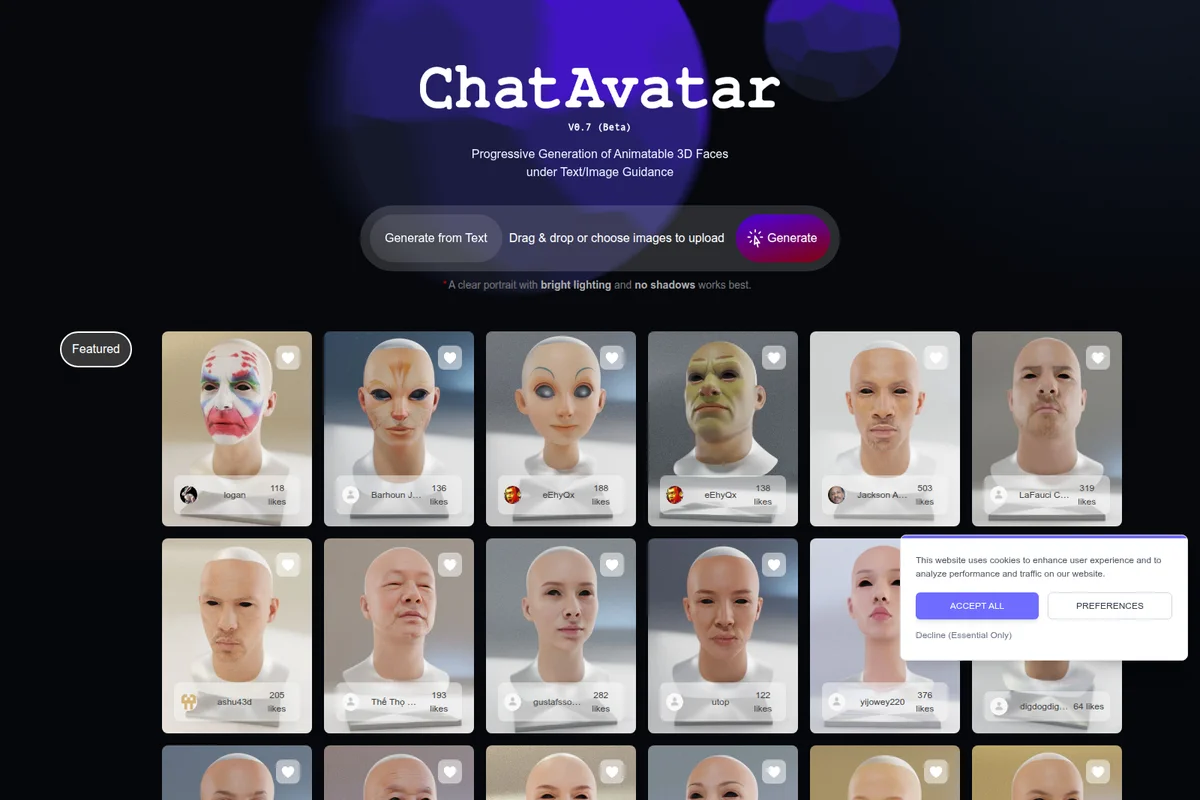
Hyper3D
Turn text or a single image into detailed, production-ready 3D models in seconds.

Sloyd
Generate game-ready 3D models from text or images in seconds—no modeling skills required.
Kaedim
Turn sketches and references into production-ready 3D assets, delivered in hours, not weeks.