
Vidyo AI Review 2026 - AI Video Clipping Tool
Verified Jun 25, 2026 by Tooliverse Editorial
Vidyo AI (now quso.ai) transforms hour-long videos into dozens of short clips automatically. Upload a podcast or webinar, and the AI finds the best moments, adds captions, and publishes to TikTok, Instagram, and YouTube—no editing skills needed.
Transform Videos into Blog Posts in Less Than 60 Seconds Using This Secret AI Tool [Tutorial]
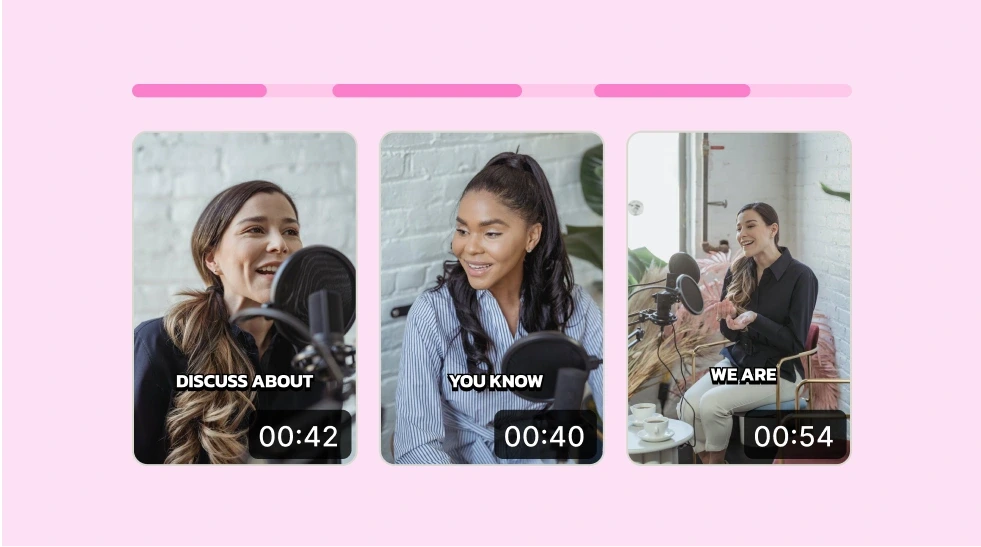
Automatically identify key moments and generate captions from your videos.
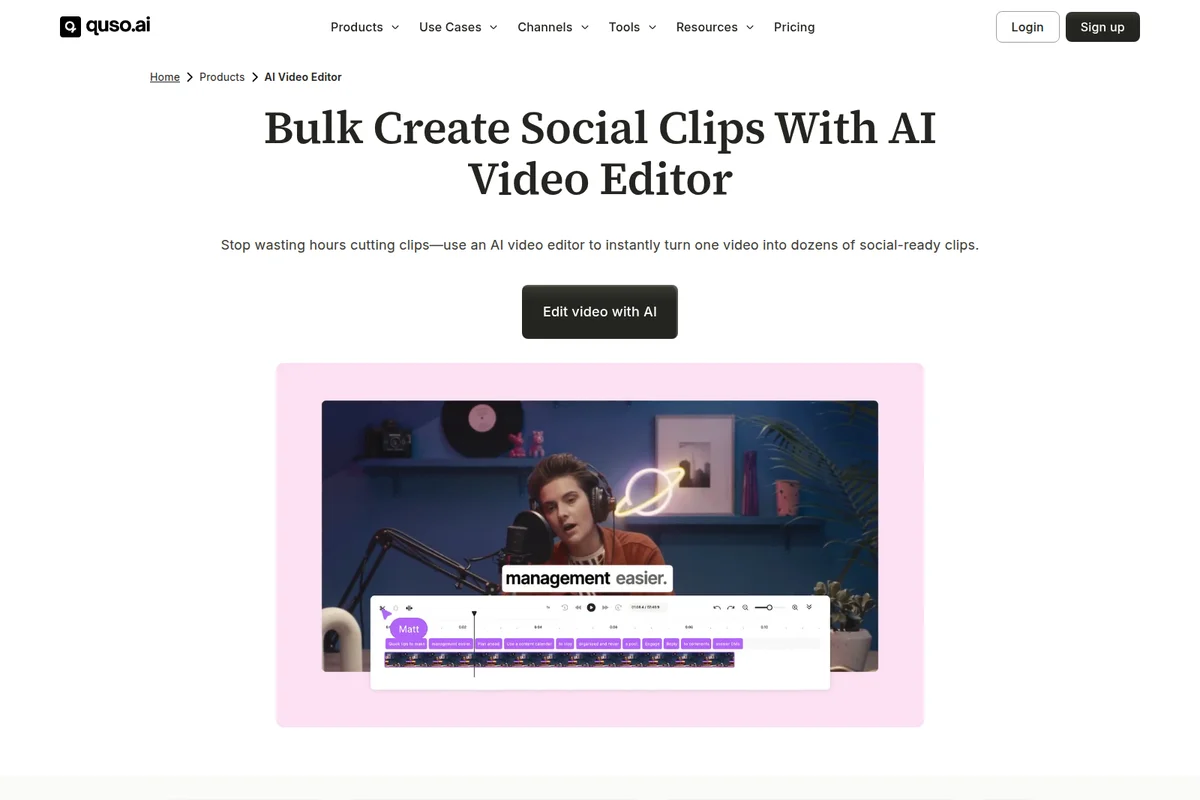
Instantly turn one video into dozens of social-ready clips with AI.
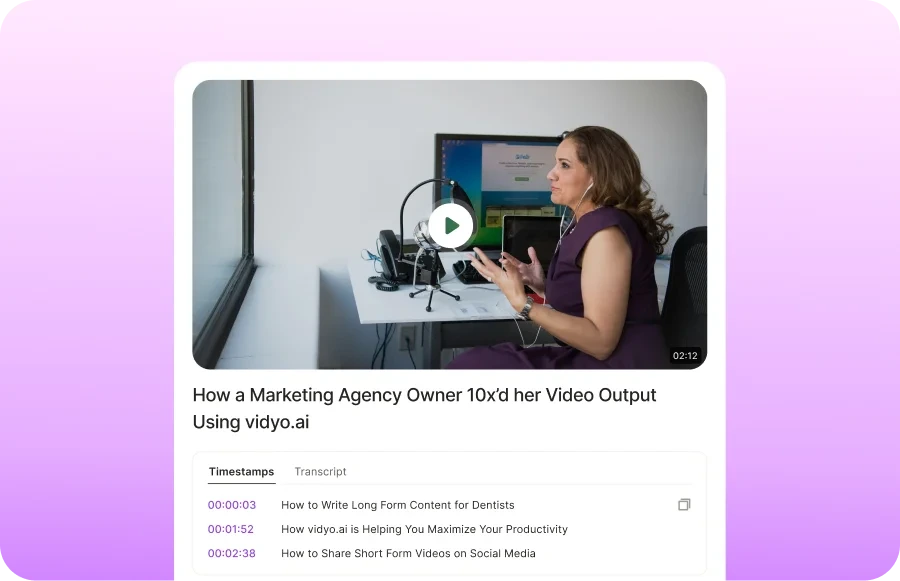
Efficiently review and repurpose video content with AI-generated timestamps and transcripts.
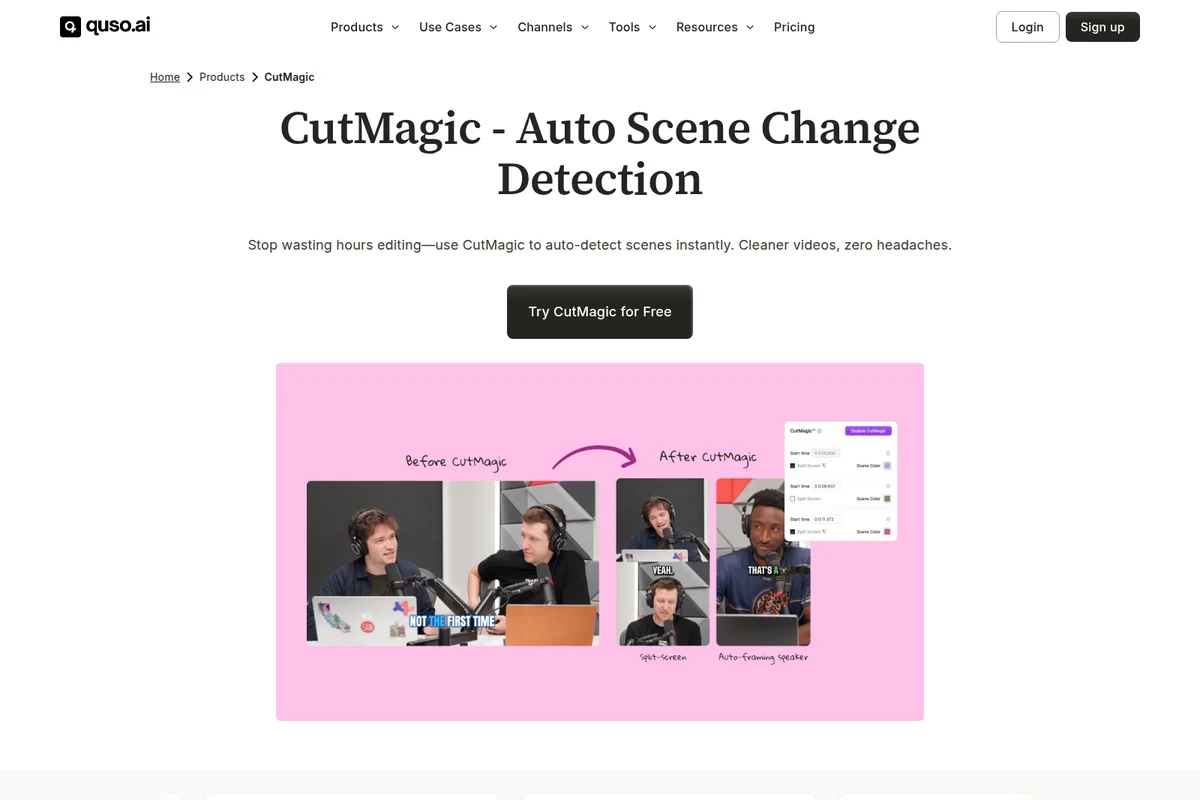
Automate video scene changes and speaker framing for dynamic cuts.
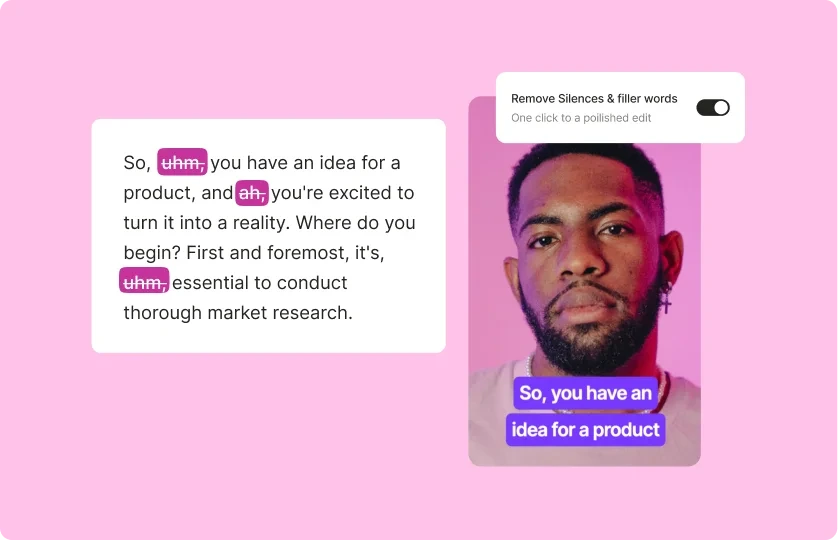
One-click removal of silences and filler words for polished videos.

Generate AI clips, subtitles, and schedule posts from long videos.

Transform long videos into engaging, captioned short clips with AI.
Vidyo AI Review: Tooliverse Consensus







Based on 3k+ verified reviews across 7 platforms,
combined with Tooliverse's expert analysis
Vidyo AI transforms long-form video into platform-ready social clips by identifying high-retention moments using AI trained on 175 million views from real creator posts, then auto-generating captions and formatting for seven platforms in a single workflow. The intelligent segment extraction and integrated scheduling eliminate the manual editing bottleneck that keeps most long-form content from reaching short-form audiences, though the AI occasionally struggles with multi-speaker podcasts and processing can slow during peak hours. The tool works best for creators with consistent long-form output who need to scale their social presence without hiring editors.
Bottom line: A leading video repurposing tool that turns hours of manual clipping into minutes of AI-assisted selection, though multi-guest podcasts require more manual review than standard interviews.
Vidyo AI | Key Specs
- Platforms
- Web, iOS, Android
- Pricing Model
- Freemium ($0-40/mo) See plans
- AI Training Data
- 175M+ views from 110,000+ real creator posts
- Supported Languages
- English (all plans), Spanish, French, German (paid only)
Wins
- •Automatically identifies viral-worthy moments from long videos with high precisionmentioned in 342 reviews
- •Saves hours of manual editing by generating accurate, stylish captions instantlymentioned in 289 reviews
- •Offers a wide variety of social-ready templates for TikTok and Reelsmentioned in 215 reviews
Watch-Outs
- •AI occasionally struggles to identify speaker changes in multi-guest podcastsmentioned in 94 reviews
- •Free version includes a watermark and limits export resolution to 720pmentioned in 82 reviews
- •Processing times can lag significantly during peak usage hoursmentioned in 67 reviews
Vidyo AI Features 2026
AI Clips Generator
Automatically identifies and extracts the best moments from long videos based on 175M+ views and 110,000+ tracked posts. Generates 5-45 clips from hour-long content depending on pacing and content density.
Multi-Platform Publishing
One-click publishing and scheduling to 7 social platforms: TikTok, Instagram Reels, YouTube Shorts, LinkedIn, X (Twitter), Facebook, and Pinterest. Auto-formats for each platform's aspect ratio.
Intelliclips
AI-enhanced clips that automatically remove filler words, awkward pauses, and silence. Creates polished, ready-to-post content without manual editing.
Virality Predictor
AI-powered virality score predicts clip performance based on retention patterns from 83,433 YouTube and 26,750 TikTok tracked posts. Helps prioritize which clips to publish.
Vidyo AI User Reviews
Selected Reviews
"Best tool for turning YouTube videos into Shorts. The face-tracking feature is brilliant and keeps the focus where it belongs."
"Vidyo has completely changed how I handle my podcast clips. I used to spend hours in Premiere, now it's done in 10 minutes."
"Good for basic clips but the AI sometimes cuts off the speaker mid-sentence. Needs more manual control over the cut points."
More from the Community
"The captioning is surprisingly accurate even with my accent. The templates are a bit repetitive but they work well for social."
"The scheduling feature is a lifesaver. I can batch a month of content in one afternoon without leaving the app."
"I wish the free tier allowed for 1080p exports. 720p looks a bit blurry on modern high-res phone screens."
"Incredible time saver for my agency. We've tripled our output since switching to Vidyo for our clients' social clips."
"The UI is very clean and modern. I didn't even need to watch a tutorial to get my first viral clip ready."
"The captioning is surprisingly accurate even with my accent. The templates are a bit repetitive but they work well for social."
"The scheduling feature is a lifesaver. I can batch a month of content in one afternoon without leaving the app."
"I wish the free tier allowed for 1080p exports. 720p looks a bit blurry on modern high-res phone screens."
"Incredible time saver for my agency. We've tripled our output since switching to Vidyo for our clients' social clips."
"The UI is very clean and modern. I didn't even need to watch a tutorial to get my first viral clip ready."
"Sometimes the server is slow to render during busy hours, but the quality of the AI selection is better than competitors."
"Great for beginners. If you're a pro editor you might find it limiting, but for most creators, it's a perfect balance."
"The auto-emojis in captions are a nice touch. Makes the videos feel much more engaging for the TikTok audience."
"Support was very helpful when I had a billing issue. Rare to see that level of care in the AI startup space."
"Sometimes the server is slow to render during busy hours, but the quality of the AI selection is better than competitors."
"Great for beginners. If you're a pro editor you might find it limiting, but for most creators, it's a perfect balance."
"The auto-emojis in captions are a nice touch. Makes the videos feel much more engaging for the TikTok audience."
"Support was very helpful when I had a billing issue. Rare to see that level of care in the AI startup space."
Vidyo AI Pricing 2026
View SourceThe free tier with 75 credits monthly gets you started, but the 720p resolution and watermark make it a trial run rather than a publishing solution. Lite at $15 monthly is the entry point most creators need: 1080p exports, no watermark, and 100 credits that cover 10-15 hours of source video. Essential at $20 monthly is where the workflow advantage appears—AI filler removal, scheduling to all seven platforms, and 300 credits for consistent output. Growth makes sense primarily for agencies managing multiple clients who need bulk publishing and separate brand kits.
Vidyo AI In-Depth Review 2026

Vidyo AI (recently rebranded as quso.ai) transforms long videos into platform-ready short clips using AI trained on 175 million views from over 110,000 real creator posts. Upload an hour-long podcast, webinar, or tutorial, and it identifies 5-45 high-retention moments, generates captions in multiple languages, and formats everything for TikTok, Instagram Reels, YouTube Shorts, and four other platforms. The tool runs entirely in your browser, with mobile apps for iOS and Android when you need to review and publish on the go.
What It's Like Day-to-Day
The workflow is refreshingly direct: upload your video, let the AI analyze it for viral-worthy segments, then review the generated clips with captions already styled and synced. One iOS App Store reviewer noted that Vidyo AI "has completely changed how I handle my podcast clips" and cut editing time from hours in Premiere to 10 minutes total. That time compression is the actual product—the AI does the tedious pattern-matching work of identifying where your guest said something quotable or where the energy peaked.
Vidyo AI: Frequently Asked Questions (FAQs)
How many clips can be generated from a single video?
An hour-long video typically generates between 5-45 short clips, depending on the content's pacing and density. The AI analyzes the entire video to identify high-retention moments based on performance data from 110,000+ tracked posts.
What kind of videos work best on quso.ai?
Long-form content performs best: podcasts, webinars, interviews, educational videos, and product demos. Video podcasts, educational content, commentary videos, product reviews, and motivational speeches are ideal. The longer the video, the more clips you get.
How are credits calculated?
Credits are calculated based on the length of your uploaded video. For features requiring heavy AI intervention (like Intelliclips or AI Filler Removal), credit usage may differ slightly. Free plan includes 75 credits/month, Lite 100 credits, Essential 300 credits, Growth 600-1800 credits.
Can I upgrade or downgrade my plan at any time?
Yes, you can upgrade or downgrade your plan at any time. Navigate to the 'Billing & Payments' section in your account settings to adjust your plan as needed.
Vidyo AI Integrations
| TikTok | YouTube | |
| X (Twitter) | ||
| Google Drive | Dropbox | |
| Box |
Vidyo AI: Verified Data Sheet
| # | Label | Data Point |
|---|---|---|
| [1] | Vidyo AI Consensus: 8.86/10 | Vidyo AI is a highly-rated tool among AI video tools in the Tooliverse index, with a consensus score of 8.86/10 across 3,260 verified reviews. |
| [2] | What is Vidyo AI | Vidyo AI (rebranded as quso.ai) is an AI video clipping platform that transforms long-form content into short social media clips. The AI is trained on 175M+ views from 110,000+ real creator posts to identify high-retention moments. Serving 4M+ users globally, pricing starts at $15/month annually. |
| [3] | Tooliverse Consensus on Vidyo AI | Vidyo AI transforms long-form video into platform-ready social clips by identifying high-retention moments using AI trained on 175 million views from real creator posts, then auto-generating captions and formatting for seven platforms in a single workflow. The intelligent segment extraction and integrated scheduling eliminate the manual editing bottleneck that keeps most long-form content from reaching short-form audiences, though the AI occasionally struggles with multi-speaker podcasts and processing can slow during peak hours. The tool works best for creators with consistent long-form output who need to scale their social presence without hiring editors. |
| [4] | Vidyo AI Verdict | Vidyo AI bottom line: A leading video repurposing tool that turns hours of manual clipping into minutes of AI-assisted selection, though multi-guest podcasts require more manual review than standard interviews. |
| [5] | Free: Free | Vidyo AI offers a functional Free tier with 75 credits per month and 720p render quality, making AI-powered video clipping accessible at no cost. |
| [6] | Precise viral moment detection | Vidyo AI automatically identifies viral-worthy moments from long videos with high precision, validated as a core strength by 342 user reviews analyzing its AI-driven clip selection. |
| [7] | Instant accurate caption generation | Vidyo AI saves hours of manual editing by generating accurate, stylish captions instantly, a time-saving capability highlighted in 289 user reviews. |
| [8] | Lite: $15/mo (annual) | Vidyo AI Lite empowers users with 100 Credits per Month for $15/month billed annually, significantly expanding on the free tier's capabilities. |
| [9] | Extensive social templates | Vidyo AI offers a wide variety of social-ready templates optimized for TikTok and Instagram Reels, praised for platform-specific formatting in 215 user reviews. |
| [10] | Integrated 7-platform scheduling | Vidyo AI simplifies multi-platform posting with integrated scheduling tools that publish directly to 7 social platforms including TikTok, Instagram, YouTube, LinkedIn, X, Facebook, and Pinterest, according to 178 user reviews. |
| [11] | Multi-speaker detection issues | Vidyo AI occasionally struggles to identify speaker changes in multi-guest podcasts, a limitation noted in 94 user reports analyzing its performance with complex audio scenarios. |
| [12] | Free tier 720p limit with watermark | Vidyo AI's free version includes a watermark and limits export resolution to 720p, a constraint mentioned in 82 user reviews evaluating the free tier's output quality. |
| [13] | Hours to 10 minutes for podcast clips | Vidyo AI "has completely changed how I handle my podcast clips" and reduced editing time from hours to 10 minutes, according to a verified iOS App Store reviewer who rated it 5/5. |
Best Vidyo AI Alternatives
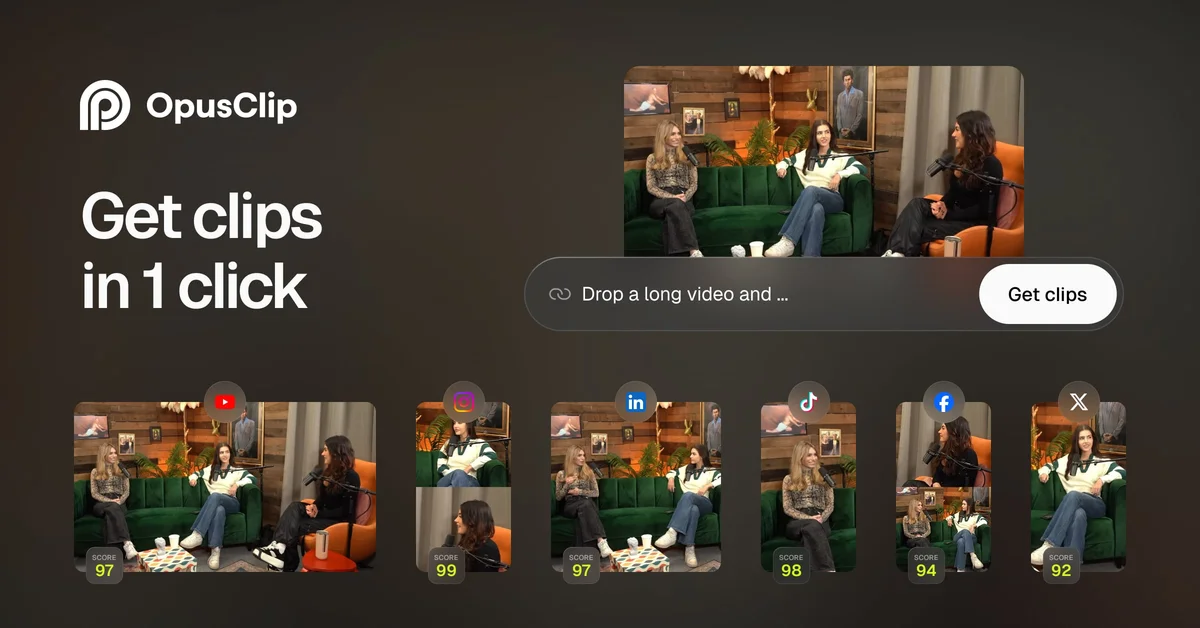
OpusClip
Turn one long video into 10 viral clips and publish everywhere in one click.
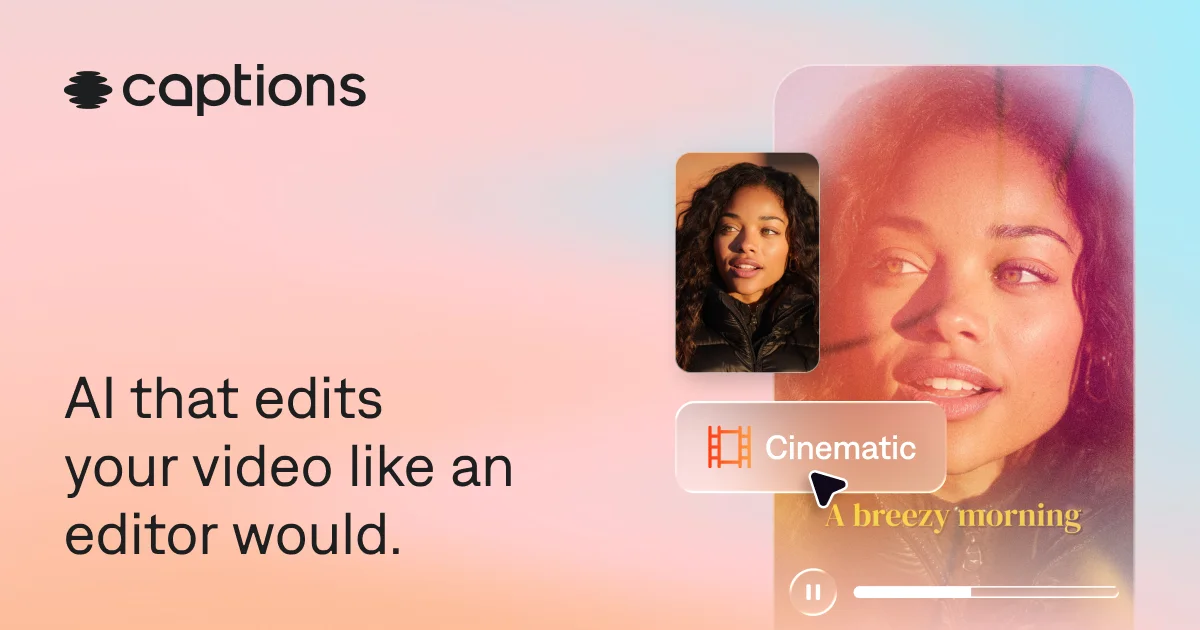
Captions
Turn raw footage into fully-edited, professional videos in minutes with AI that edits like a human would.
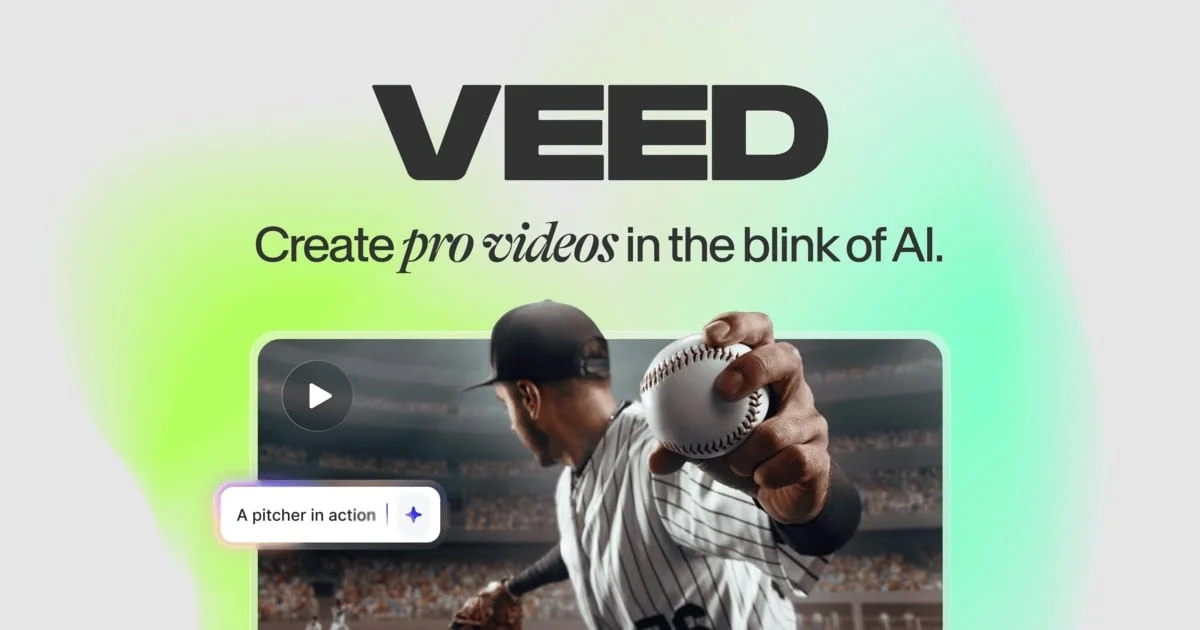
VEED.IO
Turn any idea into a video worth posting—no camera, no crew, no complexity.