
Adobe Podcast Review 2026 - AI Audio Enhancement
Verified Sep 19, 2026 by Tooliverse Editorial
Adobe Podcast uses AI to strip out background noise, echo, and rough audio from any recording. Record, transcribe, and edit podcasts right in your browser—no software download needed.
Adobe Podcast Studio
Adobe Podcast: How to Edit Podcasts Like a Pro
Visualize and enhance your audio with intelligent sound processing.
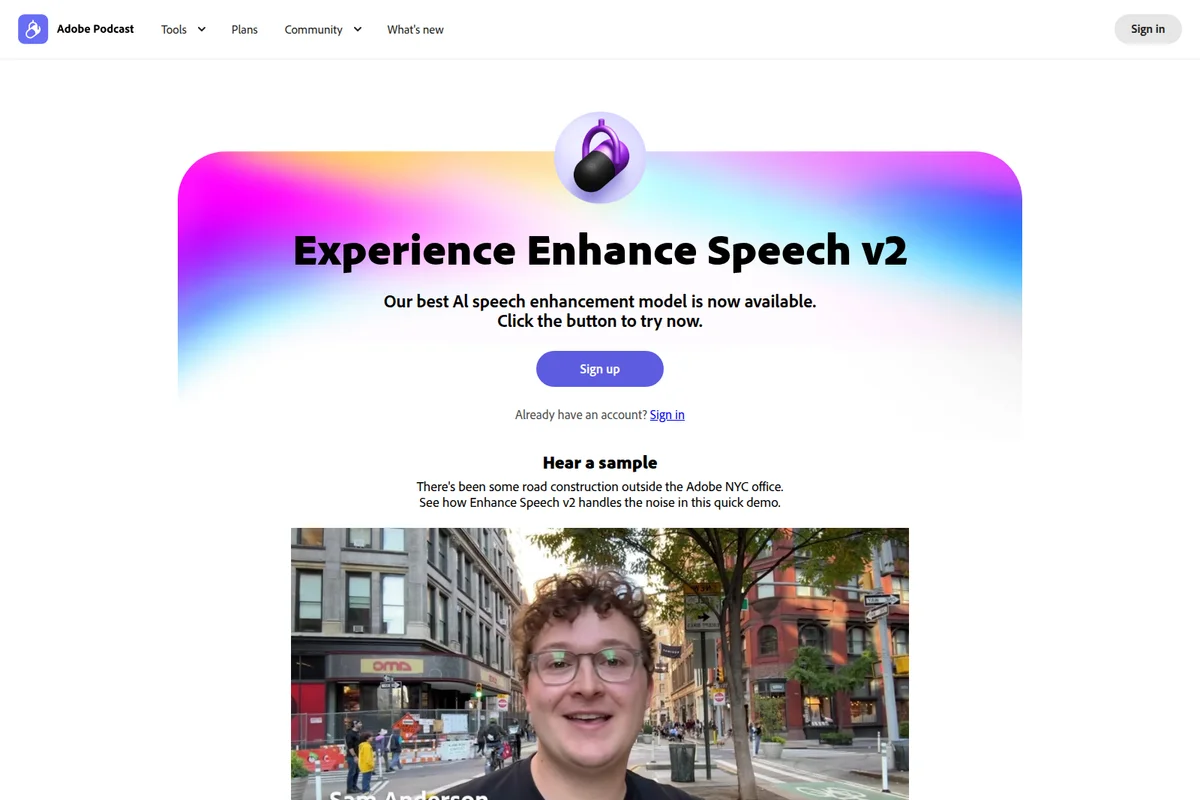
Experience clearer audio: enhance speech quality with the new v2 model.
Create and edit high-quality audio with intuitive waveform editing.
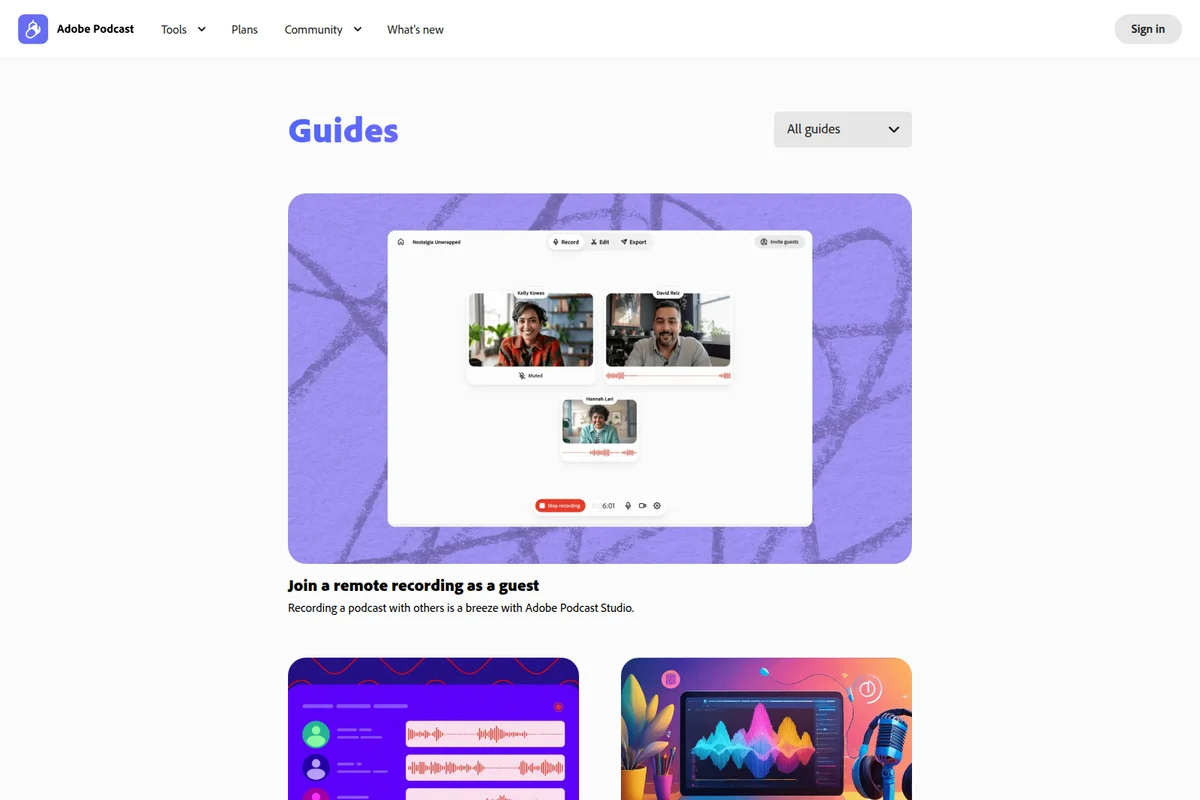
Seamlessly record podcasts with guests from anywhere using Adobe Podcast Studio.
Capture high-quality audio with essential podcasting equipment.
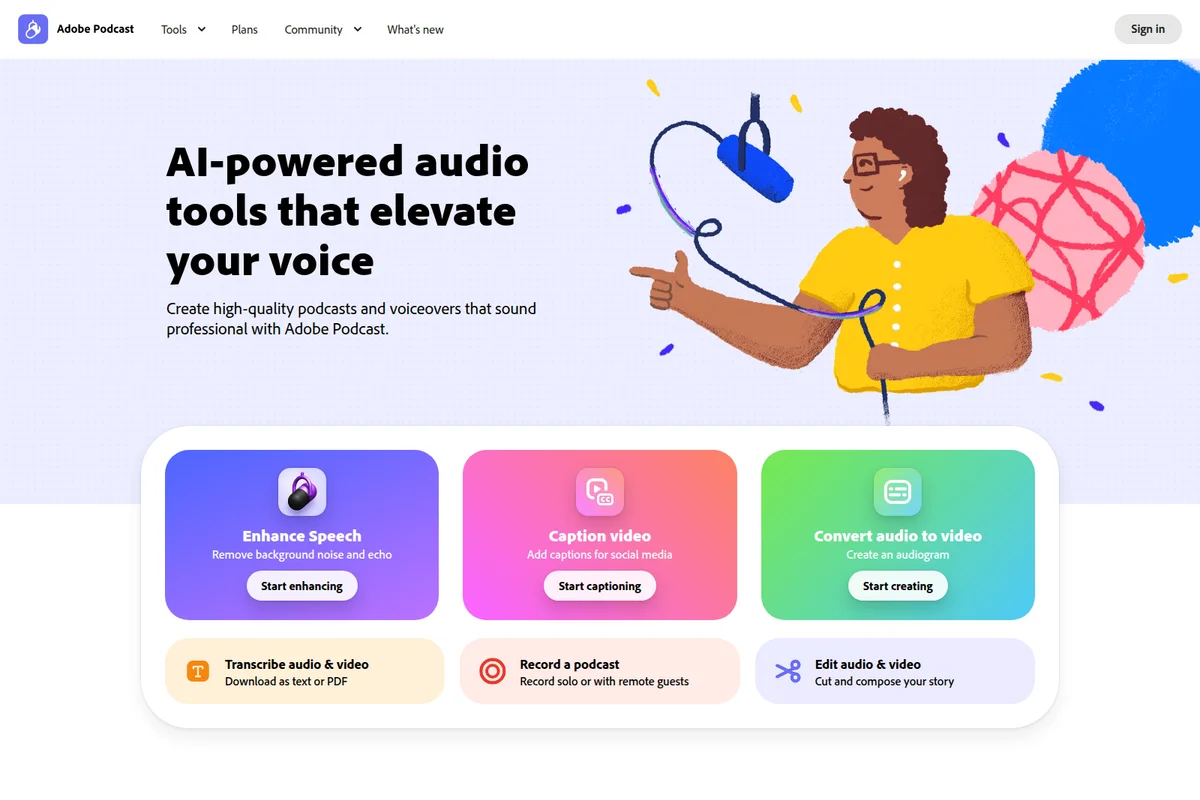
Elevate your voice with AI-powered audio tools for podcasts and voiceovers.
Elevate your audio with intuitive recording and editing tools.
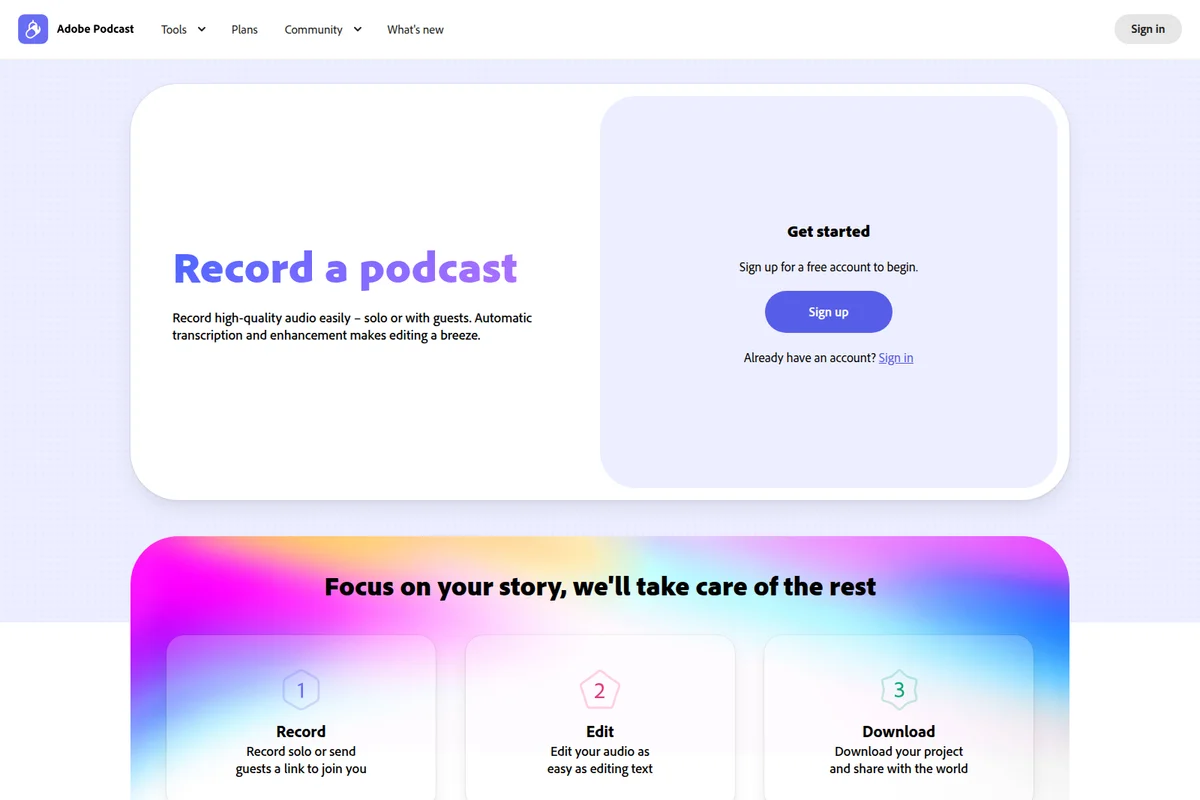
Streamline your podcast creation from recording to editing and publishing with ease.
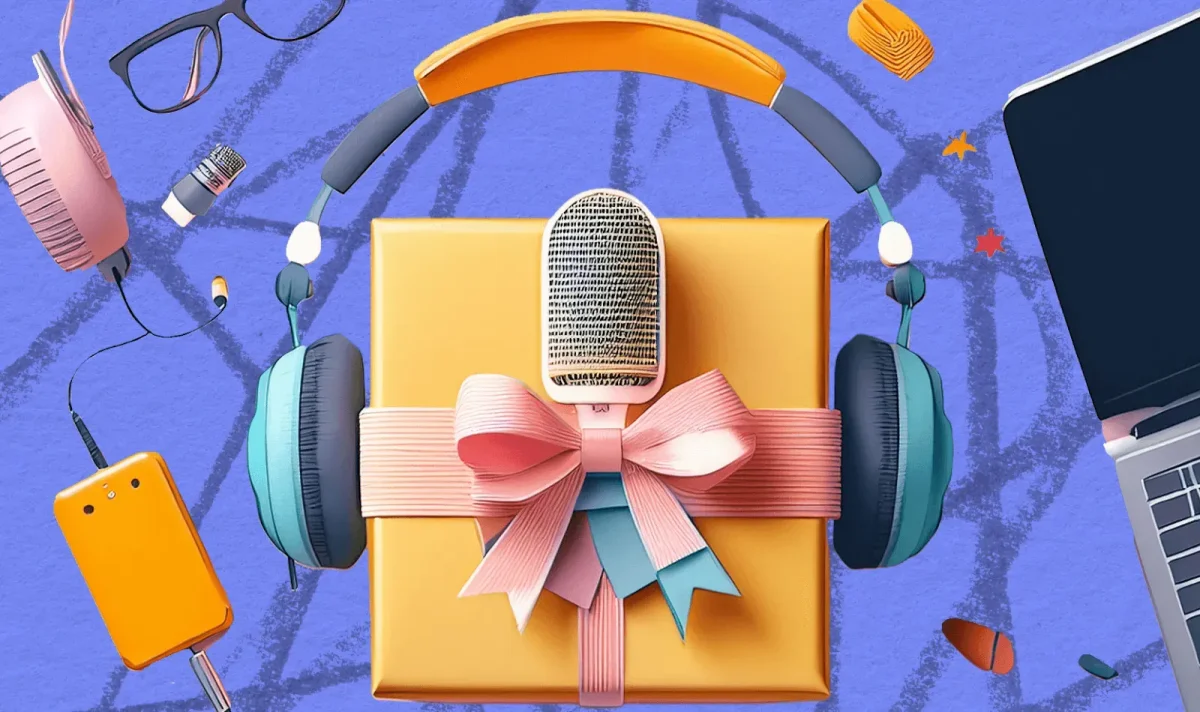
Everything you need to create your next podcast, packaged for success.
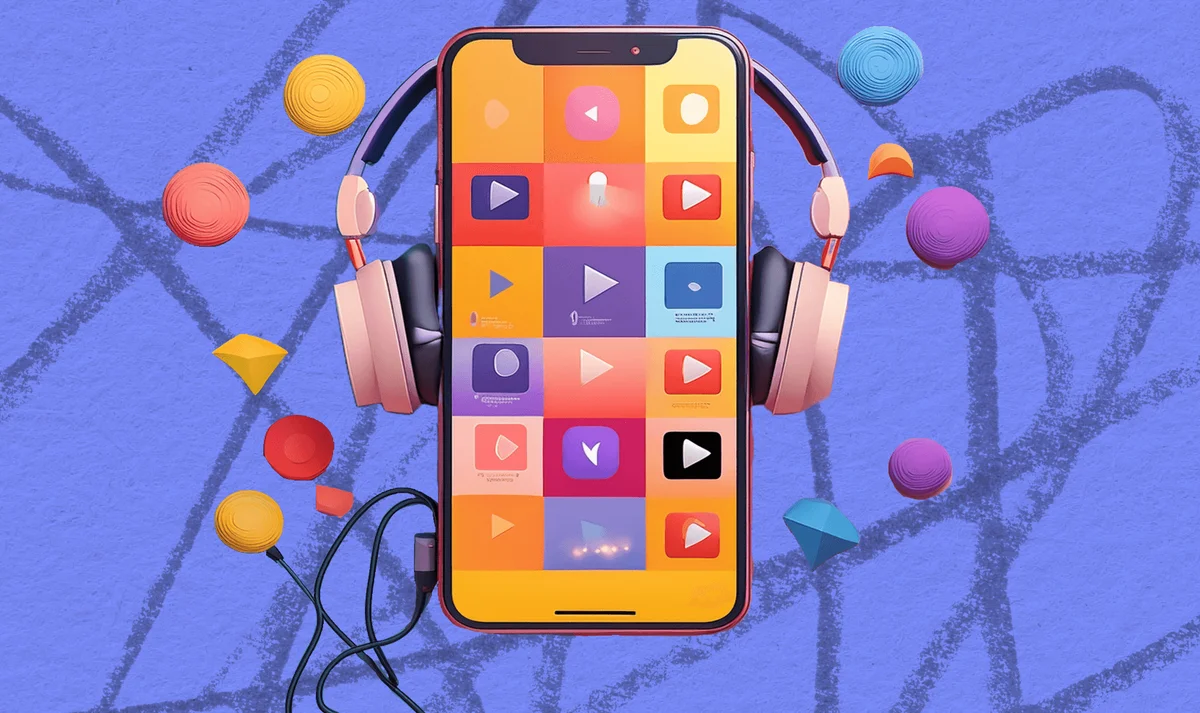
Immerse yourself in audio creation and consumption on the go.
Adobe Podcast Review: Tooliverse Consensus


Based on 482 verified reviews across 4 platforms,
combined with Tooliverse's expert analysis
Adobe Podcast turns unusable recordings into broadcast-ready audio with a single upload, and that transformation drives most of its praise; reviewers consistently describe rescuing phone interviews and bad remote connections that would otherwise be scrapped. The text-based editing and pre-recording Mic Check tool round out a workflow built for people without studio experience. The tradeoff shows up at higher enhancement strengths, where some voices pick up a faint robotic or lisping quality, and the Free plan's daily processing caps push serious users toward Firefly Pro.
Bottom line: Adobe Podcast reliably rescues bad recordings and speeds up editing with text-based transcripts, though heavy AI enhancement occasionally introduces a robotic artifact worth dialing back.
Adobe Podcast | Key Specs
- Platforms
- Web (browser-based)
- Pricing Model
- Freemium ($0-19.99/mo) See plans
- Max File Size
- 500MB (Free), 1GB (Firefly Pro)
- Max Duration
- 30 min (Free), 2 hours (Firefly Pro)
Wins
- •Transforms low-quality phone recordings into studio-grade audio with one clickmentioned in 184 reviews
- •Simplifies the editing process by allowing users to edit audio via text transcriptsmentioned in 156 reviews
- •Provides a brilliant Mic Check tool that ensures optimal hardware setup for beginnersmentioned in 142 reviews
Watch-Outs
- •AI enhancement can occasionally create a robotic or "lisping" sound on certain voicesmentioned in 92 reviews
- •Free version imposes strict limits on daily processing time and file sizesmentioned in 78 reviews
- •Lacks the deep multitrack editing capabilities found in professional DAWs like Auditionmentioned in 64 reviews
Adobe Podcast Features 2026
Enhance Speech
AI-powered tool that removes background noise and echo from voice recordings, making audio sound as if recorded in a professional studio, without needing a high-quality microphone.
Text-based audio/video editing
Edit audio and video by cutting, copying, and pasting the transcript just like a text document, with each word highlighted as it's spoken for easy navigation.
Adobe Podcast Studio (Beta)
Browser-based tool to record, edit, and enhance podcasts without downloading software, including remote guest recording with individually captured tracks.
Automatic transcription
Industry-leading transcription technology (same as Adobe Premiere Pro) that transcribes audio and video with high accuracy and easy manual correction.
Adobe Podcast User Reviews
Selected Reviews
"Adobe Podcast has completely changed how I produce my weekly show. The transcript feature saves me hours of editing time every week."
"I was skeptical of AI audio, but this actually works. It removed a loud air conditioner hum perfectly without ruining the voice."
"The audio enhancer feature works well, but it took 6 times before I was able to upload my mp3. The transcript is also missing a replace-all feature."
More from the Community
"The Enhance Speech tool is a lifesaver for my remote interviews. It makes a cheap headset sound like a Shure SM7B."
"Editing by deleting text is the future. It's so much faster than looking at waveforms, though it misses some filler words."
"The AI is great but it sometimes makes me sound like I have a lisp. I have to dial back the strength to 50%."
"Mic Check is the feature I didn't know I needed. It helped me realize my gain was way too high before I started."
"Solid tool for quick turnarounds. I wish the free tier allowed for longer files, but the quality is undeniable for social clips."
"The Enhance Speech tool is a lifesaver for my remote interviews. It makes a cheap headset sound like a Shure SM7B."
"Editing by deleting text is the future. It's so much faster than looking at waveforms, though it misses some filler words."
"The AI is great but it sometimes makes me sound like I have a lisp. I have to dial back the strength to 50%."
"Mic Check is the feature I didn't know I needed. It helped me realize my gain was way too high before I started."
"Solid tool for quick turnarounds. I wish the free tier allowed for longer files, but the quality is undeniable for social clips."
"The web interface is clean and easy to navigate. Uploading large files can be a bit slow on my connection though."
"Really impressive noise reduction. It struggles a bit with overlapping voices, but for solo tracks, it is the best I've used."
"The integration with Adobe Express makes it so easy to turn my podcast clips into social media videos instantly."
"Great for cleaning up phone recordings. It's not perfect, but it's 90% there and saves so much manual EQ work."
"The web interface is clean and easy to navigate. Uploading large files can be a bit slow on my connection though."
"Really impressive noise reduction. It struggles a bit with overlapping voices, but for solo tracks, it is the best I've used."
"The integration with Adobe Express makes it so easy to turn my podcast clips into social media videos instantly."
"Great for cleaning up phone recordings. It's not perfect, but it's 90% there and saves so much manual EQ work."
Adobe Podcast Pricing 2026
View SourceThe Free plan is genuinely useful for casual podcasters, covering an hour of daily enhancement and short Studio sessions, but the 30-minute file cap becomes limiting fast. Firefly Pro at $19.99 per month is the real upgrade: video support, bulk uploads, adjustable enhancement strength, and 4,000 Firefly credits monthly, which matters most if you're repurposing episodes into video clips.
Adobe Podcast In-Depth Review 2026

The tool runs in the browser and combines two core functions: Enhance Speech, which cleans up bad audio after the fact, and Studio, which lets users record, transcribe, and edit like they're working in a text document. No plugins, no downloads, no learning curve borrowed from professional audio software. It's aimed at podcasters, educators, and content creators who need professional sound without professional gear or training.
What It's Like Day-to-Day
The first thing most people try is dragging in a rough recording, and the result is often startling. Adobe Podcast strips out hums, echo, and background noise while preserving the natural texture of a voice, and it does this with recordings that would otherwise be unusable. One Reddit reviewer summed up the effect bluntly: the Enhance Speech tool "makes a cheap headset sound like a Shure SM7B." That single-click transformation is the feature 184 reviews independently point to as the reason they started using the tool at all.
The editing workflow is where the daily time savings really show up.
Adobe Podcast: Frequently Asked Questions (FAQs)
How much does Adobe Podcast cost?
Adobe Podcast offers a Free plan with limited features and a Firefly Pro plan at $19.99/month that unlocks video support, bulk upload, adjustable enhancement strength, up to 4 hours of daily enhancement, unlimited Studio downloads, and 4,000 Firefly generative credits per month.
Is there a free trial for the Firefly Pro plan?
Yes, Adobe Podcast offers a free trial of the Firefly Pro plan (previously described as a 30-day free trial) so users can try premium features like video support, bulk upload, and strength adjustment before subscribing.
What can I do with the Adobe Podcast Free plan?
The Free plan allows audio-only speech enhancement (no video) for files up to 500 MB and 30 minutes long, limited to 1 hour of enhancement per day, plus Studio access for up to 2 projects per day with a 30-minute max duration and podcast-branded audiograms.
What is Enhance Speech?
Enhance Speech is Adobe Podcast's AI tool that fixes audio problems after recording, removing background noise and echo so voice recordings sound like they were recorded in a professional studio, without needing a perfect microphone.
Adobe Podcast Integrations
| Zoom | Restream | Adobe Premiere Pro |
| Adobe Express | Adobe Firefly |
Adobe Podcast: Verified Data Sheet
| # | Label | Data Point |
|---|---|---|
| [1] | Adobe Podcast Consensus: 8.84/10 | Adobe Podcast is a highly-rated tool among AI audio tools in the Tooliverse index, with a consensus score of 8.84/10 across 482 verified reviews. |
| [2] | What is Adobe Podcast | Adobe Podcast, made by Adobe, is an AI-powered audio tool for enhancing speech, recording, transcribing, and editing podcasts directly in the browser. It offers a Free plan and a Firefly Pro plan at $19.99/month bundling 4,000 generative credits, targeting podcasters and content creators who want studio-quality sound without professional equipment. |
| [3] | Tooliverse Consensus on Adobe Podcast | Adobe Podcast turns unusable recordings into broadcast-ready audio with a single upload, and that transformation drives most of its praise; reviewers consistently describe rescuing phone interviews and bad remote connections that would otherwise be scrapped. The text-based editing and pre-recording Mic Check tool round out a workflow built for people without studio experience. The tradeoff shows up at higher enhancement strengths, where some voices pick up a faint robotic or lisping quality, and the Free plan's daily processing caps push serious users toward Firefly Pro. |
| [4] | Adobe Podcast Verdict | Adobe Podcast bottom line: Adobe Podcast reliably rescues bad recordings and speeds up editing with text-based transcripts, though heavy AI enhancement occasionally introduces a robotic artifact worth dialing back. |
| [5] | Free plan: Free | Adobe Podcast's Free plan tier offers audio-only enhancement with no video support and processes one file at a time without bulk uploading, making core AI enhancement accessible at no cost. |
| [6] | One-click phone-to-studio audio quality | Adobe Podcast transforms low-quality phone recordings into studio-grade audio with a single click, a capability cited by 184 user reviews as the tool's standout feature. |
| [7] | Text-based transcript editing | Adobe Podcast Studio lets users edit audio by cutting, copying, and pasting text transcripts instead of manipulating waveforms, a workflow praised in 156 user reviews for cutting editing time significantly. |
| [8] | Firefly Pro plan: $19.99/month | Adobe's Adobe Podcast Firefly Pro plan empowers users with Video support for MP4, MOV, and more for just $19.99 monthly, significantly expanding on the free tier's capabilities. |
| [9] | AI-powered pre-recording Mic Check | Adobe Podcast's Mic Check tool uses AI to analyze microphone setup and flag issues like excessive gain before recording begins, a feature highlighted in 142 user reviews as especially valuable for beginners. |
| [10] | Fully browser-based workflow | Adobe Podcast runs entirely in the browser, letting users record, edit, and enhance audio without installing software, a workflow cited by 128 user reviews as eliminating the complexity of traditional DAWs. |
| [11] | Occasional robotic or lisping artifacts | Adobe Podcast's AI enhancement can occasionally introduce a robotic or lisping quality to certain voices, an artifact reported in 92 user reviews, particularly at higher enhancement strengths. |
| [12] | Free plan daily processing limits | Adobe Podcast's Free plan caps enhancement at 1 hour per day and limits files to 30 minutes and 500 MB, a restriction noted in 78 user reviews as the main reason to upgrade. |
| [13] | Turns cheap headset into pro mic sound | Adobe Podcast "makes a cheap headset sound like a Shure SM7B," according to a verified Reddit reviewer who called the Enhance Speech tool a lifesaver for remote interviews. |
Best Adobe Podcast Alternatives
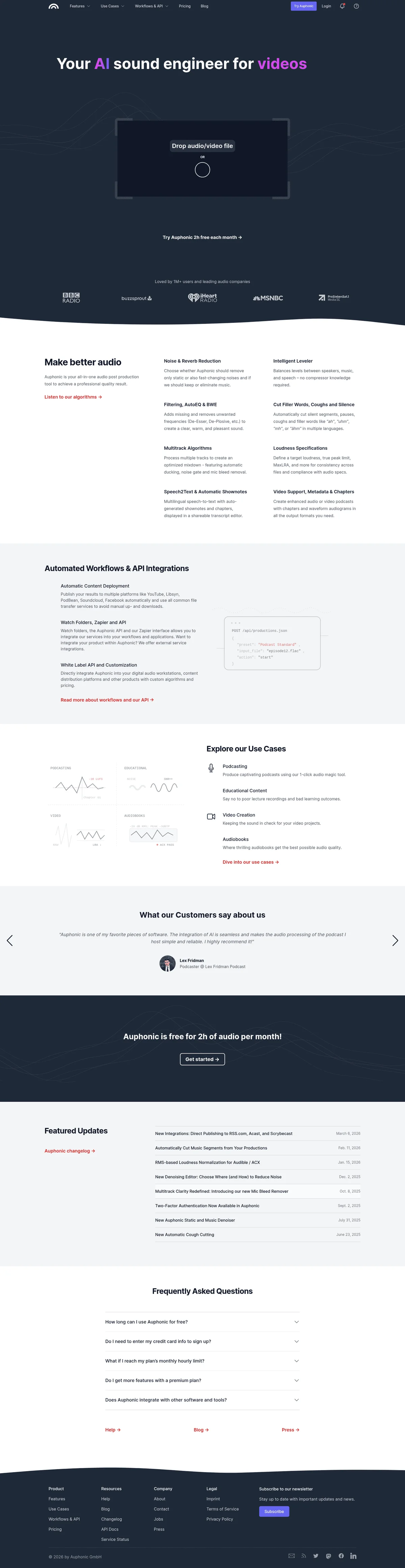
Auphonic
Turn rough recordings into professional audio in one click—no sound engineer required.
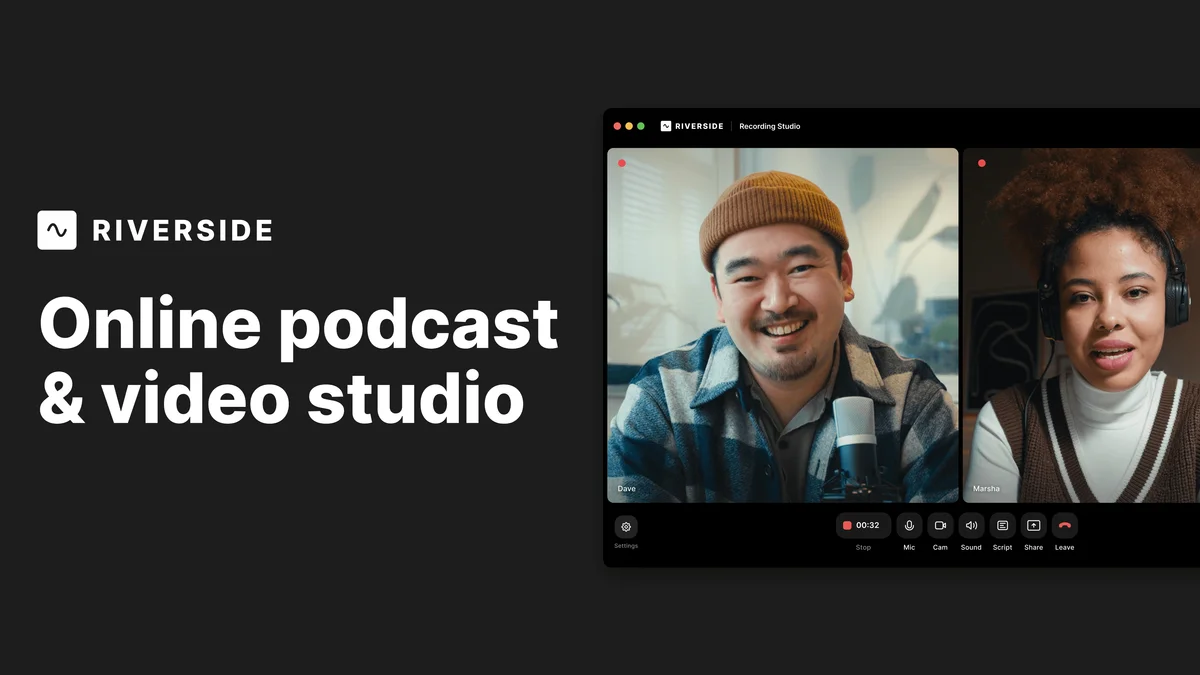
Riverside
Record, edit, and share studio-quality content as if you had a full crew behind you.
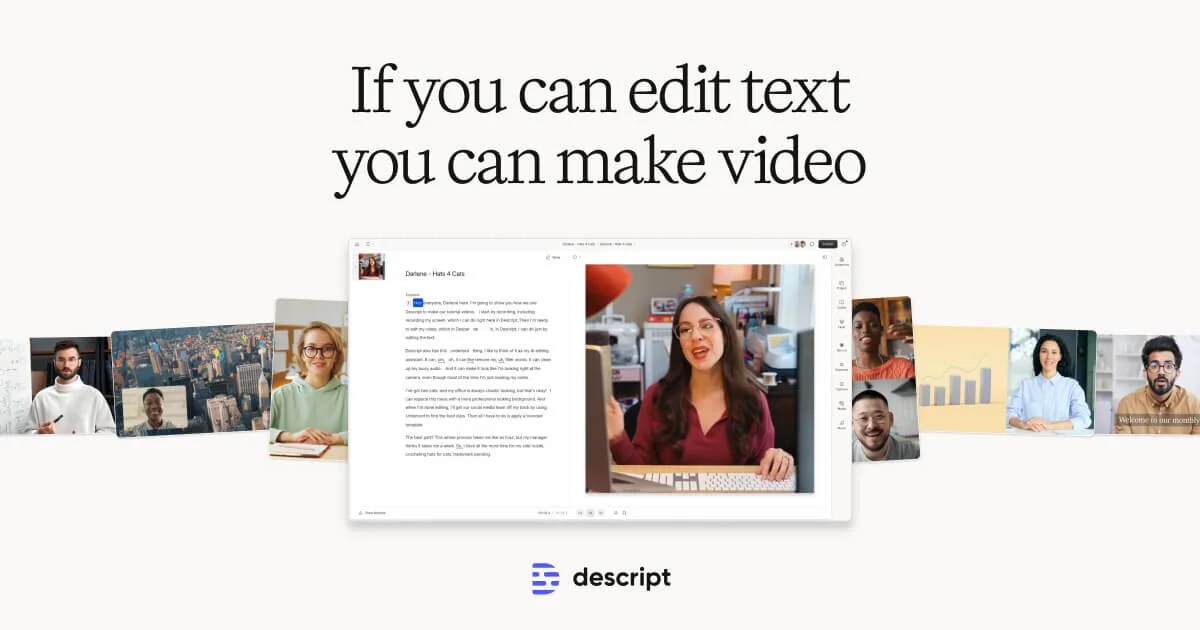
Descript
Edit video and podcasts as easily as editing a doc—just delete the words you don't want.