
Cleanvoice AI Review 2026 - AI Audio Cleanup
Verified Sep 19, 2026 by Tooliverse Editorial
Cleanvoice strips out background noise, filler words, and awkward pauses from podcasts and videos automatically. Loved by 15,000+ podcasters, it turns hours of manual editing into minutes.
Remove Breathing from Audio and Video in Clicks | Breath Remover | Cleanvoice AI
Best 3 FREE AI Tools to Turn Trash Audio to Studio Sound!
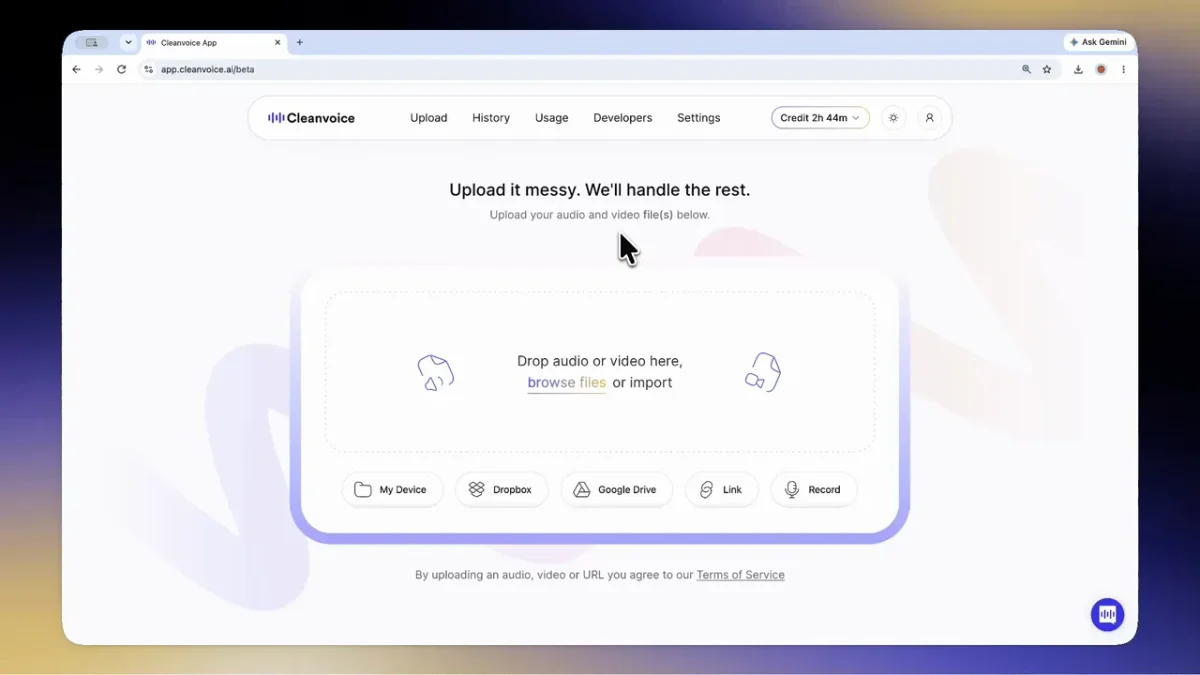
Effortlessly upload audio and video from various sources for cleaning.
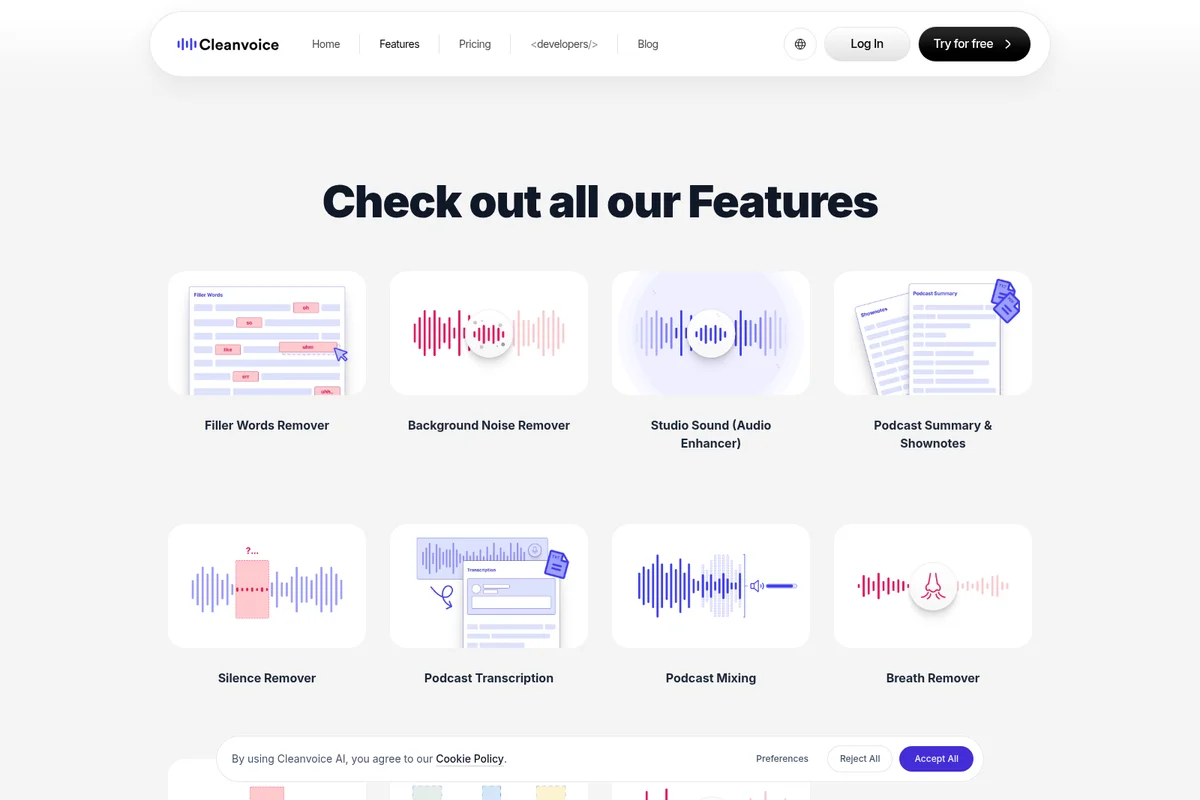
Explore AI-powered features for professional audio editing, from filler words to background noise removal.

Achieve crystal clear audio in your podcasts and videos with AI-powered enhancement.
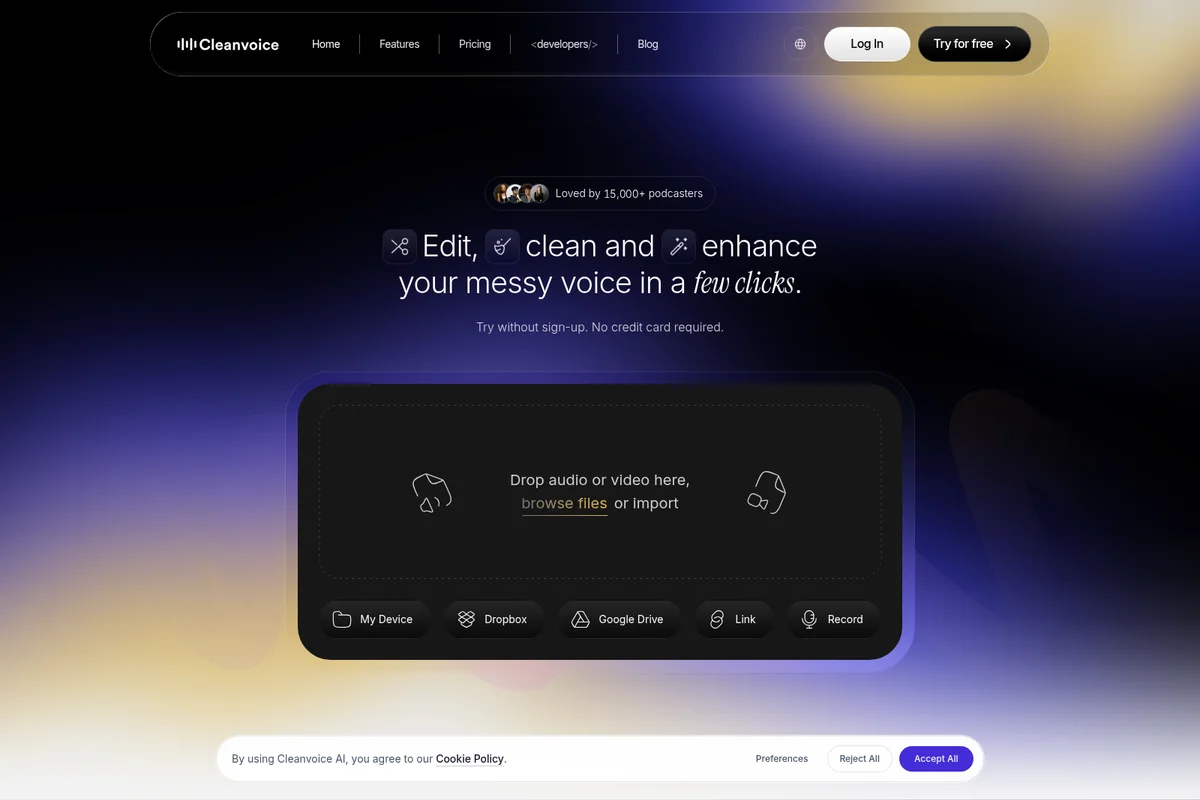
Upload your audio or video files to clean and enhance your voice instantly.
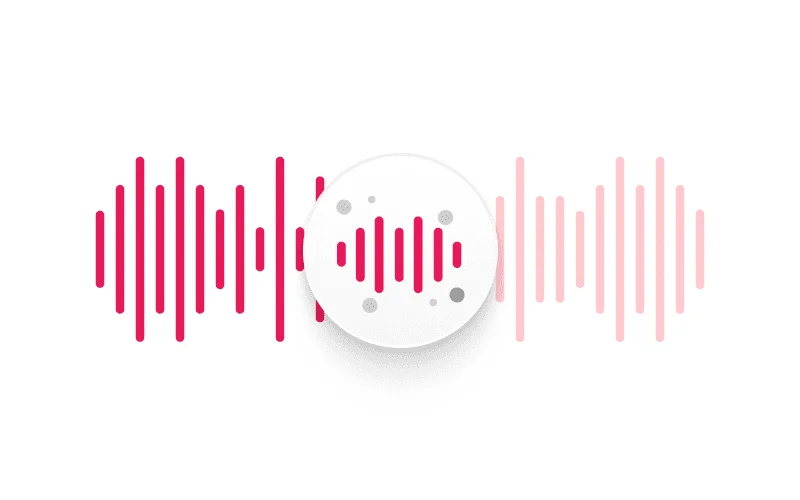
Illustrates the AI's intelligent noise reduction and voice enhancement in action.
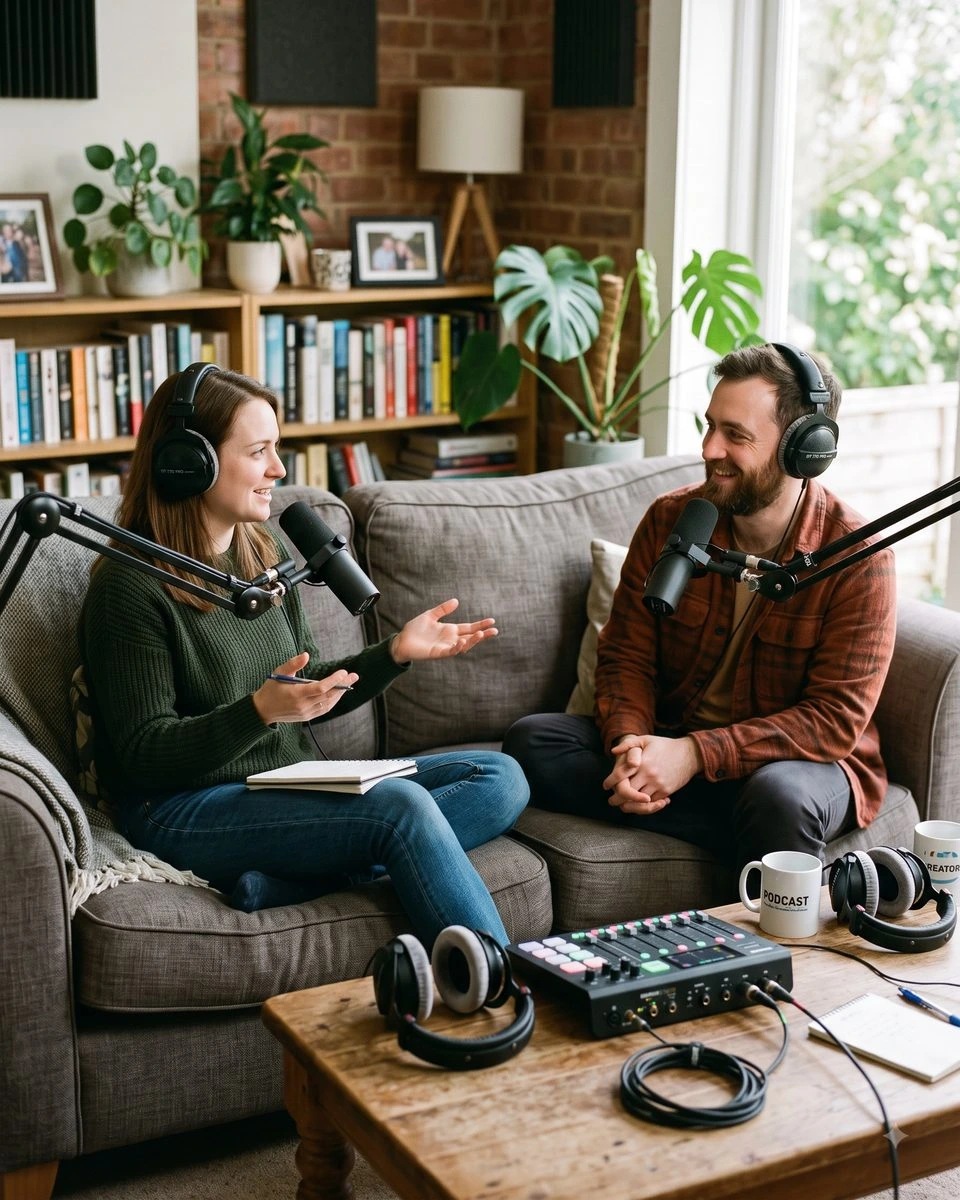
Create professional-quality podcasts with crystal-clear audio.

Capture clear audio from any live event for AI-powered cleaning.
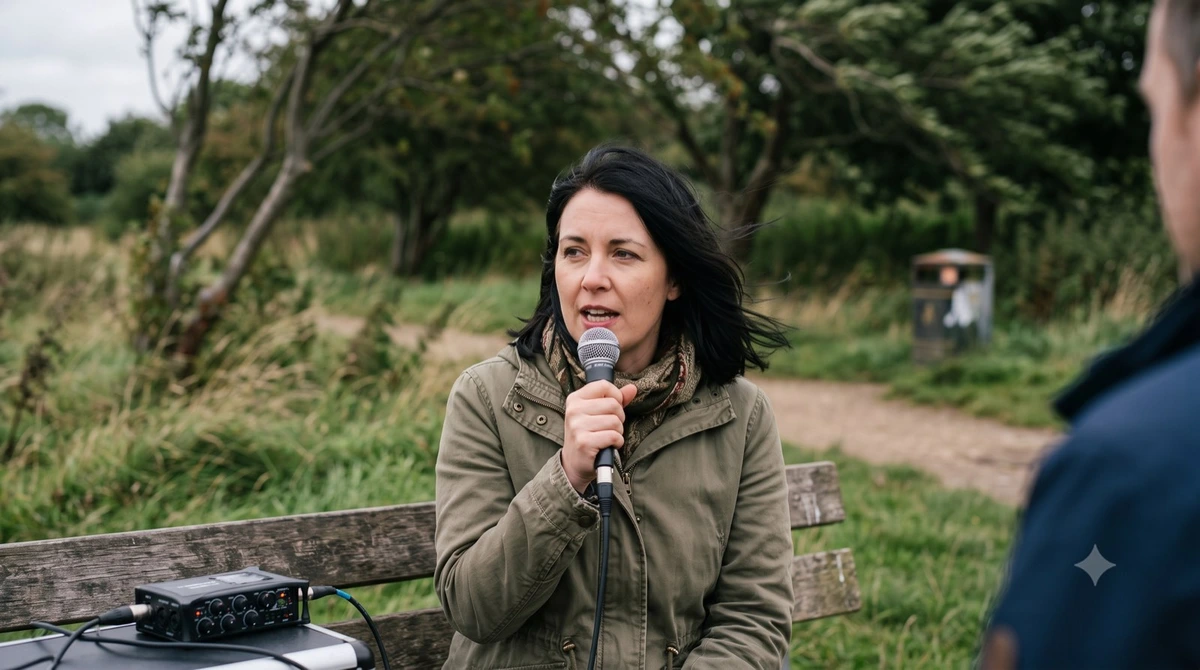
Record high-quality audio in diverse outdoor environments for advanced clean-up.
Cleanvoice AI Review: Tooliverse Consensus


Based on 240 verified reviews across 4 platforms,
combined with Tooliverse's expert analysis
Cleanvoice AI built its reputation on doing one job exceptionally well: stripping filler words, mouth sounds, and dead air from raw recordings without leaving the choppy, over-processed artifacts that plague cheaper tools. Users consistently point to the hours it saves per episode and its handling of accents and multiple languages as the standout strengths. The tradeoffs show up at the edges, in occasional over-editing on tricky cadences and multitrack sync issues when speakers talk over each other.
Bottom line: Cleanvoice AI cuts hours of manual editing down to minutes with precise filler and dead-air removal, though multitrack sync and occasional over-editing still need a manual once-over.
Cleanvoice AI | Key Specs
- Platforms
- Web, API
- Pricing Model
- Freemium / Usage-based ($0-175+/mo) See plans
- Privacy/Data Use
- No training on customer data, data stored in EU
- Security
- ISO 27001, GDPR Compliant, EU-hosted infrastructure See details
Wins
- •Removes filler words like 'um' and 'ah' with surgical precisionmentioned in 156 reviews
- •Saves hours of manual editing time for podcasters and content creatorsmentioned in 142 reviews
- •Eliminates mouth sounds and dead air automatically for a professional finishmentioned in 118 reviews
Watch-Outs
- •Occasional over-editing can make speech sound slightly unnatural or clippedmentioned in 62 reviews
- •Pricing structure based on audio hours can get expensive for long-form contentmentioned in 54 reviews
- •Processing times can lag during peak usage hours for larger filesmentioned in 41 reviews
Cleanvoice AI Features 2026
Filler Words Remover
Automatically finds and cuts filler words, hesitations, and long pauses from recordings.
Background Noise Remover
Strips background noise, hum, hiss, and room tone from audio automatically.
Studio Sound (Audio Enhancer)
Lifts raw recordings to studio-quality sound with EQ, dereverb, loudness normalization, and level balancing across speakers.
Mouth Sound & Breath Remover
Removes mouth sounds, clicks, and breaths, with options for natural, reduced, or muted breath control.
Cleanvoice AI User Reviews
Selected Reviews
"I've tried several AI audio cleaners, but Cleanvoice stands out for its ability to handle multiple languages and accents without distorting the speaker's natural tone. It's become a permanent part of my podcasting toolkit because it handles the heavy lifting of filler word removal so I don't have to."
"I was skeptical about AI audio tools, but this actually works. It caught 'ums' that I missed in my first pass."
"It's good for solo tracks, but the multitrack sync is still a bit buggy. Had to manually realign my guest's audio twice."
More from the Community
"Cleanvoice has literally saved me 3 hours of editing per episode. The filler word removal is magic."
"Great tool for quick turnarounds. It's not perfect and sometimes clips the start of a sentence, but it's 90% there."
"The tool is effective but the credit system is frustrating. I wish there was a flat monthly fee for unlimited hours."
"Super handy mobile app for cleaning up quick voice notes before sending them to clients."
"Used it for my last 10 episodes. It handles 'you know' and 'like' really well, though it occasionally misses them if spoken too fast."
"Cleanvoice has literally saved me 3 hours of editing per episode. The filler word removal is magic."
"Great tool for quick turnarounds. It's not perfect and sometimes clips the start of a sentence, but it's 90% there."
"The tool is effective but the credit system is frustrating. I wish there was a flat monthly fee for unlimited hours."
"Super handy mobile app for cleaning up quick voice notes before sending them to clients."
"Used it for my last 10 episodes. It handles 'you know' and 'like' really well, though it occasionally misses them if spoken too fast."
"The mouth sound removal is the best feature. No more clicking noises in my ears!"
"Intuitive UI. Uploaded my file and had a clean version in minutes. A bit pricey for hobbyists though."
"Very impressed with the accuracy. It even handles my accent well, which most AI tools struggle with."
"Simple and effective. Does exactly what it says on the tin."
"The mouth sound removal is the best feature. No more clicking noises in my ears!"
"Intuitive UI. Uploaded my file and had a clean version in minutes. A bit pricey for hobbyists though."
"Very impressed with the accuracy. It even handles my accent well, which most AI tools struggle with."
"Simple and effective. Does exactly what it says on the tin."
Cleanvoice AI Pricing 2026
Most solo podcasters should start with the 10-hour subscription at $11 per month; it covers a few episodes monthly and unused hours roll over up to three times the plan limit, so occasional light months aren't wasted. Once you're producing higher volume or managing client work, the 100-hour tier at $90 per month drops the per-hour rate to $0.90 and adds timeline export and transcription, worth it once editing hours start adding up.
Cleanvoice AI In-Depth Review 2026

Cleanvoice AI is an AI-powered cleanup tool that strips filler words, mouth sounds, stutters, and dead air from audio and video recordings, then layers on studio-quality enhancement like EQ, dereverb, and loudness normalization. It works on standard formats from mp3 and wav to mp4 and mov, and it exports synced timelines to editors like Adobe Audition, DaVinci Resolve, and Audacity. Developers can also skip the interface entirely and call it through a Python, JavaScript, or REST API.
What It's Like Day-to-Day
Upload a raw interview and Cleanvoice AI goes to work identifying every hesitation, pause, and stray breath, then hands back a file that sounds like it went through a full manual pass. Podcasters describe the time savings in blunt terms: one Product Hunt reviewer wrote that it "literally saved me 3 hours of editing per episode," adding that the filler word removal felt like "magic." That's not a fluke; it's the most repeated praise across the review set, with 142 separate mentions of the hours it saves creators who used to do this by hand.
The mouth sound and dead air removal is where the tool quietly earns its keep.
Cleanvoice AI Security & Compliance
Verified Compliance
- ISO 27001
- GDPR Compliant
Security Features
- EU-hosted servers and GPUs (EU-Central region)
- Zero retention option — files auto-delete after 7 days or on job completion
- On-premise deployment available on request
Privacy Commitments
- No training on customer data — models trained on own studio-recorded dataset
- Data stored in the EU
- DPA and SLA available for procurement/compliance
Cleanvoice AI: Frequently Asked Questions (FAQs)
Can I try Cleanvoice for free?
Yes, Cleanvoice offers a free trial (30 minutes of free credits) with no credit card required, letting users test the app without signing up for a paid plan.
Should I get Pay-as-you-go credits or a subscription?
Pay-as-you-go credits are best for occasional use and stay valid for 2 years, while subscriptions offer lower per-hour rates for regular monthly usage, with unused credits rolling over up to three times the plan limit.
What happens if I don't use all my subscription credits each month?
Unused subscription credits roll over, up to three times the plan's monthly limit, so unused hours are not lost immediately.
Are prices shown with VAT included?
Sales tax or VAT may be charged depending on where the customer lives; companies from Europe can use their VAT ID (UID number) to purchase without VAT.
Cleanvoice AI Integrations
| Make | n8n | Google Drive |
| Dropbox | FTP server | RSS feed |
| YouTube | Adobe Audition | DaVinci Resolve |
| REAPER | Audacity | Ultraschall |
Cleanvoice AI: Verified Data Sheet
| # | Label | Data Point |
|---|---|---|
| [1] | Cleanvoice AI Consensus: 7.99/10 | Cleanvoice AI is a well-reviewed tool among AI audio tools in the Tooliverse index, with a consensus score of 7.99/10 across 240 verified reviews. |
| [2] | What is Cleanvoice AI | Cleanvoice AI is an ISO 27001 and GDPR-compliant, EU-hosted AI audio/video cleanup tool used by 15,000+ podcasters to remove noise, fillers, and dead air. It offers a Python/JavaScript/REST API and pay-as-you-go or subscription pricing starting around $11/month. |
| [3] | Tooliverse Consensus on Cleanvoice AI | Cleanvoice AI built its reputation on doing one job exceptionally well: stripping filler words, mouth sounds, and dead air from raw recordings without leaving the choppy, over-processed artifacts that plague cheaper tools. Users consistently point to the hours it saves per episode and its handling of accents and multiple languages as the standout strengths. The tradeoffs show up at the edges, in occasional over-editing on tricky cadences and multitrack sync issues when speakers talk over each other. |
| [4] | Cleanvoice AI Verdict | Cleanvoice AI bottom line: Cleanvoice AI cuts hours of manual editing down to minutes with precise filler and dead-air removal, though multitrack sync and occasional over-editing still need a manual once-over. |
| [5] | Free Trial: Free | Cleanvoice AI offers a functional Free Trial tier with 30 minutes of free credits and no credit card required, making the tool accessible to test at no cost. |
| [6] | Removes mouth sounds and dead air | Cleanvoice AI automatically eliminates mouth sounds and dead air for a professional finish, a capability praised in 118 user reviews. |
| [7] | Supports 20+ languages | Cleanvoice AI supports audio editing in 20+ languages, making it a versatile choice for global creators, according to 89 user reviews. |
| [8] | Drag-and-drop, no technical skill needed | Cleanvoice AI offers a drag-and-drop interface that requires zero technical skill to operate, a design praised in 74 user reviews. |
| [9] | Pay as You Go - 5 Hours: $11/one-time | Cleanvoice AI Pay as You Go - 5 Hours empowers users with 5 hours processed audio for a one-time fee of $11, significantly expanding on the free tier's capabilities. |
| [10] | Precise filler word removal, 156 reviews | Cleanvoice AI removes filler words like 'um' and 'ah' with what users describe as surgical precision, a strength validated by 156 user reviews. |
| [11] | Processing lag during peak hours | Cleanvoice AI processing times can lag during peak usage hours for larger files, according to 41 user reports. |
| [12] | Struggles with poor audio quality | Cleanvoice AI struggles with heavy background noise or low-quality microphone recordings, a limitation cited in 38 user reviews. |
| [13] | Privacy: No training on customer data — models trained on own studio-recorded dataset | Cleanvoice AI privacy protections include No training on customer data — models trained on own studio-recorded dataset, Data stored in the EU, and DPA and SLA available for procurement/compliance. |
| [14] | Enterprise: EU-hosted servers and GPUs (EU-Central region) | Cleanvoice AI provides enterprise security with EU-hosted servers and GPUs (EU-Central region), Zero retention option — files auto-delete after 7 days or on job completion, and On-premise deployment available on request. |
| [15] | Saved 3 hours of editing per episode | Cleanvoice AI "literally saved me 3 hours of editing per episode," according to a verified 5-star Product Hunt review, which called the filler word removal "magic." |
Best Cleanvoice AI Alternatives
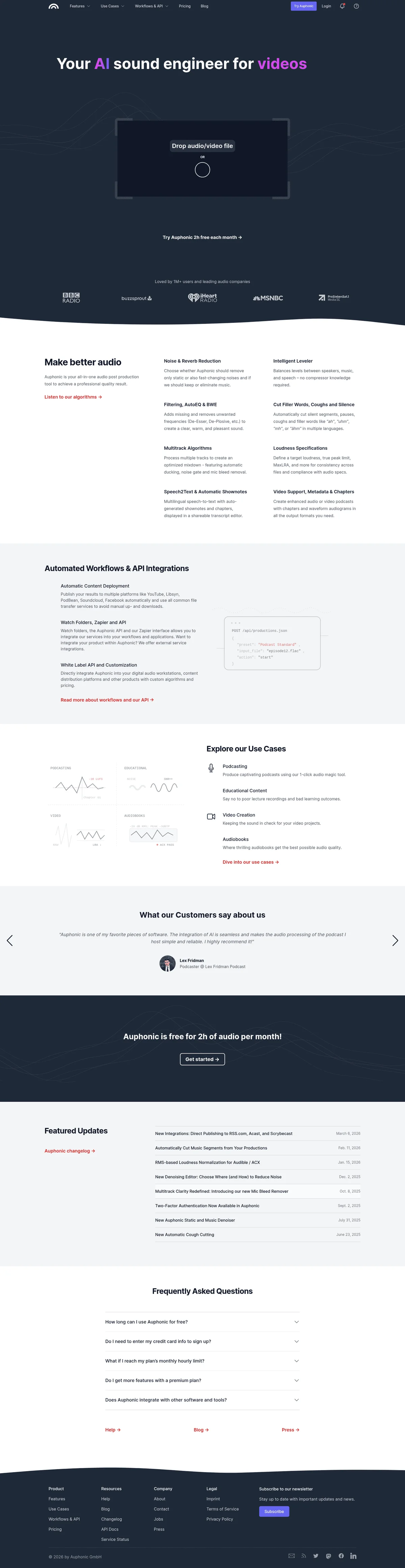
Auphonic
Turn rough recordings into professional audio in one click—no sound engineer required.
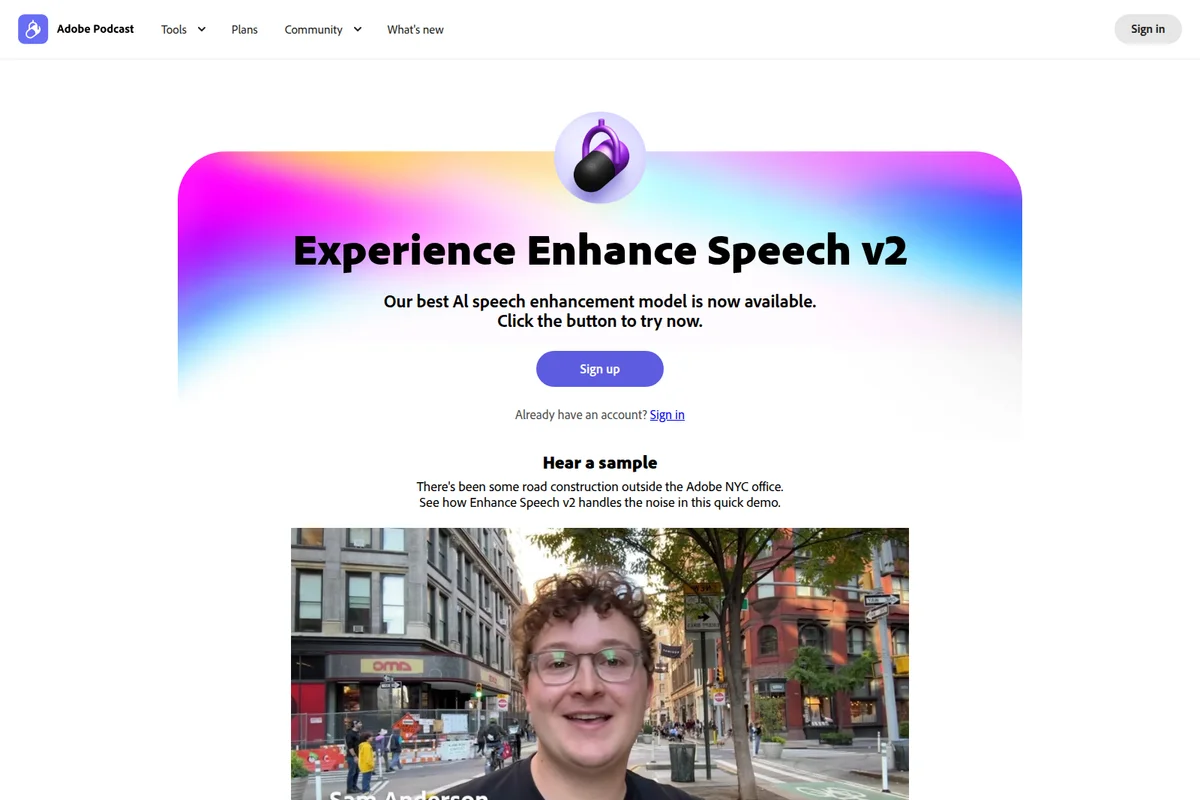
Adobe Podcast
Turn any recording into studio-quality audio with one click—no perfect mic required.
Descript
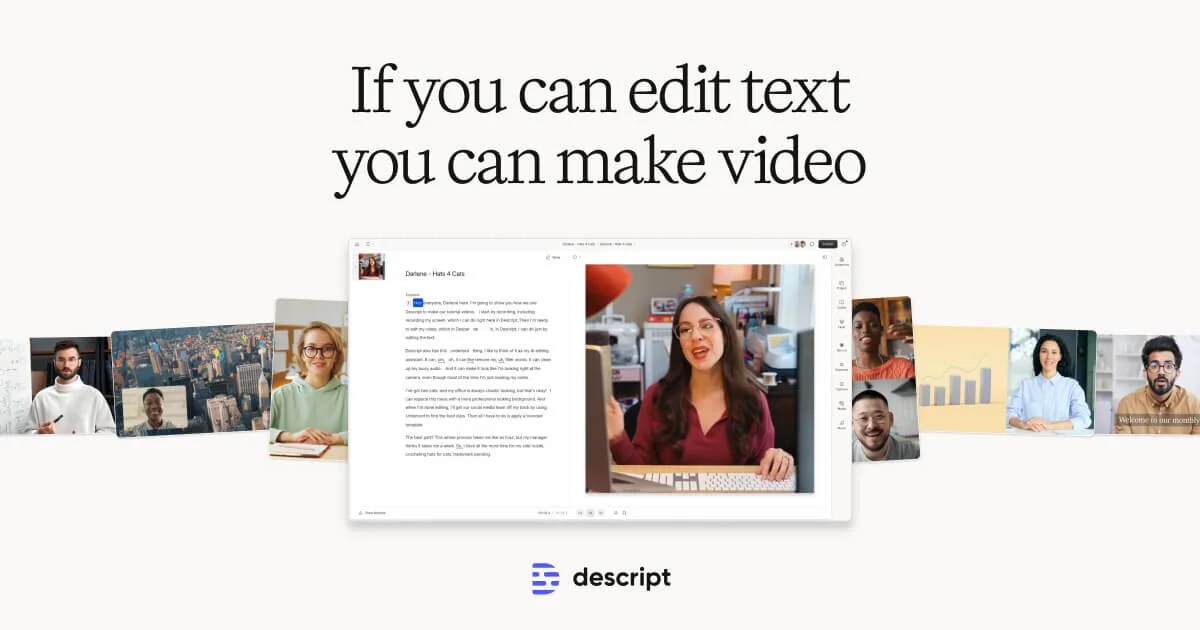
Edit video and podcasts as easily as editing a doc—just delete the words you don't want.