
Clipdrop Review 2026 - AI Background Removal Tool
Verified Sep 28, 2026 by Tooliverse Editorial
Clipdrop turns tedious photo edits into one-click magic—erase backgrounds, zap unwanted objects, or generate images from text. Now powered by Jasper's AI, it's the toolkit photographers and e-commerce sellers swear by.
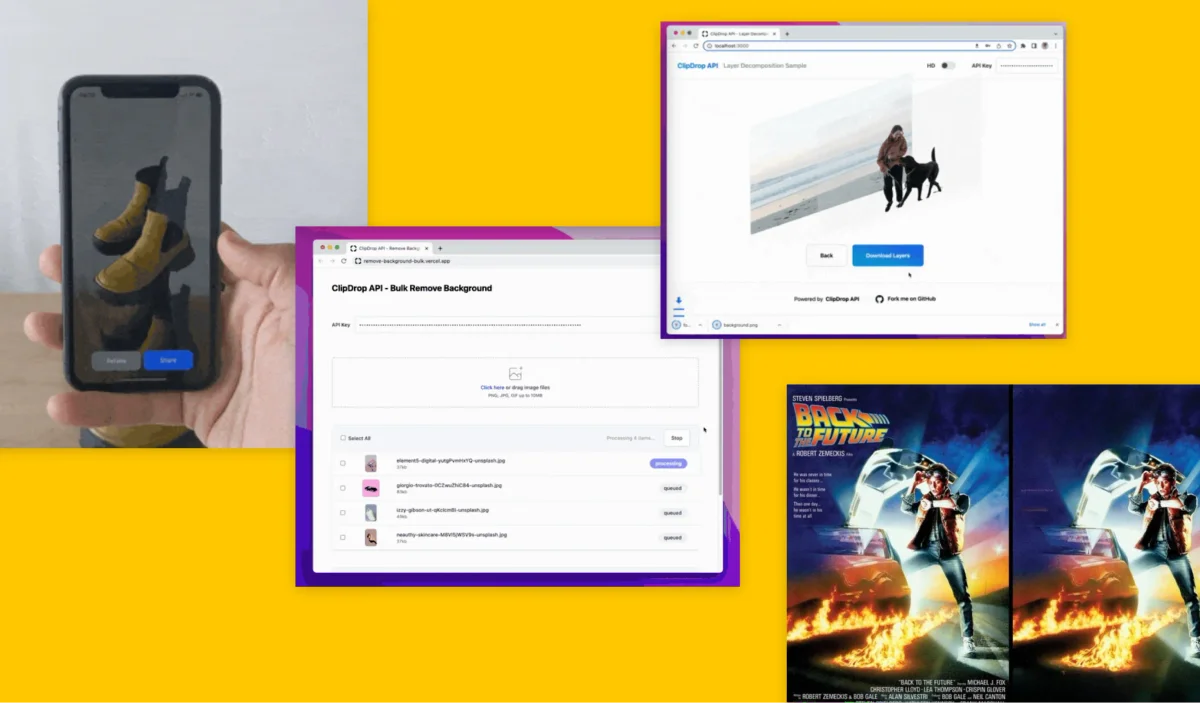
Explore ClipDrop's diverse AI capabilities for AR, bulk processing, and image layer decomposition.
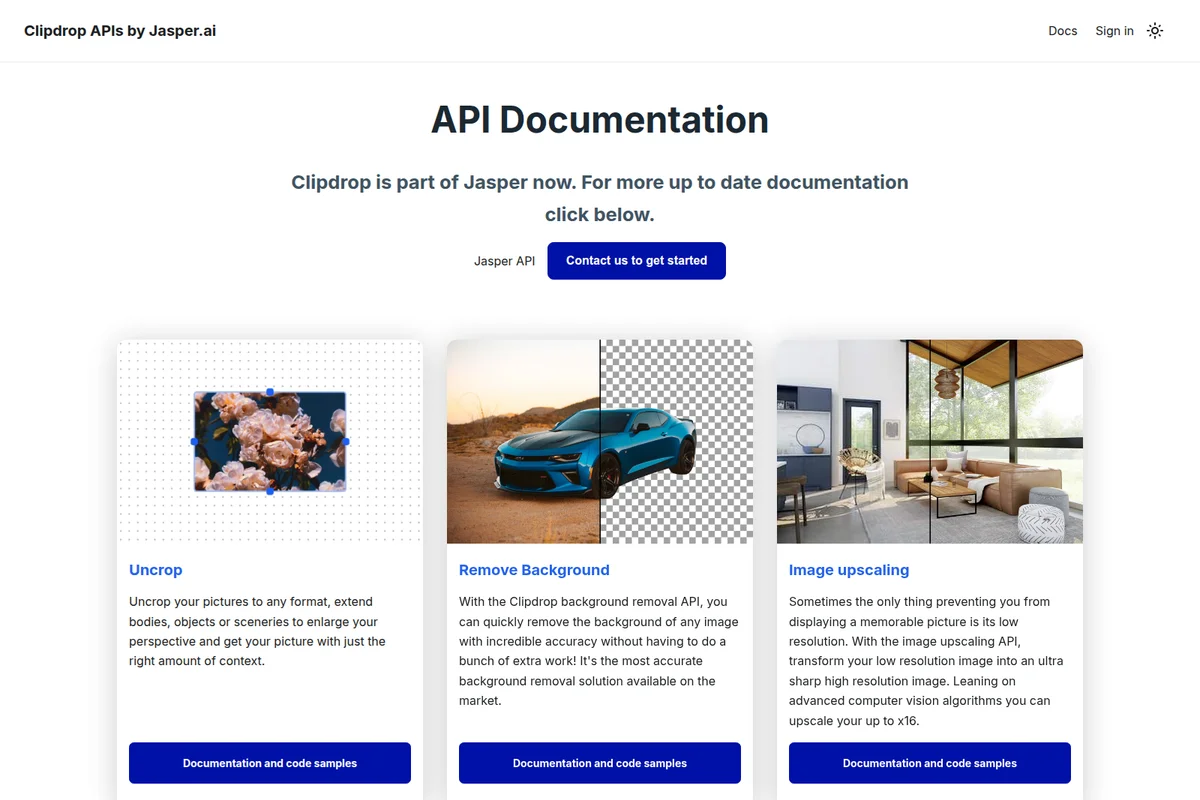
Explore powerful image APIs for uncropping, background removal, and upscaling.
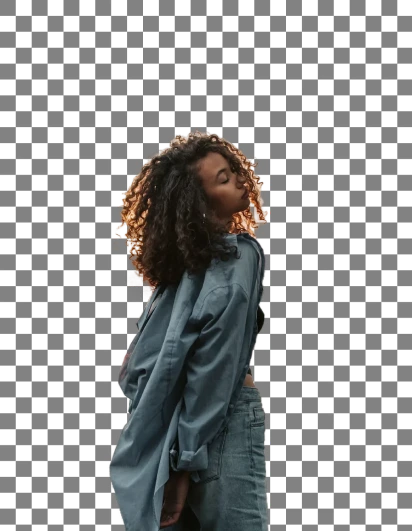
Transform your images with advanced relighting and background removal capabilities.
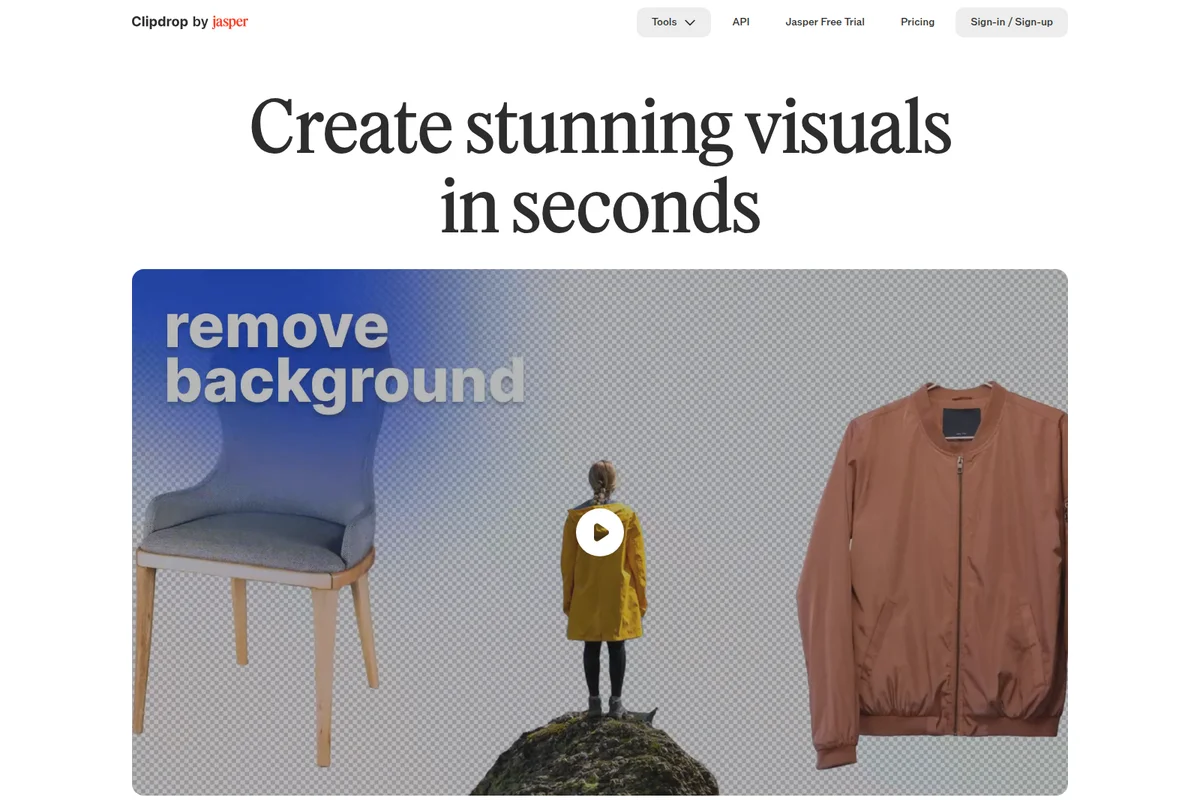
Create stunning visuals by instantly removing image backgrounds with AI.

Elevate your golden hour portraits with AI-powered editing tools.
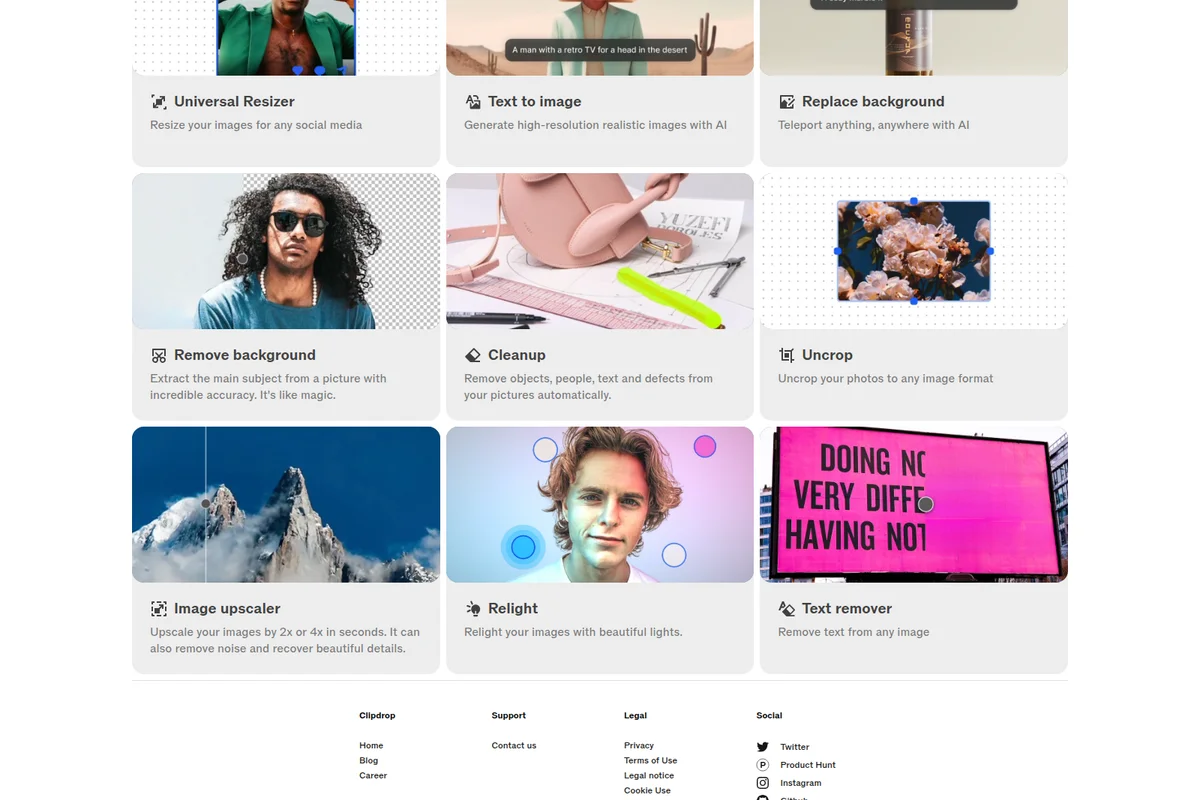
Explore Clipdrop's suite of AI tools for instant image transformations.
Clipdrop Review: Tooliverse Consensus






Based on 6k+ verified reviews across 6 platforms,
combined with Tooliverse's expert analysis
Clipdrop functions like a specialized photo studio built around surgical precision rather than breadth, and its background removal and object cleanup tools handle fine details like hair and complex textures with an accuracy that outpaces most general editors. Users consistently praise how quickly beginners can produce professional results. The tradeoff since the Jasper acquisition is slower support and occasional login failures that frustrate paying subscribers who expect reliable account access.
Bottom line: Clipdrop delivers standout precision on background removal and object cleanup, but slower support and occasional login issues since the Jasper acquisition temper the experience.
Clipdrop | Key Specs
- Platforms
- Web, iOS, Android, macOS, Windows (desktop plugin/app)
- Pricing Model
- Freemium ($0-15/mo) + Usage-based API See plans
- Integrations
- Adobe Photoshop, Jasper API
- API Available
- Yes (REST API for background removal, upscaling, cleanup, text-to-image; Node.js/SwiftUI/Kotlin support)
Wins
- •Delivers industry-leading background removal that handles complex textures like hair with surgical precisionmentioned in 942 reviews
- •Provides a lightning-fast cleanup tool that removes unwanted objects without leaving blurry artifactsmentioned in 815 reviews
- •Features an incredibly intuitive interface that allows beginners to perform professional edits instantlymentioned in 620 reviews
Watch-Outs
- •Customer support response times have become significantly delayed following the Jasper acquisitionmentioned in 245 reviews
- •Frequent login and authentication failures prevent paying users from accessing their accountsmentioned in 212 reviews
- •Subscription costs have increased, making the tool less accessible for casual or budget-conscious creatorsmentioned in 188 reviews
Clipdrop Features 2026
Cleanup (Object/Person/Text Removal)
AI-powered inpainting tool that removes unwanted objects, people, text, or defects from photos and intelligently reconstructs what was behind them.
Remove Background
Extracts the main subject from an image with high accuracy, handling portraits, products, drawings, and fine details like hair; supports images up to 5000x5000 pixels.
Image Upscaler
Upscales images by 2x, 4x, 8x, or 16x while removing noise, compression artifacts, and color banding for sharper results.
Replace Background
Teleports any subject into a new background using AI, combining Stable Diffusion with background removal models for high-fidelity composites.
Clipdrop User Reviews
Selected Reviews
"The background removal is lightyears ahead of Photoshop's built-in tool. It handles hair and transparent fabrics perfectly every single time."
"Clipdrop's Reimagine XL is the best way to brainstorm variations of a product shot. It keeps the essence but changes the vibe."
"The extension is handy but it crashes frequently on large high-res images. Needs better memory management for professional workflows."
More from the Community
"I use the API for my e-commerce site and it has cut our editing time by 90%. The cleanup tool is magic for removing dust."
"Great app but the subscription is getting a bit pricey since Jasper took over. Still the best quality for upscaling though."
"Excellent for our marketing team. We can turn a simple phone photo into a studio-quality asset in minutes. Support is a bit slow."
"The Uncrop feature is hit or miss. Sometimes it creates weird hallucinations on the edges that look nothing like the original scene."
"The AR 'copy-paste' from real life to desktop is still the coolest feature in tech. It feels like living in the future."
"I use the API for my e-commerce site and it has cut our editing time by 90%. The cleanup tool is magic for removing dust."
"Great app but the subscription is getting a bit pricey since Jasper took over. Still the best quality for upscaling though."
"Excellent for our marketing team. We can turn a simple phone photo into a studio-quality asset in minutes. Support is a bit slow."
"The Uncrop feature is hit or miss. Sometimes it creates weird hallucinations on the edges that look nothing like the original scene."
"The AR 'copy-paste' from real life to desktop is still the coolest feature in tech. It feels like living in the future."
"Stable Diffusion integration is seamless. I love that I can generate an image and then immediately use the cleanup tool on it."
"Saves me so much time in Canva. I just clean up the image in Clipdrop first and then import it. Essential tool."
"The new Jasper integration makes it easier to move assets into our campaigns, though I miss the simpler interface."
"Powerful tools but the credit system is confusing. I never know how many 'pro' edits I have left for the month."
"Stable Diffusion integration is seamless. I love that I can generate an image and then immediately use the cleanup tool on it."
"Saves me so much time in Canva. I just clean up the image in Clipdrop first and then import it. Essential tool."
"The new Jasper integration makes it easier to move assets into our campaigns, though I miss the simpler interface."
"Powerful tools but the credit system is confusing. I never know how many 'pro' edits I have left for the month."
Clipdrop Pricing 2026
The Free tier actually works for occasional use, covering background removal, cleanup, and text-to-image at 20 requests per day with capped resolution. Once you're editing daily or need full-resolution exports, Pro at $15 per month removes those caps entirely and bumps the limit to 1,000 requests across every tool, the clear upgrade point for anyone doing this professionally.
Clipdrop In-Depth Review 2026

Clipdrop is a suite of single-purpose AI image editing tools, background removal, object cleanup, upscaling, relighting, and text-to-image generation, bundled into one web app and mobile app. It works in a browser, as a desktop plugin for Photoshop, or through an API for developers building it into their own products. Since Stability AI acquired the company in 2023 and then sold it to Jasper in 2024, its underlying models have grown more sophisticated without the interface losing its simplicity.
What It's Like Day-to-Day
The core workflow is refreshingly uncomplicated: upload an image, pick a tool, download the result. Background removal handles portraits, product shots, and drawings with a level of precision that surprises people who've only used Photoshop's magic wand. One iOS reviewer put it bluntly, calling it "lightyears ahead of Photoshop's built-in tool" and noting it "handles hair and transparent fabrics perfectly every single time." That's not hyperbole for most use cases; the matting technology genuinely struggles less with flyaway hair and semi-transparent fabric than competing tools.
Clipdrop Security & Compliance
Privacy Commitments
- Terms do not limit ability to use images generated on Clipdrop for commercial use
Clipdrop: Frequently Asked Questions (FAQs)
How much does Clipdrop cost?
Clipdrop offers a Free tier at $0 with daily usage limits (e.g., 20 background removals per 24 hours) and lower resolution exports. The Pro tier costs $15/month and unlocks higher resolution outputs and 1000 requests per 24 hours across tools. API access is billed on a usage-based basis.
Is Clipdrop free to use?
Yes, Clipdrop's core tools (background removal, cleanup, text to image, upscaling, and more) are free to use with daily limits; for example, Cleanup exports are limited to 720px resolution on the free plan, with no size limit on Pro.
Can I use images generated by Clipdrop for commercial use?
Yes, Clipdrop's terms do not limit the ability to use images generated on Clipdrop for commercial use.
What is the story behind Clipdrop?
Clipdrop was created by InitML, co-founded by Cyril Diagne, Jonathan Blanchet, and Damien Henry in 2020; the company joined YCombinator's 2021 Winter batch and raised $1.5M. InitML was acquired by Stability AI in February 2023 and later sold to Jasper.ai in February 2024.
Clipdrop Integrations
| Adobe Photoshop | Jasper API |
Clipdrop: Verified Data Sheet
| # | Label | Data Point |
|---|---|---|
| [1] | Clipdrop Consensus: 7.80/10 | Clipdrop is a well-reviewed tool among AI image generators in the Tooliverse index, with a consensus score of 7.80/10 across 6,310 verified reviews. |
| [2] | What is Clipdrop | Clipdrop is an AI-powered image editing toolkit for background removal, object cleanup, upscaling, and text-to-image generation, originally built by InitML (founded 2020, YC W21) and now part of Jasper after being acquired by Stability AI in 2023. It offers a free tier with daily usage limits, a Pro plan at $15/month, and usage-based API pricing for developers. |
| [3] | Tooliverse Consensus on Clipdrop | Clipdrop functions like a specialized photo studio built around surgical precision rather than breadth, and its background removal and object cleanup tools handle fine details like hair and complex textures with an accuracy that outpaces most general editors. Users consistently praise how quickly beginners can produce professional results. The tradeoff since the Jasper acquisition is slower support and occasional login failures that frustrate paying subscribers who expect reliable account access. |
| [4] | Clipdrop Verdict | Clipdrop bottom line: Clipdrop delivers standout precision on background removal and object cleanup, but slower support and occasional login issues since the Jasper acquisition temper the experience. |
| [5] | Free: Free | Clipdrop offers a functional Free tier that includes Text to Image and Uncrop, making its AI editing tools accessible at no cost. |
| [6] | Beginner-friendly, professional results | Clipdrop features an interface intuitive enough for beginners to produce professional-looking edits instantly, according to 620 user reviews. |
| [7] | Built-in Stable Diffusion XL generation | Clipdrop integrates Stable Diffusion XL directly into its editing workflow for high-quality image generation, a feature highlighted in 485 user reviews. |
| [8] | Mobile AR object-to-digital capture | Clipdrop's mobile app includes an AR feature that lets users capture physical objects and turn them into digital assets, valued in 340 user reviews. |
| [9] | Pro: $15/month | Jasper (formerly InitML, acquired by Stability AI in 2023, then sold to Jasper.ai in 2024)'s Clipdrop Pro empowers users with Skip queue on all tools (1000 requests/24h) for just $15 monthly, significantly expanding on the free tier's capabilities. |
| [10] | Precise background removal on hair/textures | Clipdrop delivers background removal that handles complex textures like hair with surgical precision, a strength cited in 942 user reviews. |
| [11] | Rising cost affects budget users | Clipdrop's subscription pricing has risen over time, with the Pro tier now at $15/month, a shift 188 reviewers say makes it less accessible for budget-conscious creators. |
| [12] | Free tier watermarks and resolution caps | Clipdrop's free tier caps output at low resolutions (e.g., 720px exports for Cleanup) and adds watermarks, a limitation flagged in 165 user reports. |
| [13] | Privacy: Terms do not limit ability to use images generated on Clipdrop for commercial use | Clipdrop privacy protections include Terms do not limit ability to use images generated on Clipdrop for commercial use. |
| [14] | Beats Photoshop on hair/fabric removal | Clipdrop's background removal is "lightyears ahead of Photoshop's built-in tool" at handling hair and transparent fabrics, according to a verified iOS App Store reviewer. |
Best Clipdrop Alternatives

Remove.bg
Remove image backgrounds in seconds, automatically, with studio-quality cutouts and no design skills needed.
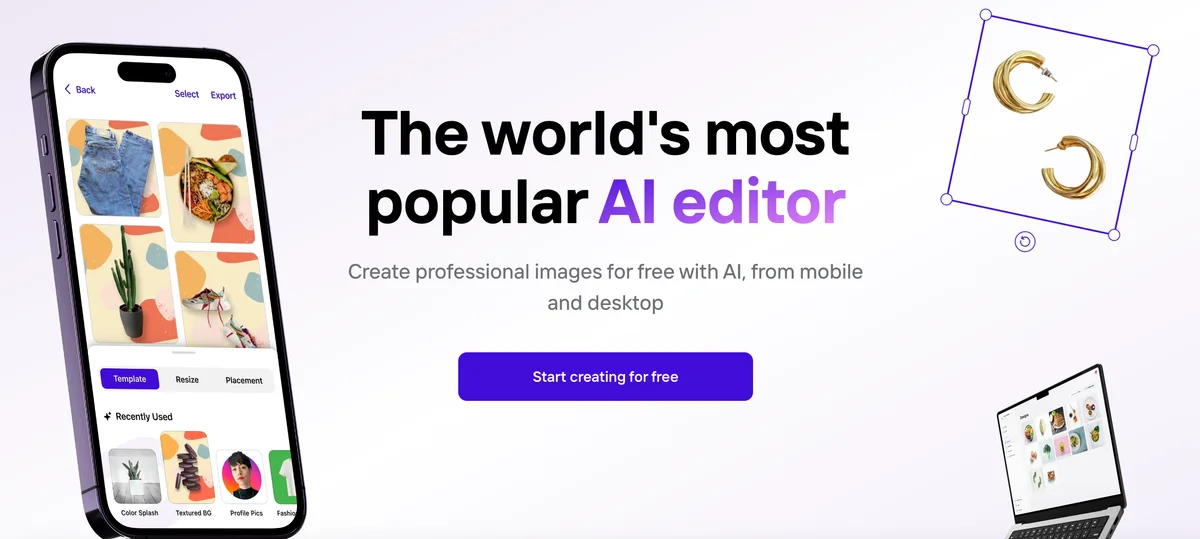
Photoroom
Turn any product photo into listing-ready visuals in seconds and sell at first sight.
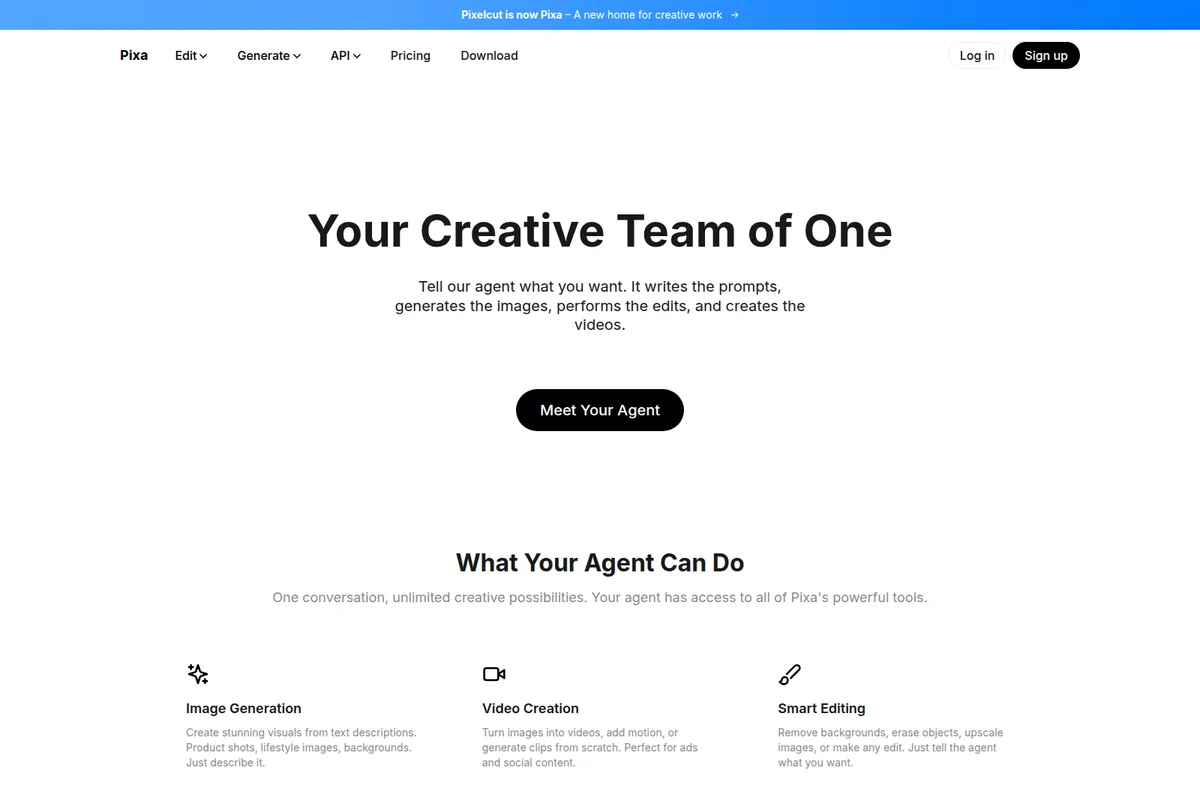
Pixelcut
Create studio-quality product images and videos in seconds, no designer or studio required.