
Krisp Review 2026 - AI Noise Cancellation & Notes
Verified Sep 19, 2026 by Tooliverse Editorial
Krisp cancels background noise, converts accents, and takes AI meeting notes—all without a bot joining your calls. Trusted by Cisco, Sony, and GitHub for clearer, more productive conversations.
Krisp Agent Assist & Speech Analytics demo
Krisp Review 2026: The Voice AI Layer for Your Calls and Meetings
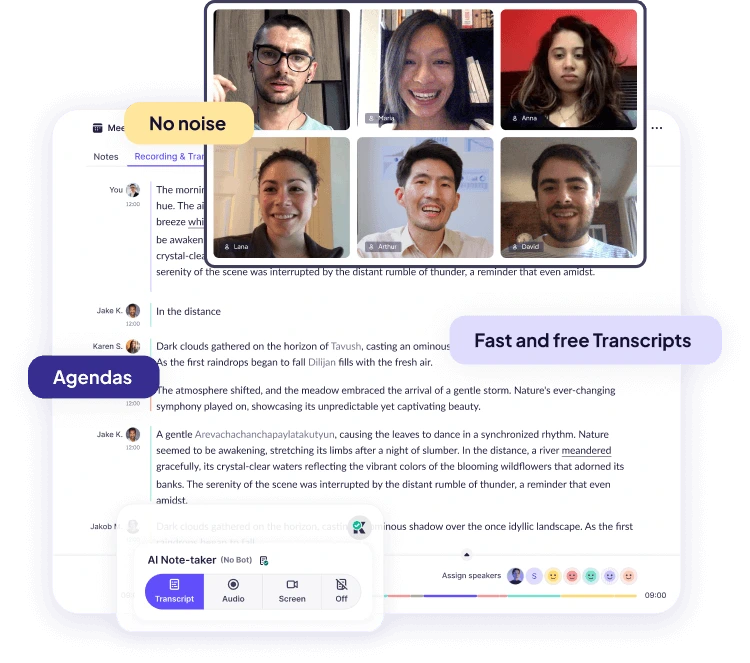
Get fast, accurate live transcripts and AI notes for all your meetings.
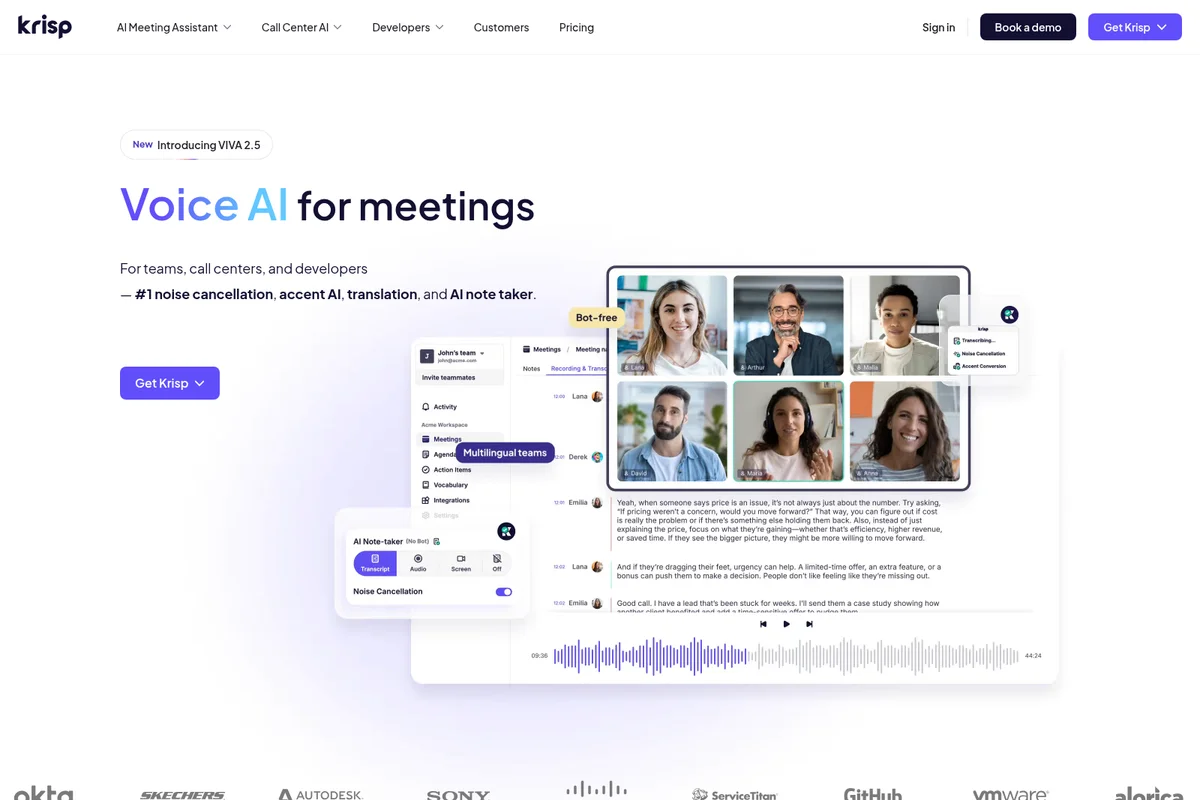
Experience crystal-clear meetings with AI noise cancellation, transcription, and smart notes.
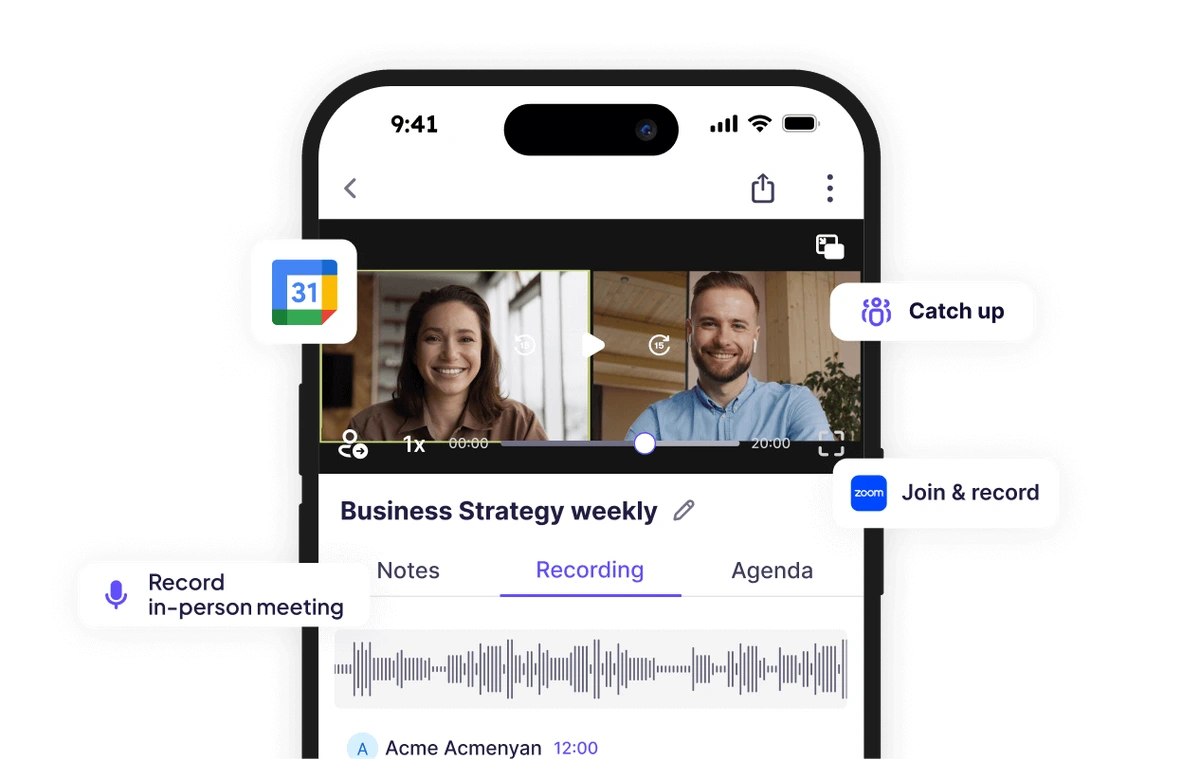
Record, manage, and catch up on all your meetings with ease.
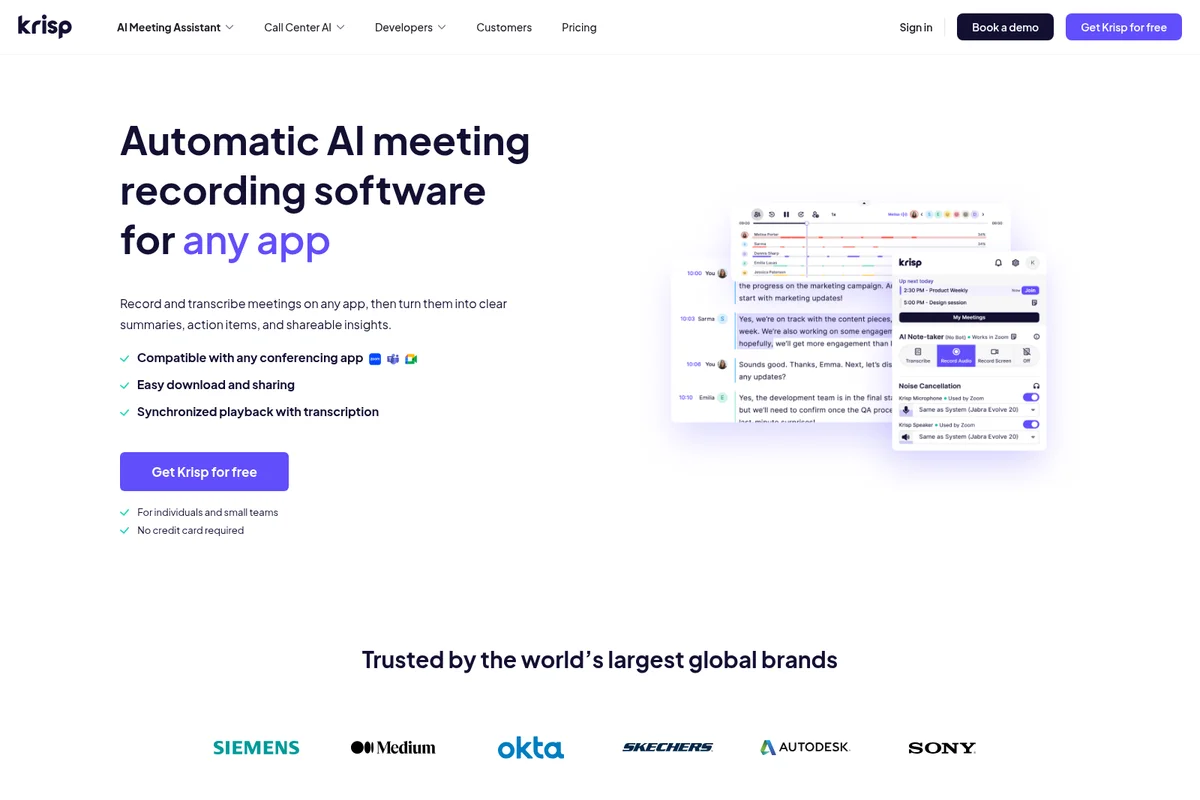
Automate meeting recording, transcription, and get shareable insights from any app.
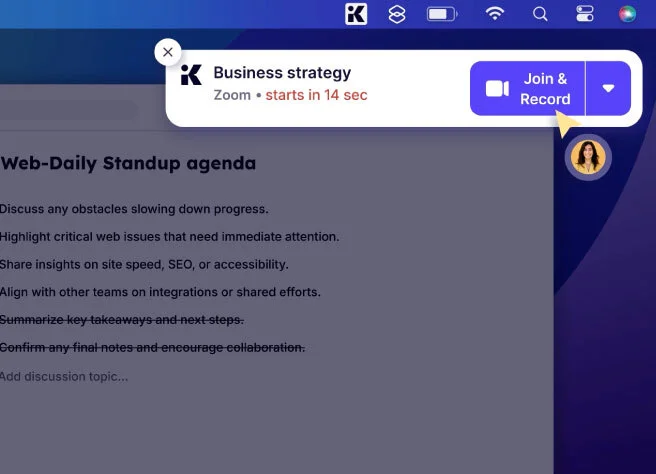
Join and record your Zoom meetings with a single click, enhanced by Krisp.
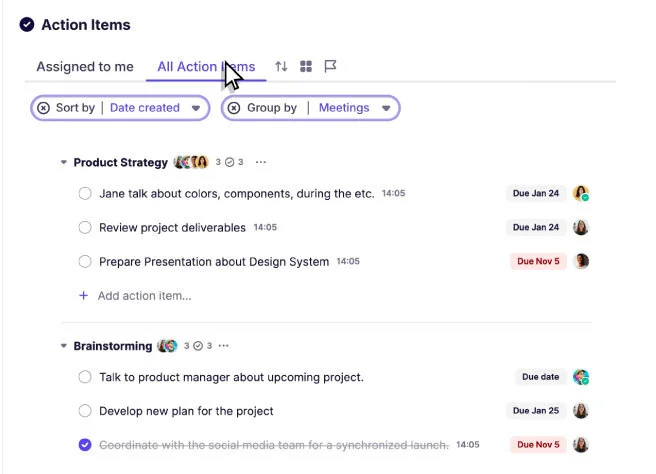
Efficiently manage all your action items, grouped and sorted for clarity.
Krisp Review: Tooliverse Consensus






Based on 514 verified reviews across 7 platforms,
combined with Tooliverse's expert analysis
Krisp turns chaotic backgrounds into studio-quiet calls, filtering out barking dogs, keyboard clatter, and crosstalk at the audio layer before anyone on the other end notices. Reviewers consistently point to the noise cancellation and the AI-generated meeting summaries as the two features that save the most real time, while integration across every major conferencing app removes setup friction entirely. The tradeoffs are practical rather than fundamental: heavier CPU use on older laptops and occasional robotic artifacts in processed audio.
Bottom line: A top-tier noise cancellation and meeting AI tool that turns any chaotic environment into a professional call, though older laptops will feel the CPU strain.
Krisp | Key Specs
- Platforms
- Web, iOS, Android, macOS, Windows, Chrome Extension
- Pricing Model
- Freemium ($0-30/mo/user, custom Enterprise) See plans
- Privacy/Data Use
- No model training on meeting data, on-device English transcription
- Security
- SOC 2 Type II, HIPAA & GDPR compliant, AES-256 encryption See details
Wins
- •Eliminates background noise with surgical precision, ensuring professional audio in any environmentmentioned in 245 reviews
- •Provides high-quality automated meeting summaries that save hours of manual note-takingmentioned in 189 reviews
- •Integrates effortlessly with every major communication platform without requiring complex setupmentioned in 167 reviews
Watch-Outs
- •Consumes significant CPU resources, which can slow down older or less powerful laptopsmentioned in 94 reviews
- •Occasionally introduces a robotic or metallic quality to the user's voicementioned in 76 reviews
- •Subscription costs are perceived as high for individual users compared to enterprise plansmentioned in 62 reviews
Krisp Features 2026
AI Noise Cancellation
Removes background noise, echo, and cross-talk in real time on any conferencing or call center app, described as the #1 AI noise cancellation solution and running on-device for privacy.
Accent Conversion
Real-time AI accent conversion for both speaker and listener sides, preserving the speaker's natural tone while making speech clearer; supports Indian, Filipino, South African, and LatAm accents.
AI Meeting Notes & Note Taker
Bot-free AI note taker that automatically generates accurate meeting notes, summaries, and action items so users never miss a detail.
Meeting Transcription
96% accurate AI transcription with built-in speaker identification, available for live and pre-recorded calls, editable and searchable.
Krisp User Reviews
Selected Reviews
"The "Remove Background Voice" feature is what sets this apart. It doesn't just kill white noise; it kills other people talking."
"Privacy is my main concern, and knowing the processing happens on my machine makes this an easy choice over cloud-based tools."
"The transcription is about 90% accurate. Good enough for notes, but you still need to double-check names and dates."
More from the Community
"The noise cancellation is magic. My neighbor was literally drilling into the wall and my client didn't hear a thing."
"The new AI summary feature is a game changer for my back-to-back meetings. It captures the action items perfectly."
"Works great but definitely makes my MacBook fan spin up like a jet engine. Use with caution on older hardware."
"The noise suppression is top-tier, but the pricing for the Pro plan feels steep just for personal use."
"Good for noise, but the transcription often misses technical terms in my engineering calls. Needs better vocabulary support."
"The noise cancellation is magic. My neighbor was literally drilling into the wall and my client didn't hear a thing."
"The new AI summary feature is a game changer for my back-to-back meetings. It captures the action items perfectly."
"Works great but definitely makes my MacBook fan spin up like a jet engine. Use with caution on older hardware."
"The noise suppression is top-tier, but the pricing for the Pro plan feels steep just for personal use."
"Good for noise, but the transcription often misses technical terms in my engineering calls. Needs better vocabulary support."
"I can finally work from a coffee shop without worrying about the background chatter ruining my professional image."
"Solid app, though I wish it didn't require me to log in so frequently. It breaks the "set it and forget it" vibe."
"A bit of a learning curve to get the microphone settings right in Windows, but once it's set, it's flawless."
"Essential for remote teams. We've mandated it for all our support staff to ensure clear communication with customers."
"I can finally work from a coffee shop without worrying about the background chatter ruining my professional image."
"Solid app, though I wish it didn't require me to log in so frequently. It breaks the "set it and forget it" vibe."
"A bit of a learning curve to get the microphone settings right in Windows, but once it's set, it's flawless."
"Essential for remote teams. We've mandated it for all our support staff to ensure clear communication with customers."
Krisp Pricing 2026
View SourceCore at $8/month per user billed annually covers unlimited noise cancellation and the bot-free note-taker, which is plenty for individual professionals or small teams. Sales and consulting teams who need CRM sync and heavier accent conversion should look at Advanced, at $15/month per user billed annually. Call centers and enterprises with compliance needs should skip both and go straight to custom Enterprise pricing.
Krisp In-Depth Review 2026

Krisp runs a real-time voice AI engine across meetings, call centers, and developer tools, stripping out background noise, converting accents, and transcribing conversations at the audio layer itself. It works with Zoom, Google Meet, Microsoft Teams, and Slack Huddles without needing a bot to join your call or any special setup. Because it operates at the OS audio level rather than inside a specific app, it simply works wherever you're already talking.
What It's Like Day-to-Day
The first time Krisp works, it feels like a magic trick. One Reddit user described testing it while a neighbor was "literally drilling into the wall" during a client call, and the client never heard a thing. That's the experience 245 reviewers keep coming back to: chaotic real-world noise disappearing into silence on the other end. Coffee shop chatter, barking dogs, keyboard clatter, it all gets filtered out before it reaches whoever you're talking to.
What's less obvious until you've used it for a few weeks is how much time the AI note-taker saves. It auto-generates meeting summaries and action items, and reviewers consistently call this a genuine change to how they handle back-to-back calls.
Krisp Security & Compliance
Verified Compliance
- SOC 2 Type II
- GDPR Compliance
- HIPAA Compliance
- PCI-DSS Certified
Security Features
- AES-256 encryption at rest
- TLS 1.3 encryption in transit
- SSO/SCIM (Enterprise)
- Virtual private cloud infrastructure
- MFA
Privacy Commitments
- No model training on meeting data
- On-device English transcription for maximum privacy
- BAA signing available for teams with 100+ seats
Krisp: Frequently Asked Questions (FAQs)
Does Krisp offer a free trial or free plan?
Yes, Krisp offers a 7-day free trial with no credit card required, giving access to unlimited transcription, noise cancellation, audio/video recording, and AI notes with limited accent conversion.
How much does Krisp cost?
Krisp's Meeting AI plans start at Core for $8/mo per user (billed annually, $16/mo billed monthly) and Advanced for $15/mo per user (billed annually, $30/mo billed monthly), with custom Enterprise pricing. Call Center AI starts at $15 per agent/month billed annually.
What is Krisp, and how are its products connected?
Krisp is a Voice AI platform that makes conversations clearer and more productive, running all products on the same AI voice engine to remove background noise, convert accents, and generate real-time transcripts and notes. The three products—AI Meeting Assistant, Call Center AI, and AI Voice SDK—are installed separately and share the same underlying technology.
Does Krisp integrate with Zoom, Google Meet, Microsoft Teams, and Slack?
Yes, because Krisp works at the audio level, it integrates with every conferencing app including Zoom, Google Meet, Microsoft Teams, and Slack Huddles.
Krisp Integrations
| Zoom | Google Meet | Microsoft Teams |
| Slack | Salesforce | HubSpot |
| Pipedrive | Affinity | ConnectWise |
| Notion | Zapier | Google Calendar |
| Outlook | Webex | Discord |
| Loom | Claude | |
| ChatGPT | Cursor |
Krisp: Verified Data Sheet
| # | Label | Data Point |
|---|---|---|
| [1] | Krisp Consensus: 9.02/10 | Krisp is one of the highest-rated AI productivity tools in the Tooliverse index, with a consensus score of 9.02/10 across 514 verified reviews. |
| [2] | What is Krisp | Krisp, developed by Krisp Technologies, Inc., is a SOC 2 Type II-certified voice AI platform offering noise cancellation, accent conversion, and AI meeting note-taking. It serves enterprises like Cisco, Sony, and GitHub, with pricing starting free and Core plans from $8/mo per user. |
| [3] | Tooliverse Consensus on Krisp | Krisp turns chaotic backgrounds into studio-quiet calls, filtering out barking dogs, keyboard clatter, and crosstalk at the audio layer before anyone on the other end notices. Reviewers consistently point to the noise cancellation and the AI-generated meeting summaries as the two features that save the most real time, while integration across every major conferencing app removes setup friction entirely. The tradeoffs are practical rather than fundamental: heavier CPU use on older laptops and occasional robotic artifacts in processed audio. |
| [4] | Krisp Verdict | Krisp bottom line: A top-tier noise cancellation and meeting AI tool that turns any chaotic environment into a professional call, though older laptops will feel the CPU strain. |
| [5] | Free Trial: Free | Krisp provides a functional Free Trial tier with Unlimited transcription, Unlimited noise cancellation, making AI tools accessible at no cost. |
| [6] | Effortless integration, 167+ mentions | Krisp integrates effortlessly with every major communication platform without complex setup, an ease-of-use point echoed in 167 user reviews. |
| [7] | On-device processing, privacy-first | Krisp processes audio entirely on-device, maintaining strict user privacy and data security, a distinction confirmed by 142 user reviews. |
| [8] | Unobtrusive, simple interface | Krisp features a simple, unobtrusive interface that stays out of the way during calls, praised in 128 user reviews. |
| [9] | Core: $8/user/mo (annual) | Krisp's Core plan gives users unlimited bot-free AI note-taking for $8/user/month billed annually, a significant expansion on the free tier's capabilities. |
| [10] | Precision noise cancellation, 245+ mentions | Krisp eliminates background noise with surgical precision, a strength validated by 245 user reviews as delivering professional-grade audio in virtually any environment. |
| [11] | CPU-intensive on older hardware | Krisp can consume significant CPU resources, which may slow down older or less powerful laptops, according to 94 user reports. |
| [12] | Occasional robotic voice artifact | Krisp occasionally introduces a robotic or metallic quality to the user's voice, an artifact noted in 76 user reviews. |
| [13] | Privacy: No model training on meeting data | Krisp privacy protections include No model training on meeting data, On-device English transcription for maximum privacy, and BAA signing available for teams with 100+ seats. |
| [14] | Enterprise: AES-256 encryption at rest | Krisp provides enterprise security with AES-256 encryption at rest, TLS 1.3 encryption in transit, and SSO/SCIM (Enterprise). |
| [15] | "The noise cancellation is magic" | Krisp "is magic" at noise cancellation, according to a Reddit reviewer who noted their neighbor was "literally drilling into the wall" without the client on the call hearing a thing. |
Best Krisp Alternatives
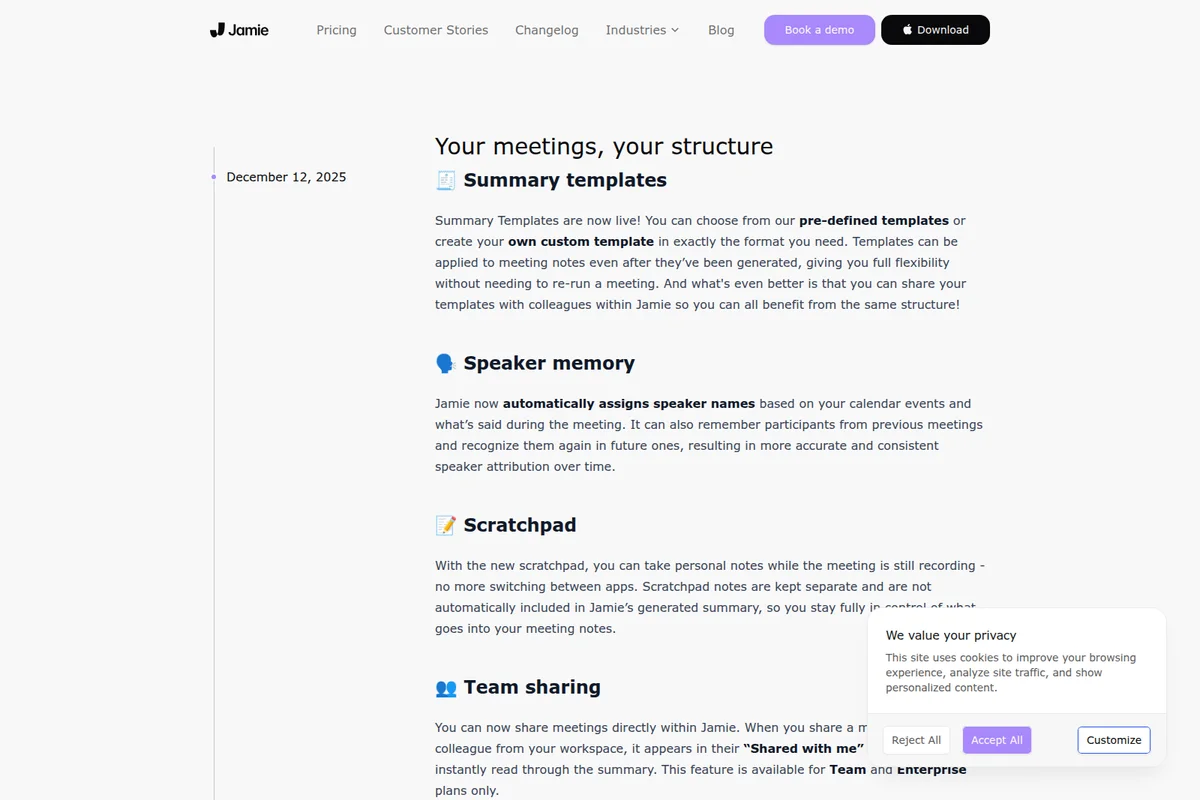
Jamie
Be fully present in every meeting while Jamie captures notes and remembers every detail, without a bot.
Granola
Take notes your way in meetings, with AI that turns them into polished, useful write-ups.
Tactiq
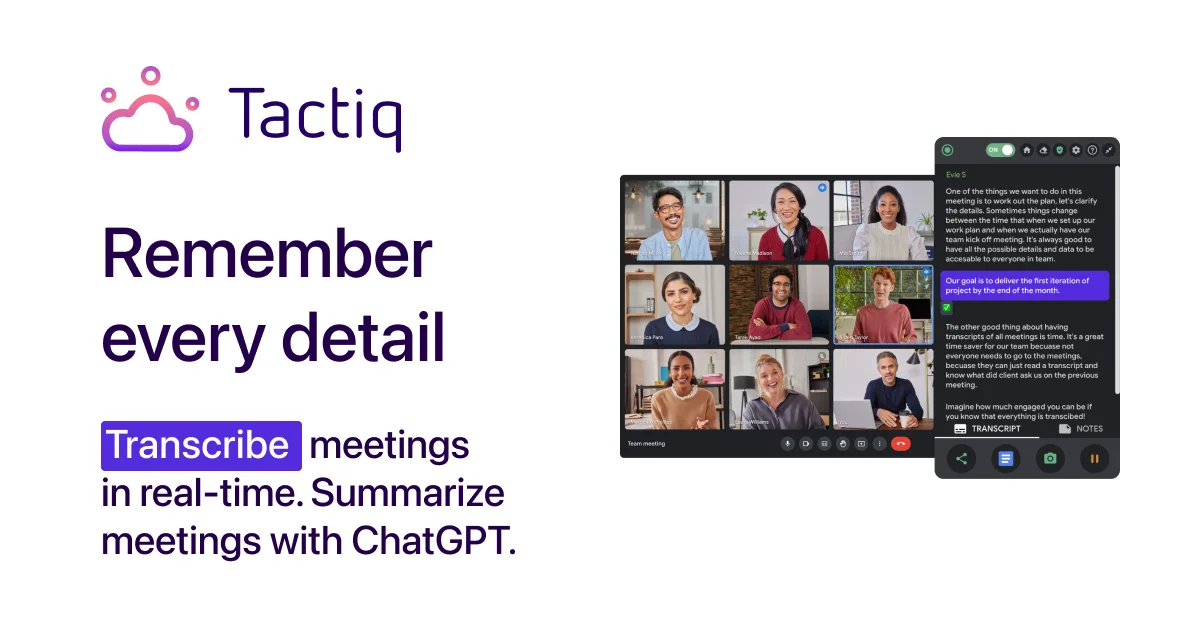
Focus on the meeting while AI writes your notes, summaries, and action items live.