
LetsEnhance Review 2026 - Natural AI Upscaling
Verified Oct 2, 2026 by Tooliverse Editorial
LetsEnhance rescues blurry, pixelated, and low-res photos with AI that rebuilds real detail instead of faking it. Upscale up to 16x, hit 300 DPI for print, and skip the plastic-skin look. 100M+ images enhanced.
Creative: New AI Image Upscaler - Demo by LetsEnhance CEO Sofiia Shvets
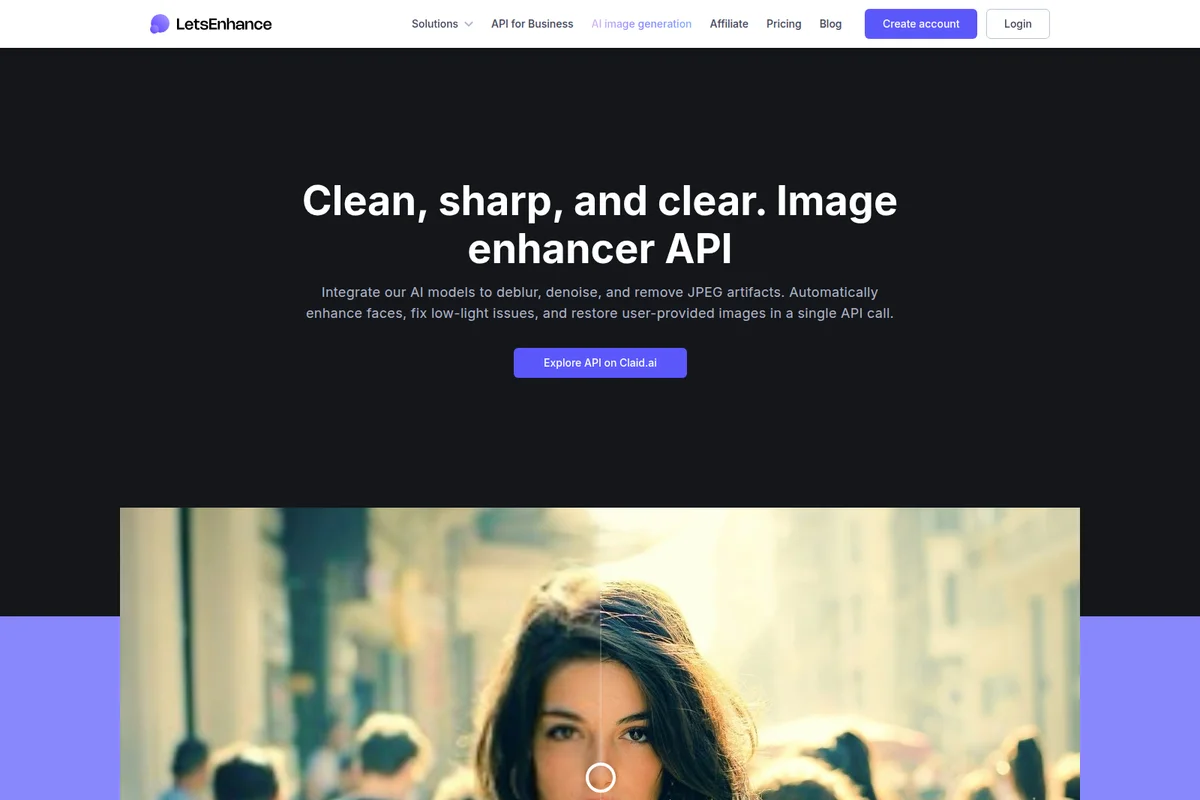
Integrate AI models to deblur, denoise, and restore images automatically.
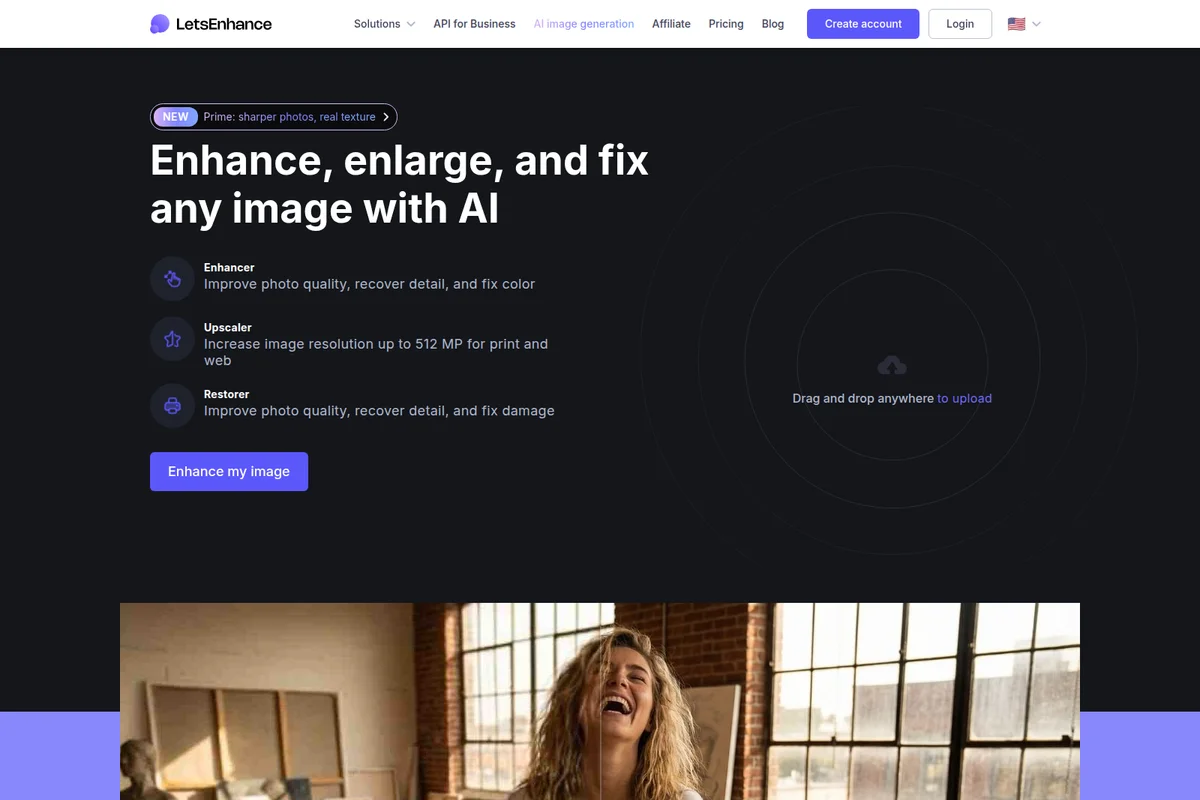
Enhance photo quality, enlarge resolution, and fix damaged images with AI.
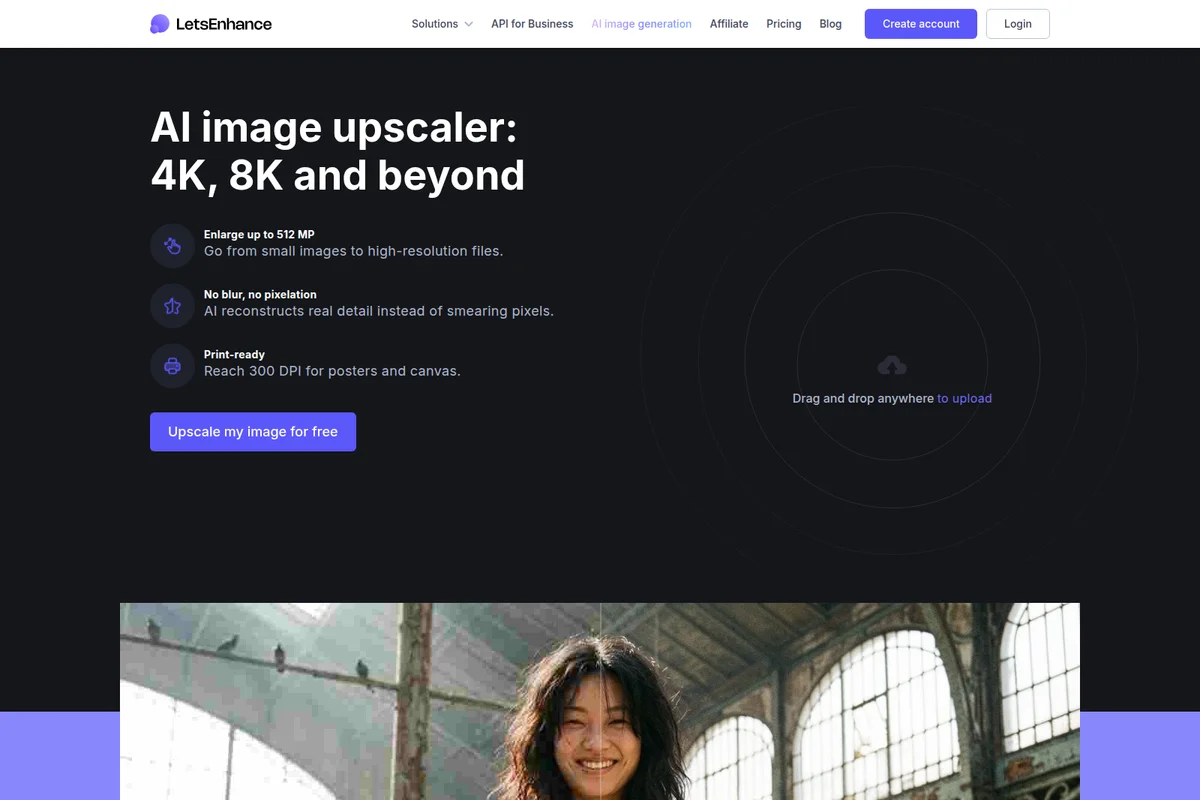
Upscale images to stunning 4K and 8K resolution with AI reconstruction.
LetsEnhance Review: Tooliverse Consensus





Based on 288 verified reviews across 5 platforms,
combined with Tooliverse's expert analysis
LetsEnhance rebuilds detail that low-resolution and heavily compressed images lost, turning soft scans, supplier photos, and AI exports into print-ready files through modes tuned to portraits, landscapes, and vintage prints. Reviewers praise its upscaling clarity, JPEG artifact cleanup, and batch handling for catalog work. The catch is the credit model, which pinches high-volume users, along with slower queues at peak times and occasionally waxy faces when enhancement is pushed hard. For restoration work, it delivers far more often than it disappoints.
Bottom line: A top-tier upscaler that turns weak source files into print-ready images with minimal effort, though its credit-based pricing can pinch heavy users and peak-hour queues slow big batches.
LetsEnhance | Key Specs
- Platforms
- Web, API
- Pricing Model
- Freemium ($0-34/mo, billed annually) See plans
- Privacy/Data Use
- No training on data (Enterprise), GDPR and CCPA compliant
- Security
- Encryption in transit and at rest, DPAs on request, SOC 2 underway See details
Wins
- •Upscales low-resolution images with remarkable clarity and detail preservationmentioned in 142 reviews
- •Offers specialized AI models tailored for specific image types like portraits or landscapesmentioned in 118 reviews
- •Batch processing feature significantly speeds up high-volume workflows for professionalsmentioned in 105 reviews
Watch-Outs
- •Credit-based pricing model can feel restrictive for frequent or high-volume usersmentioned in 64 reviews
- •Processing times for large files or batches can be slow during peak usagementioned in 48 reviews
- •Occasional uncanny valley effects on human faces when using aggressive enhancementmentioned in 35 reviews
LetsEnhance Features 2026
AI Image Enhancer
Recovers lost detail, fixes exposure and color, and reduces noise using generative AI without the over-processed look.
AI Upscaler up to 16x
Increases image resolution up to 16x and up to 512 MP for print and web, reaching 300 DPI at any size.
Multiple Enhancement Modes
Prime, Gentle, Old Photo, Ultra, Strong, and DigiArt modes tailor processing to portraits, text, vintage photos, or anime and illustrations.
Old Photo Restoration
Repairs damage, fixes fading, and colorizes vintage photos.
LetsEnhance User Reviews
Selected Reviews
"I recently had an issue with the billing for my subscription. Support worked with me to get the issue resolved. She was very helpful and pleasant to communicate with."
"Amazing image and video enhancer... Their team is very nice and they really care about feedback, I've reported some bugs and they've always responded."
"The results are excellent but the subscription is quite pricey if you only need it occasionally. I wish there was a better pay-as-you-go option for hobbyists."
More from the Community
"The upscaling quality is genuinely the best I've found for old family photos. It brings back details I thought were lost forever."
"It's good for landscapes but I find it struggles with human faces sometimes, making them look a bit uncanny valley if you push the settings too far."
"Great for our e-commerce site. We often get low-res photos from vendors and this makes them look professional in seconds. Batch upload is a lifesaver."
"Simple, effective, and the API integration was surprisingly easy to set up for our internal tools. Much better than the local upscalers we tried."
"The upscaling quality is genuinely the best I've found for old family photos. It brings back details I thought were lost forever."
"It's good for landscapes but I find it struggles with human faces sometimes, making them look a bit uncanny valley if you push the settings too far."
"Great for our e-commerce site. We often get low-res photos from vendors and this makes them look professional in seconds. Batch upload is a lifesaver."
"Simple, effective, and the API integration was surprisingly easy to set up for our internal tools. Much better than the local upscalers we tried."
"I use it to upscale Midjourney exports for print. It handles the AI-generated textures better than Photoshop's native upscaler."
"The mobile app is handy for quick fixes but I find myself going back to the desktop version for anything that needs precise control."
"Love this image upscaler! Easy to use and the results are beautiful! Highly recommended for anyone dealing with old digital camera files."
"I use it to upscale Midjourney exports for print. It handles the AI-generated textures better than Photoshop's native upscaler."
"The mobile app is handy for quick fixes but I find myself going back to the desktop version for anything that needs precise control."
"Love this image upscaler! Easy to use and the results are beautiful! Highly recommended for anyone dealing with old digital camera files."
LetsEnhance Pricing 2026
The free tier's 10 watermarked credits are a test drive, not a workflow. Since one credit equals one image, the real question is monthly volume. Starter at $9/month billed annually covers 100 images and rolls unused credits over, which suits sellers and hobbyists. If you routinely run past that, Pro at $24/month billed annually triples the allowance for under three times the price, and it also raises the output ceiling for large prints.
LetsEnhance In-Depth Review 2026

LetsEnhance is an AI image enhancer and upscaler that runs in the browser and enlarges images up to 16x while reconstructing detail with generative AI. You upload a file, pick a mode, and download the result, with no layers or manual adjustments involved. It accepts JPG, PNG, and WebP and outputs JPG or PNG, and more than 100 million images have passed through it. The aim is output that looks shot at that resolution instead of sharpened after the fact.
What It's Like Day-to-Day
The workflow is short. Prime is the default and handles most portraits, products, and food, while Gentle preserves small text and fine detail, Old Photo repairs and colorizes vintage scans, and Ultra, Strong, and DigiArt cover harder cases and illustrations. Picking the right mode matters more than any slider, which is a relief for anyone who has lost an afternoon in curves and layers. Reviewers on Trustpilot describe recovering detail in old family photos they assumed was gone, and 142 reviews single out upscaling clarity as the main draw.
Volume work is where it earns back time.
LetsEnhance Security & Compliance
Verified Compliance
- GDPR compliant
- CCPA compliant
- SOC 2 underway
Security Features
- Encryption in transit and at rest
- DPAs available on request
Privacy Commitments
- No training on your data (enterprise contracts)
- Credit card data not stored; payments handled by Stripe
LetsEnhance: Frequently Asked Questions (FAQs)
Is there a free option for LetsEnhance?
Yes, LetsEnhance offers 10 free credits on signup with no credit card needed. Free outputs are watermarked, and the watermark is removed after purchasing a subscription or pay-as-you-go bundle.
How much does LetsEnhance cost?
LetsEnhance paid plans are Starter at $9/month (100 credits), Pro at $24/month (300 credits), and Max at $34/month (500 credits) when billed annually. Monthly billing costs $12, $32, and $45 respectively.
How does the LetsEnhance credit system work?
1 image equals 1 credit. Credits renew monthly, and unused credits roll over on personal plans up to the monthly allotment multiplied by 6. Credits do not accumulate on business plans, and remaining credits are lost when a subscription ends.
What can LetsEnhance do?
LetsEnhance improves image quality, increases resolution, sharpens soft photos, corrects color, reduces noise, and restores old images. It is AI-powered and runs in the browser.
LetsEnhance Integrations
| Claid.ai | Stripe | PayPal |
LetsEnhance: Verified Data Sheet
| # | Label | Data Point |
|---|---|---|
| [1] | LetsEnhance Consensus: 8.71/10 | LetsEnhance is a highly-rated tool among AI image generators in the Tooliverse index, with a consensus score of 8.71/10 across 288 verified reviews. |
| [2] | What is LetsEnhance | LetsEnhance, from LetsEnhance, Inc., is an AI image enhancer and upscaler that enlarges up to 16x and restores detail naturally. It has enhanced 100M+ images, with paid plans starting at $9/month and a free tier. |
| [3] | Tooliverse Consensus on LetsEnhance | LetsEnhance rebuilds detail that low-resolution and heavily compressed images lost, turning soft scans, supplier photos, and AI exports into print-ready files through modes tuned to portraits, landscapes, and vintage prints. Reviewers praise its upscaling clarity, JPEG artifact cleanup, and batch handling for catalog work. The catch is the credit model, which pinches high-volume users, along with slower queues at peak times and occasionally waxy faces when enhancement is pushed hard. For restoration work, it delivers far more often than it disappoints. |
| [4] | LetsEnhance Verdict | LetsEnhance bottom line: A top-tier upscaler that turns weak source files into print-ready images with minimal effort, though its credit-based pricing can pinch heavy users and peak-hour queues slow big batches. |
| [5] | Free: Free | LetsEnhance offers a Free tier with 10 free credits on signup and no credit card needed, accepting input images up to 24 megapixels or 50MB at no cost. |
| [6] | Batch edit up to 20 images | LetsEnhance speeds up high-volume work with batch editing of up to 20 images at once, giving catalog teams consistent results, according to 105 user reviews. |
| [7] | Simple browser workflow, no skills needed | LetsEnhance runs in the browser with an upload, pick-a-mode, download workflow that needs no layers or editing skills, an ease of use praised in 92 user reviews. |
| [8] | Cleans JPEG artifacts and noise | LetsEnhance removes JPEG artifacts and noise from heavily compressed files, and its Unpixelate tool adds 2x and 4x upscaling to rebuild lost detail, an outcome reported in 78 user reviews. |
| [9] | Pro: $24/mo (annual) | LetsEnhance, Inc.'s Pro plan gives users 300 credits per month for $24/month billed annually, a major step up from the free tier. |
| [10] | Clear, detailed upscaling up to 16x | LetsEnhance upscales low-resolution images up to 16x while preserving detail, a strength cited in 142 user reviews as its standout capability. |
| [11] | Credit limits pinch heavy users | LetsEnhance uses a credit model of 1 credit per image, and 64 user reports indicate that the Starter plan at $9/month billed annually (100 credits) can feel restrictive for frequent or high-volume users. |
| [12] | Slower processing at peak times | LetsEnhance can process large files and batches slowly during peak usage, according to 48 user reports, though paid plans include priority enhancement. |
| [13] | GDPR compliant | LetsEnhance holds GDPR compliant and CCPA compliant status, with SOC 2 underway. |
| [14] | Enterprise: Encryption in transit and at rest | LetsEnhance provides enterprise security with Encryption in transit and at rest and DPAs available on request. |
| [15] | Best for restoring old family photos | A verified Trustpilot reviewer said LetsEnhance upscaling is "the best I've found for old family photos" and "brings back details I thought were lost forever." |
Best LetsEnhance Alternatives
Topaz Photo AI
Turn every shot into a masterpiece with AI-powered image enhancement that fixes focus, removes noise, and sharpens details.
Upscale.media
Turn pixelated images into sharp, high-resolution visuals in seconds with AI-powered enhancement.
ON1 Resize AI
Enlarge photos up to 10x for print without losing detail, sharpness, or edge clarity.