
Upscale.media Review 2026 - AI Image Upscaling
Verified Jun 24, 2026 by Tooliverse Editorial
Upscale.media transforms low-quality images into crisp, professional visuals up to 8x resolution—no complex editing tools required. From eCommerce sellers to print designers, thousands use it to enhance product photos, restore old images, and prepare print-ready content instantly.
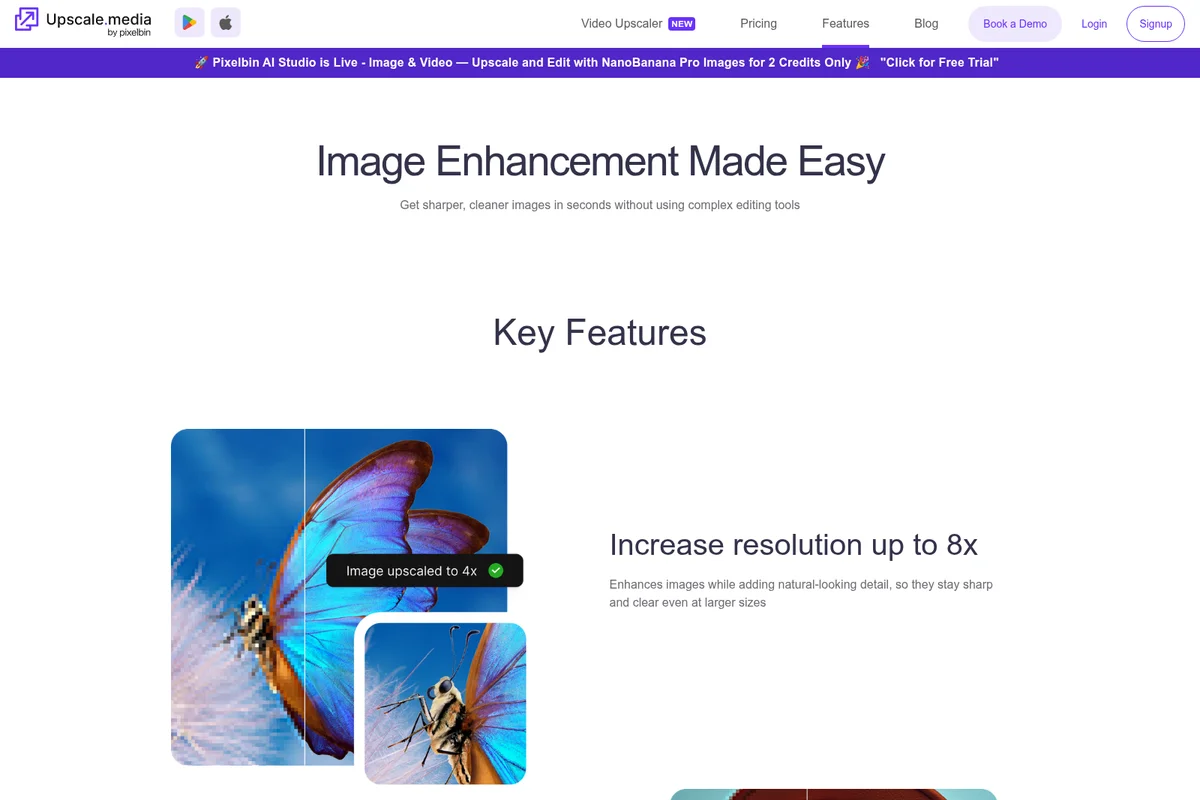
Enhance image resolution up to 8x for sharp, clear visuals at any size.
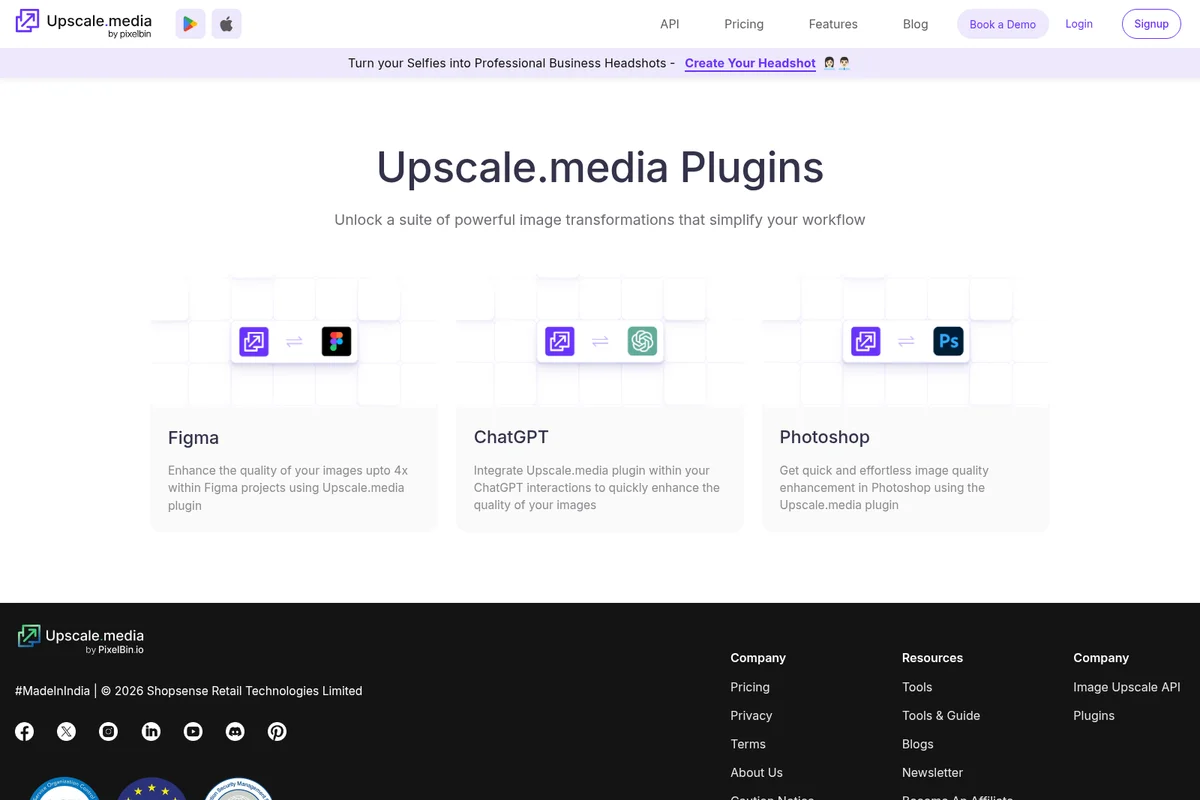
Integrate Upscale.media into your workflow with powerful plugins for creative and AI tools.
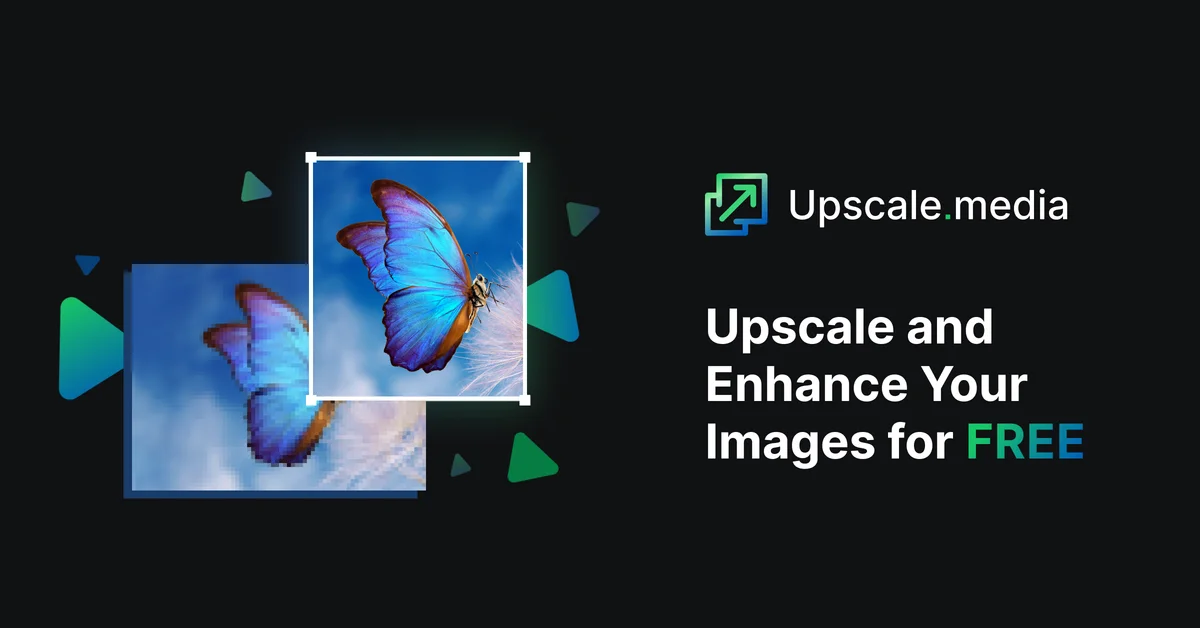
Upscale.media homepage
Upscale.media Review: Tooliverse Consensus



Based on 337 verified reviews across 4 platforms,
combined with Tooliverse's expert analysis
Upscale.media rescues low-resolution images with AI enhancement that actually reconstructs detail instead of just stretching pixels, delivering 4x upscaling that users consistently describe as surprisingly clean for photo restoration and web-ready product images. The completely free web tier with no signup requirement removes the friction that kills most tools before you try them, while JPEG artifact removal handles the compression damage other platforms ignore. Text upscaling produces wavy, unreadable characters, and face enhancement occasionally oversmoothes into plastic-looking skin, but for photographic content the results justify the 9.08/10 consensus score across real-world use.
Bottom line: A top-tier image upscaling platform that makes low-resolution photos usable through smart AI reconstruction, though text distortion and occasional face oversmoothening mean it works best for photographic content.
Upscale.media | Key Specs
- Platforms
- Web, iOS, Android
- Pricing Model
- Freemium ($0-60 one-time, $31.49-150/year subscription) See plans
- Security
- SOC 2, GDPR, ISO certified See details
- Integrations
- PixelBin
Wins
- •Delivers high-quality 4x upscaling that restores clarity to blurry or low-res imagesmentioned in 142 reviews
- •Provides a completely free web version that requires no account creation or signupmentioned in 128 reviews
- •Features an effective JPEG artifact removal tool that smooths out pixelated edgesmentioned in 115 reviews
Watch-Outs
- •Struggles to accurately upscale text, often resulting in wavy or distorted charactersmentioned in 42 reviews
- •Occasionally produces unnatural smoothing on human faces, creating a plastic-like appearancementioned in 36 reviews
- •Users report synchronization issues between mobile app credits and web account balancesmentioned in 28 reviews
Upscale.media Features 2026
Up to 8x Resolution Increase
Enhances images while adding natural-looking detail, keeping them sharp and clear even at larger sizes without quality loss.
API Integration
Easy API integration for workflow automation and bulk processing capabilities through PixelBin console.
JPEG Artifact Reduction
Cleans up blurry patches or blocky textures caused by image compression, restoring a smoother, cleaner look to compressed images.
Face Enhancement & Restoration
Revive portraits by brightening and smoothing facial features, rebuilding facial details with enhanced sharpness and tone.
Upscale.media User Reviews
Selected Reviews
"The AI enhancement actually makes a difference. It's not just resizing; it's actually reconstructing the missing pixels beautifully."
"Impressive results on landscape photos. It really brings out the details in the clouds and mountains that were lost."
"Solid tool for upscaling old digital art. It's not perfect, but it's much better than anything else I've tried for free."
More from the Community
"The 4x upscale is surprisingly clean. It saved a lot of old family photos that were too small to print."
"Best free upscaler I've found. It handles JPEG artifacts much better than other online tools I have tried recently."
"Great for photos, but it really struggles with text. Letters become wavy and unreadable after upscaling to 4x."
"I use this for my e-commerce site to fix low-quality supplier images. The results are usually sharp enough for web use."
"The app is easy to use, but I wish there were more manual controls for the denoising level. Sometimes it's too aggressive."
"The 4x upscale is surprisingly clean. It saved a lot of old family photos that were too small to print."
"Best free upscaler I've found. It handles JPEG artifacts much better than other online tools I have tried recently."
"Great for photos, but it really struggles with text. Letters become wavy and unreadable after upscaling to 4x."
"I use this for my e-commerce site to fix low-quality supplier images. The results are usually sharp enough for web use."
"The app is easy to use, but I wish there were more manual controls for the denoising level. Sometimes it's too aggressive."
"The web interface is snappy and the 2x upscale is almost instant. Perfect for my daily workflow as a designer."
"Works well most of the time, but it failed to process a few of my larger PNG files without any clear explanation."
"I love that I don't have to create an account just to upscale a few images. The privacy aspect is a big plus."
"Good results but the mobile app has quite a few ads that can be annoying when you're trying to work quickly."
"The web interface is snappy and the 2x upscale is almost instant. Perfect for my daily workflow as a designer."
"Works well most of the time, but it failed to process a few of my larger PNG files without any clear explanation."
"I love that I don't have to create an account just to upscale a few images. The privacy aspect is a big plus."
"Good results but the mobile app has quite a few ads that can be annoying when you're trying to work quickly."
Upscale.media Pricing 2026
View SourceThe free tier with three monthly credits handles occasional use, but the 1,500-credit annual subscription at $2.62 monthly is where the value concentrates for regular users—that's $0.02 per image, cheap enough to stop thinking about it. Heavy users processing images daily should jump to the 12,000-credit tier at $12.50 monthly, where the per-credit cost drops to $0.01. One-time credit packs exist but make sense only for truly sporadic use; the annual subscriptions deliver better economics if you're enhancing more than a few images monthly.
Upscale.media In-Depth Review 2026

This AI image enhancement platform runs on web, iOS, and Android, upscaling images up to 8x their original resolution while reconstructing missing detail instead of just stretching pixels. It handles JPEG artifact removal, deblurring, and face restoration across nine specialized enhancement modes. The free tier lets you process one image daily without even creating an account, which matters when you need a quick fix and don't want another login to manage.
What It's Like Day-to-Day
The interface stays out of your way. Upload an image, select your enhancement mode, and the AI processes it in seconds for smaller files. The 4x upscale mode is where most users land: it strikes the balance between dramatic improvement and processing speed. One iOS reviewer noted the "4x upscale is surprisingly clean" when rescuing old family photos that were too small to print, and that's the typical use case—taking images that would otherwise be unusable and making them work.
The JPEG artifact removal deserves specific mention because it handles a problem most tools ignore. Compressed images from suppliers, old web downloads, or over-saved files carry blocky textures that ruin otherwise decent photos. Upscale.media smooths those out while preserving actual detail, which is harder than it sounds.
Upscale.media Security & Compliance
Verified Compliance
- SOC 2
- GDPR
- ISO
Upscale.media: Frequently Asked Questions (FAQs)
What are credits?
Credits are used to measure platform usage. Each image upscale generally uses 1 credit, though this may vary by complexity of the transformation.
Is Upscale.media free?
Yes, you get 3 free credits when you sign up with no payment required. You can use these to try out the platform. For regular or bulk use, you can switch to a subscription or pay-as-you-go plan.
Do I need to sign up for upscaling images?
Sign-up is required for bulk transformations and full access to the console. Without signing up, you can upscale one image per day for free.
Should I use pay-as-you-go credits or a subscription plan?
Use pay-as-you-go if you only need to process a few images occasionally. For ongoing or bulk use, a subscription plan offers better value.
Upscale.media Integrations
| PixelBin |
Upscale.media: Verified Data Sheet
| # | Label | Data Point |
|---|---|---|
| [1] | Upscale.media Consensus: 9.08/10 | Upscale.media is one of the highest-rated AI image generators in the Tooliverse index, with a consensus score of 9.08/10 across 337 verified reviews. |
| [2] | What is Upscale.media | Upscale.media, operated by Shopsense Retail Technologies Limited, is a SOC 2, GDPR, and ISO certified AI image enhancement platform. The platform upscales images up to 8x resolution with 9 specialized enhancement modes, with pricing starting at $31.49/year. |
| [3] | Tooliverse Consensus on Upscale.media | Upscale.media rescues low-resolution images with AI enhancement that actually reconstructs detail instead of just stretching pixels, delivering 4x upscaling that users consistently describe as surprisingly clean for photo restoration and web-ready product images. The completely free web tier with no signup requirement removes the friction that kills most tools before you try them, while JPEG artifact removal handles the compression damage other platforms ignore. Text upscaling produces wavy, unreadable characters, and face enhancement occasionally oversmoothes into plastic-looking skin, but for photographic content the results justify the 9.08/10 consensus score across real-world use. |
| [4] | Upscale.media Verdict | Upscale.media bottom line: A top-tier image upscaling platform that makes low-resolution photos usable through smart AI reconstruction, though text distortion and occasional face oversmoothening mean it works best for photographic content. |
| [5] | Free Plan: Free | Upscale.media provides a functional Free Plan tier with 3 free credits per month and 3 free downloads per month, making image enhancement accessible at no cost. |
| [6] | High-quality 4x upscaling restores clarity | Upscale.media delivers high-quality 4x upscaling that restores clarity to blurry or low-resolution images, validated as a core strength by 142 user reviews. |
| [7] | Free web version, no signup required | Upscale.media provides a completely free web version that requires no account creation or signup, allowing users to upscale one image per day without barriers, as confirmed by 128 user reviews. |
| [8] | Effective JPEG artifact removal | Upscale.media features an effective JPEG artifact removal tool that smooths out pixelated edges and compression artifacts, praised in 115 user reviews. |
| [9] | Subscription - 1500 Credits: $2.62/mo (annual) | Shopsense Retail Technologies Limited's Upscale.media Subscription - 1500 Credits empowers users with 1500 credits annually for $2.62/month billed annually, significantly expanding on the free tier's capabilities. |
| [10] | Fast, intuitive cross-platform interface | Upscale.media maintains a fast and intuitive interface suitable for both mobile and desktop users, with responsive processing times highlighted in 98 user reviews. |
| [11] | Text upscaling produces distortion | Upscale.media struggles to accurately upscale text, often resulting in wavy or distorted characters that become unreadable at higher resolutions, according to 42 user reports. |
| [12] | Face smoothing can appear unnatural | Upscale.media occasionally produces unnatural smoothing on human faces, creating a plastic-like appearance that reduces photographic authenticity, as noted in 36 user reviews. |
| [13] | Excellent for photo restoration | Upscale.media saved old family photos that were too small to print, with a verified iOS App Store reviewer noting the "4x upscale is surprisingly clean" for photo restoration. |
Best Upscale.media Alternatives

LetsEnhance
Turn blurry, pixelated photos into sharp, print-ready images with AI that recovers real detail.

Topaz Photo AI
Turn every shot into a masterpiece with AI-powered image enhancement that fixes focus, removes noise, and sharpens details.
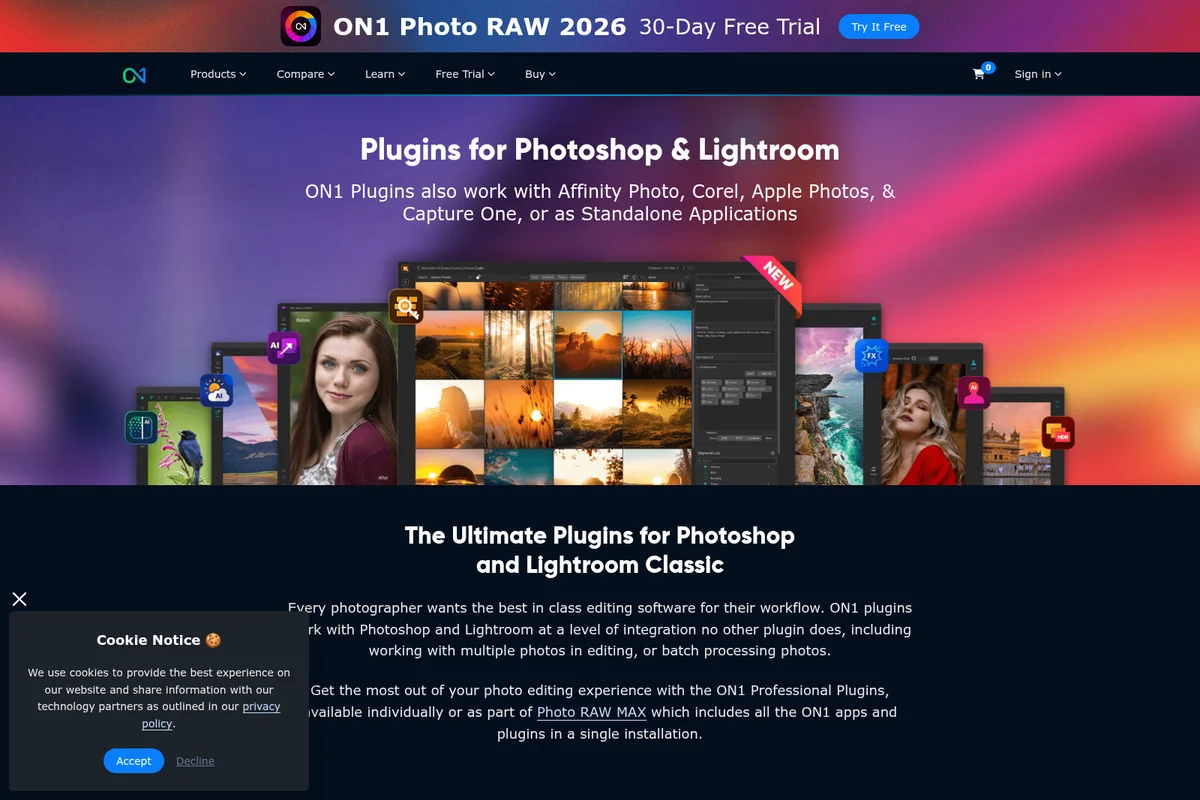
ON1 Resize AI
Enlarge photos up to 10x with AI-powered super-resolution that maintains sharpness and detail.