
pen.dev Review 2026 - Agentic Design Canvas
Verified Oct 5, 2026 by Tooliverse Editorial
pen.dev is an agentic design canvas where AI agents build your website, app, or slide deck while you steer. Import any webpage or Figma file, run up to 6 agents in parallel, and export clean HTML/Tailwind.
pen.dev - Getting Started with the desktop app
I Finally Found an AI Design Tool I Like (Pencil App)
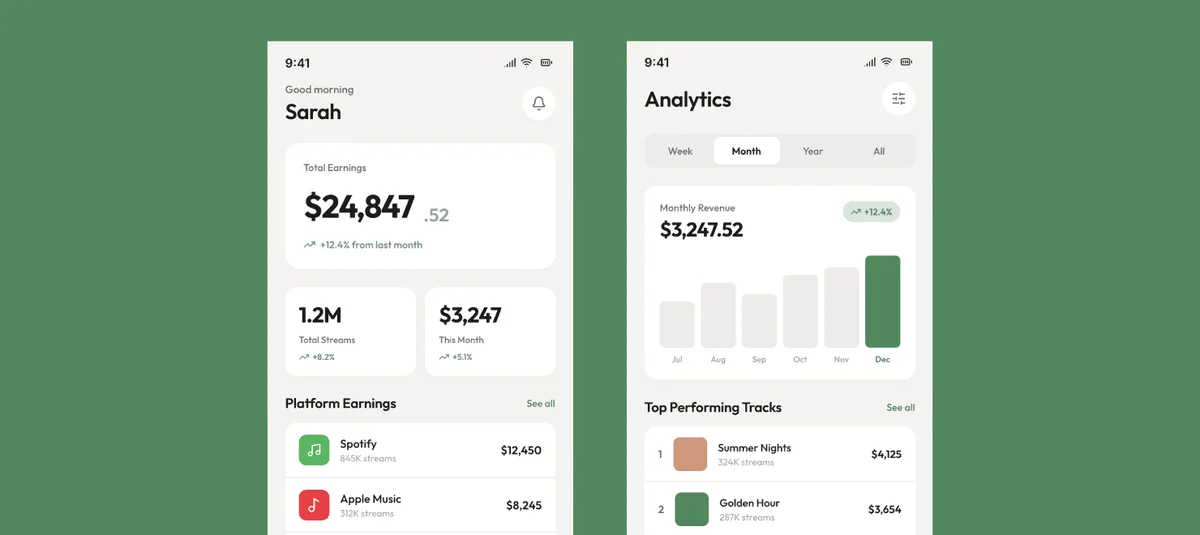
Track total earnings, monthly revenue, and top performing tracks.
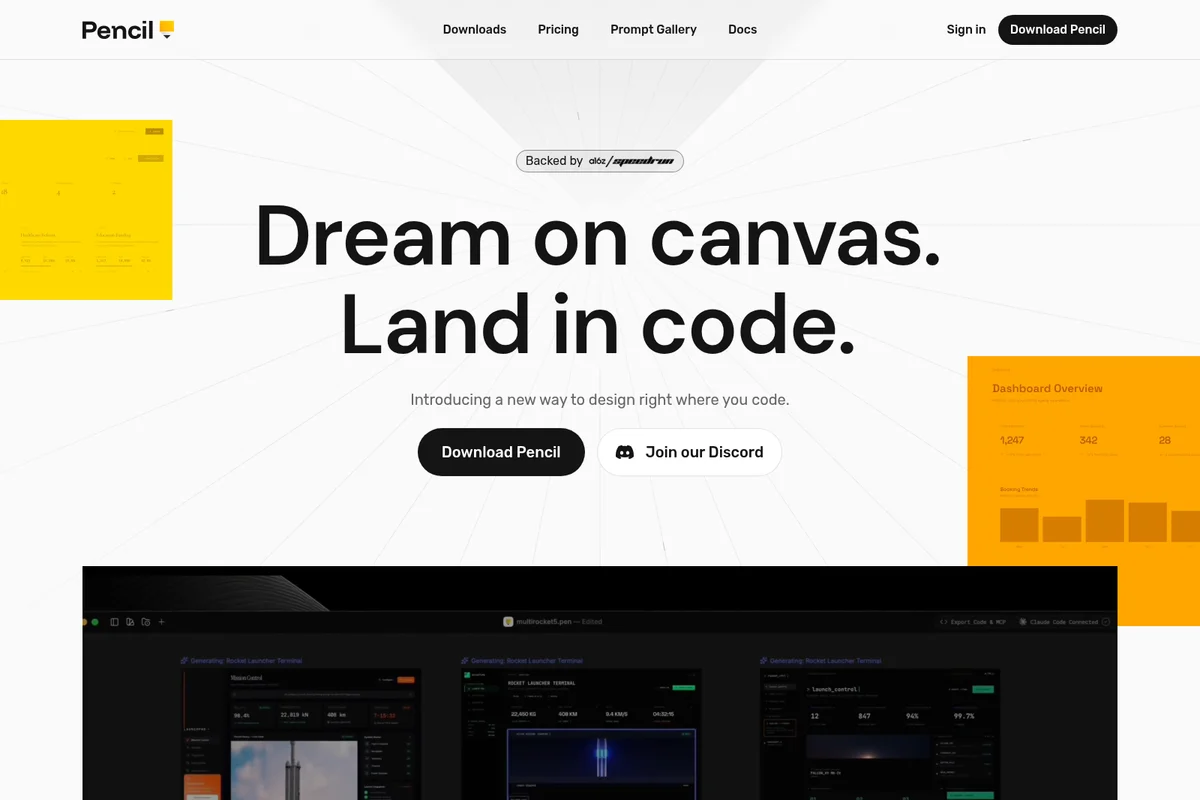
Bridge the gap between design and development by working directly in code.
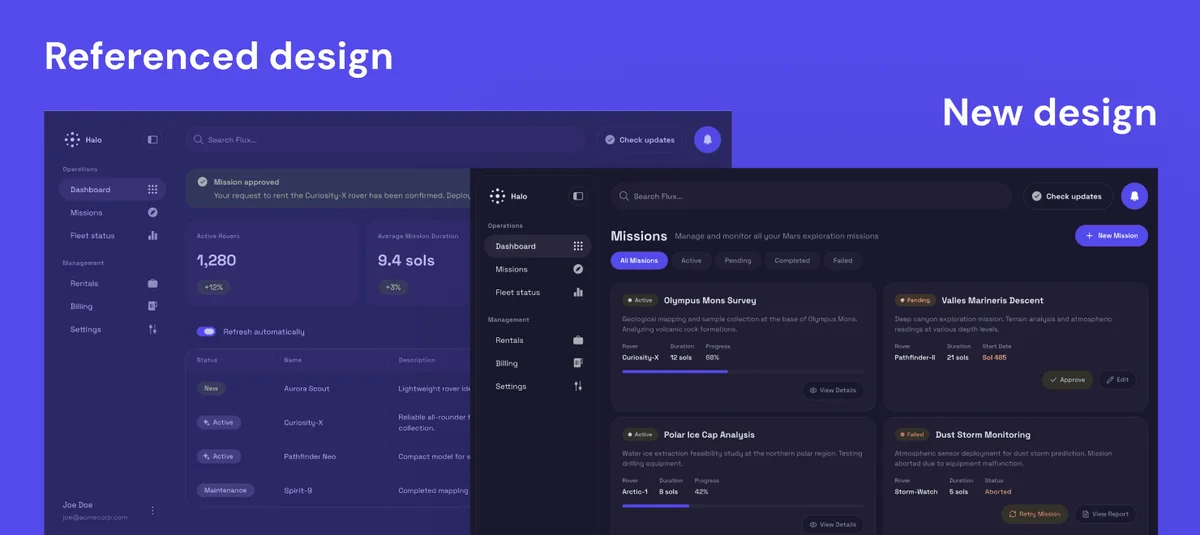
Explore the evolution of Halo's mission management interface with our latest design enhancements.
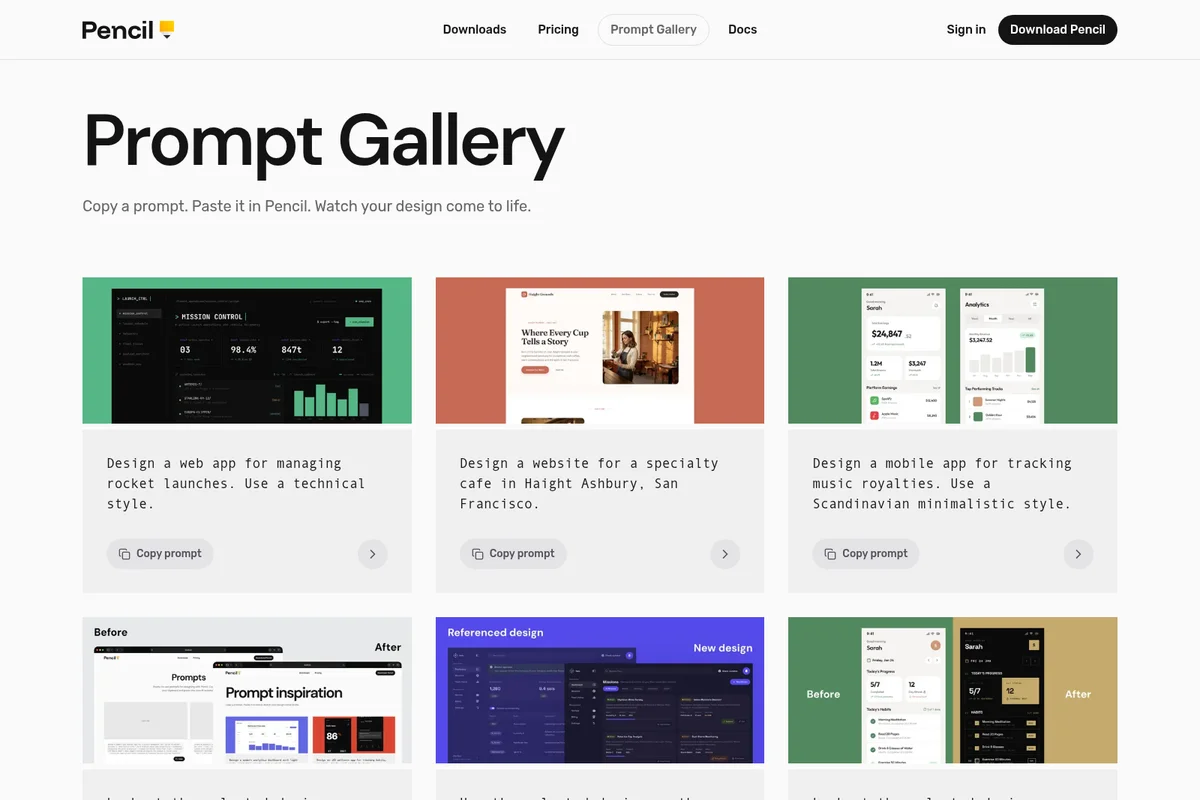
Explore AI-generated UI designs and copy prompts to create your own.
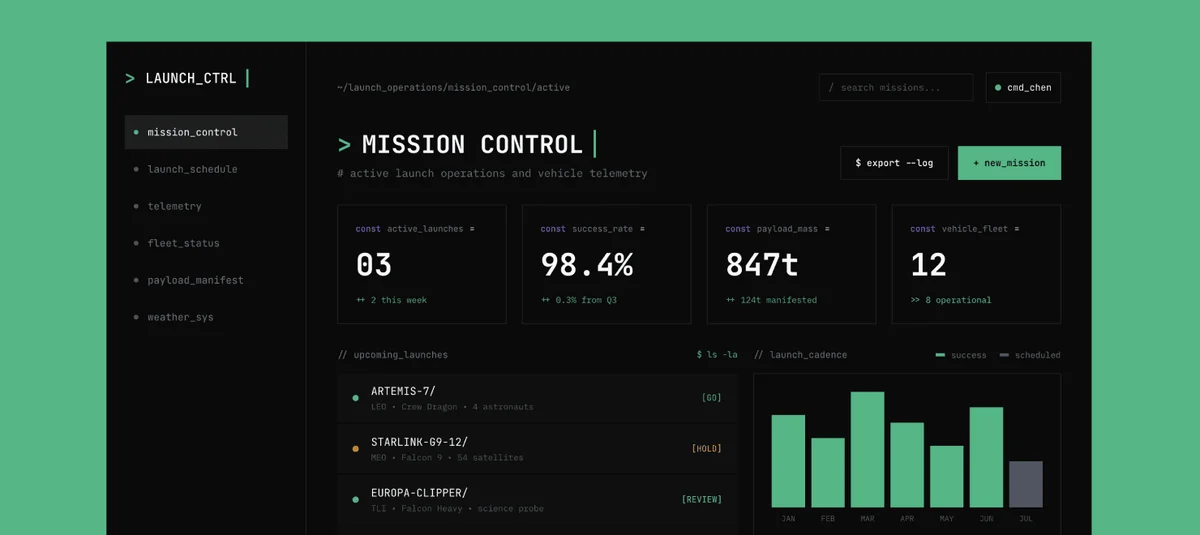
Monitor active launches, vehicle telemetry, and manage upcoming space missions.
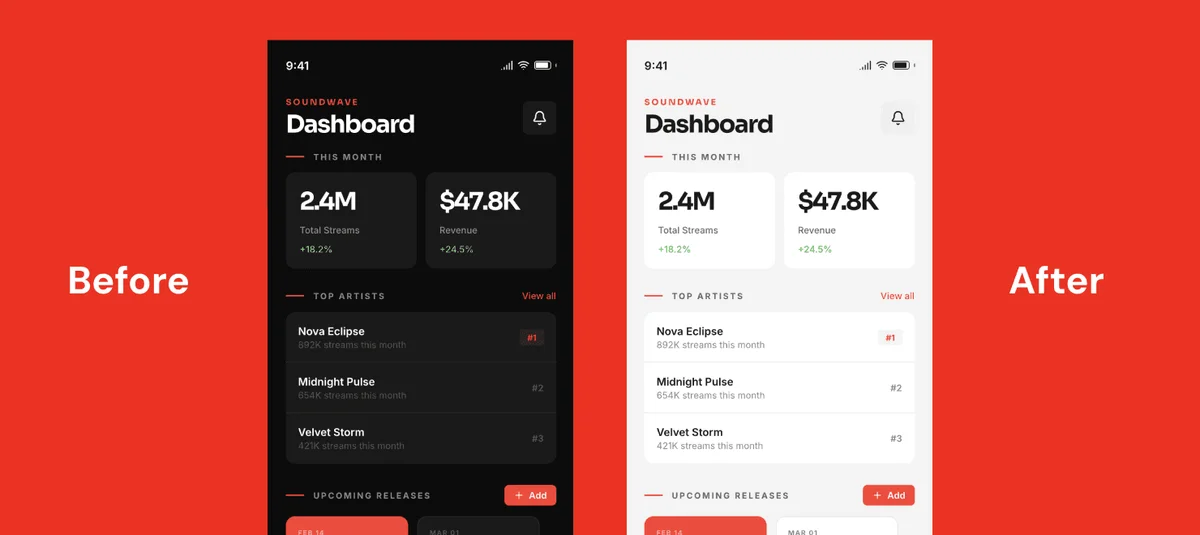
Experience Soundwave's versatile dashboard in both dark and light modes for optimal viewing.
pen.dev Review: Tooliverse Consensus




Based on 418 verified reviews across 3 platforms,
combined with Tooliverse's expert analysis
pen.dev puts a Figma-style canvas inside the editor and saves designs as JSON .pen files in the Git repository, so design and code travel through the same version history. Reviewers praise how manual drag-and-drop edits cut token spend and how parallel agents can be watched building screens live. The costs show up on complex multi-agent jobs, which burn tokens quickly, and design-to-code output sometimes misses intricate component connections. The VS Code extension also trails the desktop app in stability.
Bottom line: A strong pick for developers who want design and code in one Git repo, with manual edits keeping token bills down, though complex multi-agent runs and intricate component mapping still need watching.
pen.dev | Key Specs
- Platforms
- Windows, Linux, Chrome extension, VS Code/Cursor extensions, CLI
- Pricing Model
- Freemium ($0-48/user/mo), Enterprise custom See plans
- Security
- Local-first files, member and role management See details
- Integrations
- Claude Code, Codex, Hermes + 15 more
Wins
- •Integrates a Figma-like design canvas directly into the IDE for seamless vibe-codingmentioned in 142 reviews
- •Stores design files as JSON-based .pen files within the Git repository for version controlmentioned in 128 reviews
- •Reduces AI token costs by allowing manual visual edits instead of repeated promptingmentioned in 115 reviews
Watch-Outs
- •Consumes a significant amount of tokens for complex multi-agent design tasksmentioned in 78 reviews
- •Lacks a browser-based version, requiring a local Claude CLI or desktop installationmentioned in 56 reviews
- •Occasional difficulty accurately connecting complex components during design-to-code generationmentioned in 45 reviews
pen.dev Features 2026
Agentic canvas
Design directly on the canvas with agents, then refine manually or fire up more agents.
Parallel agents
Run 1-6 agents at once, either splitting work across tasks or working side by side on the same task.
Bring any model
Use Claude, OpenAI, Grok, Qwen, Gemini, Kimi, Deepseek or Minimax via subscription, API keys, MCP, WebMCP or CLI.
MCP and CLI design
Connect Claude Code, Codex, Hermes, Antigravity, Cursor or any agent via MCP, or design headlessly with the pen.dev CLI.
pen.dev User Reviews
Selected Reviews
"The idea of keeping design files in the same repo as code is genius. Git-native design is what we've been missing for years. No more Figma version chaos."
"Finally, your workflow will not be disturbed! The Penport plugin imports Pencil.dev files directly into Figma as fully editable layers for final polish."
"It struggled to connect components correctly in my intricate UI. They need to think differently to make it a better product for complex apps."
More from the Community
"The version integrated into VS Code is a bit clunky, but the desktop app is where it shines. Creating interfaces with Claude and editing them like Figma is the future."
"Pencil dev is a vibe-coding app that supercharges your Claude Code. The Figma-like canvas makes UI iteration so much faster and saves a ton of credits."
"I love how you can watch the six agents at work. It's not perfect yet, but I'm moving all my UI design to pencil! Adore the local Git repo approach."
"It takes a colossal amount of tokens. Not useful for small projects where you're watching your API spend closely. Needs better optimization."
"Pencil.dev bridges the gap between design and development by putting both in the same environment. It's a game changer for design engineers."
"The version integrated into VS Code is a bit clunky, but the desktop app is where it shines. Creating interfaces with Claude and editing them like Figma is the future."
"Pencil dev is a vibe-coding app that supercharges your Claude Code. The Figma-like canvas makes UI iteration so much faster and saves a ton of credits."
"I love how you can watch the six agents at work. It's not perfect yet, but I'm moving all my UI design to pencil! Adore the local Git repo approach."
"It takes a colossal amount of tokens. Not useful for small projects where you're watching your API spend closely. Needs better optimization."
"Pencil.dev bridges the gap between design and development by putting both in the same environment. It's a game changer for design engineers."
"The manual editing features save a ton of credits. Instead of prompting for every small CSS change, you just drag and drop on the canvas."
"The UI can be all over the place in recent developments. It still needs to mature before it replaces Figma for our team's daily production."
"I tried it, converted the design into code, and it wasn't exactly how the design is. But I like how AI Agents are working together."
"The most technical feature is Code on Canvas. Connecting JS files to script nodes to render design layers is incredibly powerful for data-driven UI."
"The manual editing features save a ton of credits. Instead of prompting for every small CSS change, you just drag and drop on the canvas."
"The UI can be all over the place in recent developments. It still needs to mature before it replaces Figma for our team's daily production."
"I tried it, converted the design into code, and it wasn't exactly how the design is. But I like how AI Agents are working together."
"The most technical feature is Code on Canvas. Connecting JS files to script nodes to render design layers is incredibly powerful for data-driven UI."
pen.dev Pricing 2026
View SourceFree already covers the full editor, MCP access and the CLI, and the pricing page says it stays free until paid plans launch. The cap to watch is five Agent days a month, which daily users will burn through quickly. Pro at $16/user/month removes that limit and triples parallel agents to three, which is the upgrade that matters for anyone iterating every day. Paid plans are still listed as coming soon.
pen.dev In-Depth Review 2026

pen.dev is a local-first design canvas where AI agents, built in or connected through MCP from tools like Claude Code, Codex and Cursor, draw interfaces directly on the canvas. Designs live in an open JSON .pen format that agents can read and write natively and that sits in your Git repository next to the code. It runs as a desktop app for Windows and Linux, as extensions for VS Code, Cursor and OpenVSX, and through a CLI, and it works with Claude, OpenAI, Gemini, Grok and other models.
What It's Like Day-to-Day
The core loop starts with a prompt. An agent builds a landing page, a mobile screen or a showcase board on the canvas, and then you take over with familiar Figma-style shortcuts to nudge spacing, swap colors or restructure a layout. That handoff saves money as well as time: more than a hundred reviewers say manual edits cut their AI token costs, and a Flowstep review notes that instead of prompting for every small CSS change, you can "just drag and drop on the canvas."
Parallel agents add a second rhythm.
pen.dev Security & Compliance
Security Features
- Local-first editor with local .pen files
- Member and role management
pen.dev: Frequently Asked Questions (FAQs)
Is pen.dev free?
Yes, pen.dev has a Free plan at $0 with 5 Agent days and 25 image and SVG generations per month. The pricing page also states pen.dev stays free until paid plans launch.
How much do Pro and Ultra cost?
Pro costs $16 per user per month and Ultra costs $48 per user per month. Both include unlimited Agent days; paid plans are marked as coming soon.
What is an Agent day?
An Agent day is any day you work with an agent in pen.dev, whether inside pen.dev or connected through MCP like Claude Code. Agent usage and MCP tool calls are unlimited during an Agent day, and days without agent use don't count. Free includes 5 per month; Pro and Ultra are unlimited.
Can I use Claude Code, Codex, Cursor, or another agent with pen.dev?
Yes, pen.dev works with your own agents on every plan using your own subscriptions or API keys. Your plan's agent usage limits apply whether you use agents inside pen.dev or through another tool.
pen.dev Integrations
| Claude Code | Codex | Hermes |
| Antigravity | Cursor | VS Code |
| Figma | Claude | OpenAI |
| Gemini | Grok | Qwen |
| Kimi | Deepseek | Minimax |
| Shadcn UI | Unsplash | Chrome |
pen.dev: Verified Data Sheet
| # | Label | Data Point |
|---|---|---|
| [1] | pen.dev Consensus: 8.32/10 | pen.dev is a highly-rated tool among AI design tools in the Tooliverse index, with a consensus score of 8.32/10 across 418 verified reviews. |
| [2] | What is pen.dev | pen.dev, by High Agency Inc. and backed by a16z speedrun, is an agentic design canvas where AI agents design and export code. It supports Claude, OpenAI and Gemini models, with a Free plan and paid tiers from $16/user/month. |
| [3] | Tooliverse Consensus on pen.dev | pen.dev puts a Figma-style canvas inside the editor and saves designs as JSON .pen files in the Git repository, so design and code travel through the same version history. Reviewers praise how manual drag-and-drop edits cut token spend and how parallel agents can be watched building screens live. The costs show up on complex multi-agent jobs, which burn tokens quickly, and design-to-code output sometimes misses intricate component connections. The VS Code extension also trails the desktop app in stability. |
| [4] | pen.dev Verdict | pen.dev bottom line: A strong pick for developers who want design and code in one Git repo, with manual edits keeping token bills down, though complex multi-agent runs and intricate component mapping still need watching. |
| [5] | Free: Free | pen.dev offers a functional Free tier with 5 Agent days / month and 25 image and SVG generations / month, putting AI design tools within reach at no cost. |
| [6] | Manual edits cut token costs | pen.dev reduces AI token costs by letting users make manual visual edits on the canvas instead of re-prompting an agent for each change, a benefit reported in 115 user reviews. |
| [7] | Watch up to 6 agents build UI live | pen.dev supports multi-agent collaboration in which users watch AI agents build UI in real time, a capability highlighted in 98 user reviews, with 1 agent at a time on Free, up to 3 on Pro and up to 6 on Ultra. |
| [8] | Two-way design-to-code sync | pen.dev bridges design and code through two-way synchronization, validated by 87 user reviews, and exports to HTML + Tailwind, HTML + CSS and React + Tailwind. |
| [9] | Pro: $16/user/month | High Agency Inc.'s pen.dev Pro empowers users with Unlimited Agent days / month for just $16/user monthly, significantly expanding on the free tier's capabilities. |
| [10] | Figma-like canvas inside the IDE | pen.dev embeds a Figma-like design canvas directly inside the IDE for seamless vibe-coding, a strength cited in 142 user reviews, and it runs as a desktop app and as extensions for VS Code, Cursor and OpenVSX. |
| [11] | High token use on multi-agent tasks | pen.dev consumes a significant number of tokens on complex multi-agent design tasks, according to 78 user reviews, which weighs most on small projects with tight API budgets. |
| [12] | No browser version; local install required | pen.dev has no browser-based version, according to 56 user reports, so it requires a local install through the desktop app (Windows and Linux), an IDE extension, or the npm CLI, which needs Node.js 22.19 or later. |
| [13] | Enterprise: Local-first editor with local .pen files | pen.dev provides enterprise security through a Local-first editor with local .pen files and Member and role management. |
| [14] | Desktop app is where it shines | A verified Reddit reviewer noted that pen.dev's VS Code version "is a bit clunky, but the desktop app is where it shines," adding that creating interfaces with Claude and editing them like Figma is "the future." |
Best pen.dev Alternatives
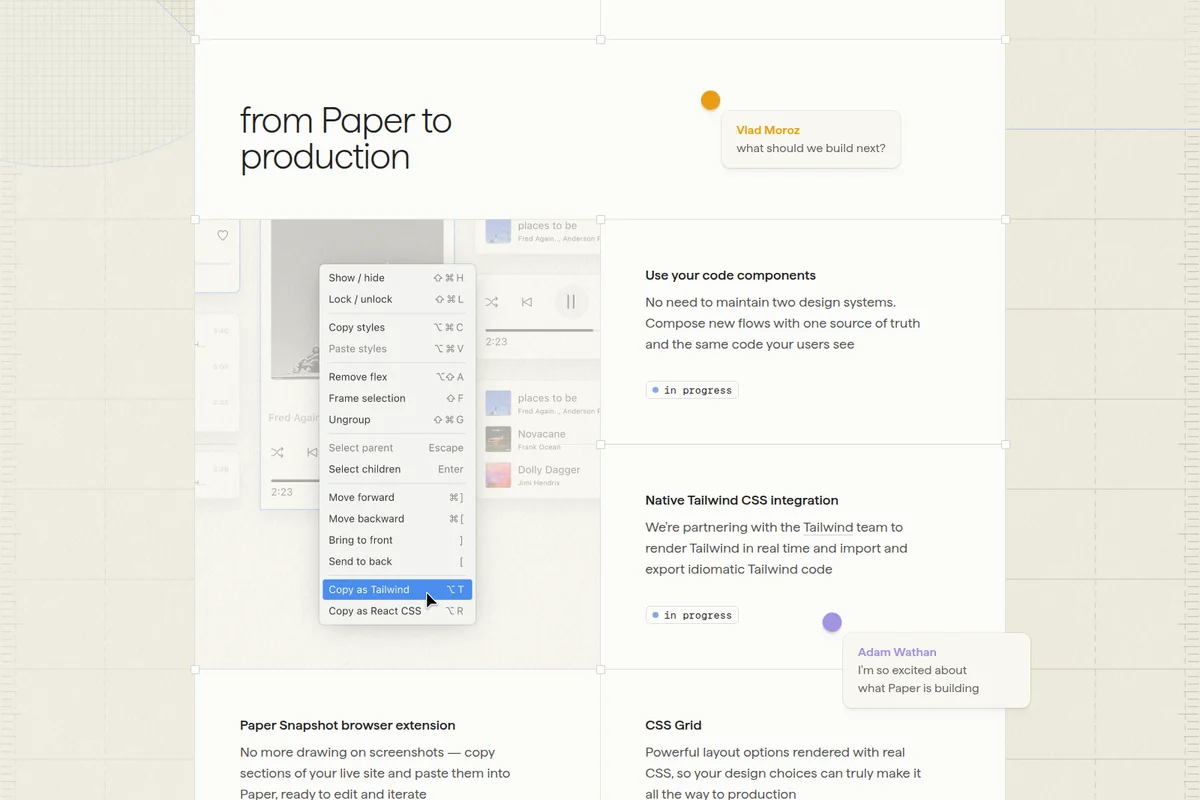
Paper
Design on a real HTML/CSS canvas where your agents, code, and data stay connected.
Figma
Design, prototype, and ship products together with your team and AI agents on one canvas.
Framer
Design, build, and publish stunning websites with AI agents that work alongside you.