
Read AI Review 2026 - AI Meeting Notetaker
Verified Oct 6, 2026 by Tooliverse Editorial
Read AI joins your Zoom, Teams, and Meet calls, then turns the chatter into summaries, action items, and answers you can actually search. Its Ada digital twin and Ask Read pull context from email, calendar, and CRM too.
Read AI Review - Best AI Meeting Assistant for Businesses!
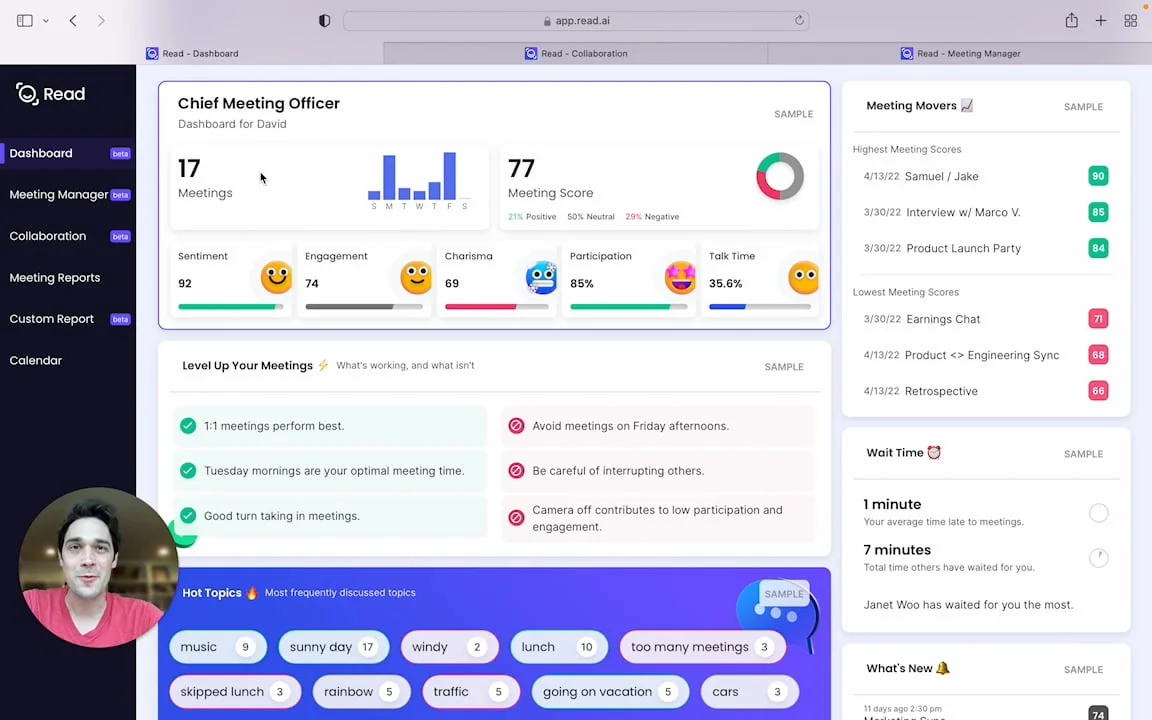
Understand and optimize your meeting effectiveness with key metrics and insights.
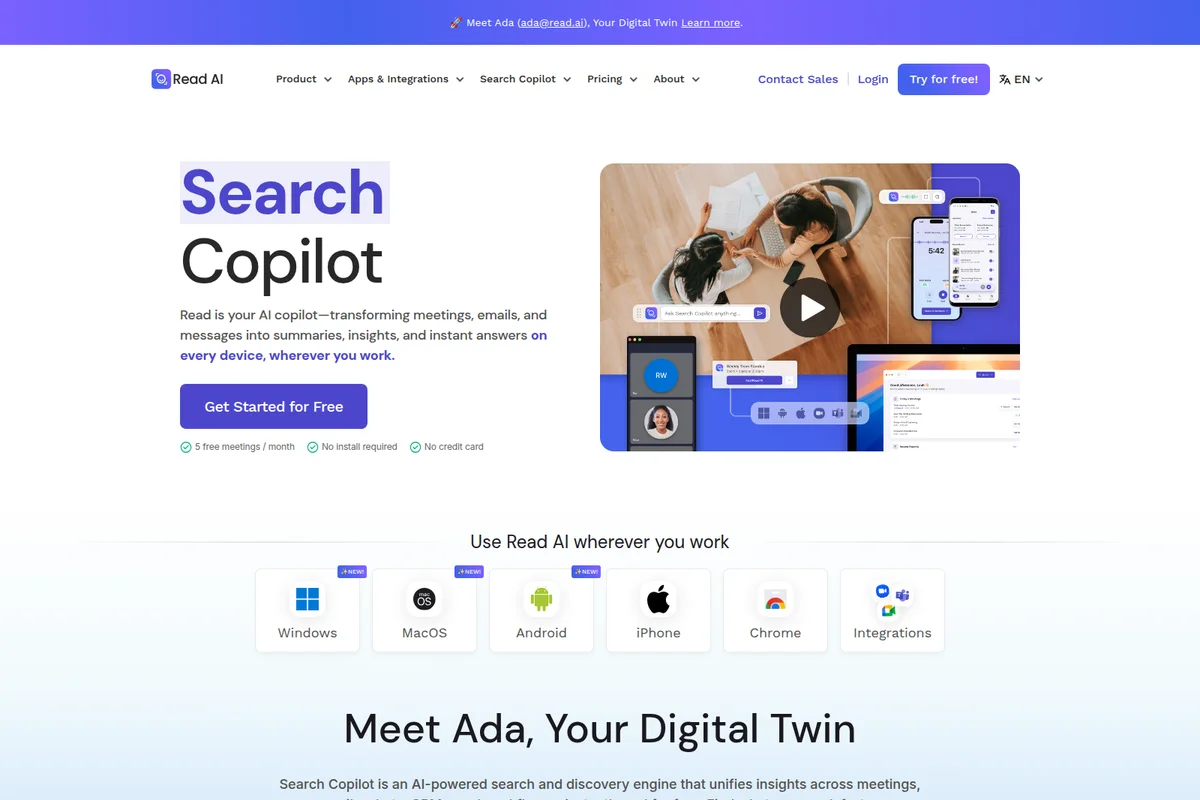
Read AI Copilot summarizes meetings, emails & messages into insights instantly.
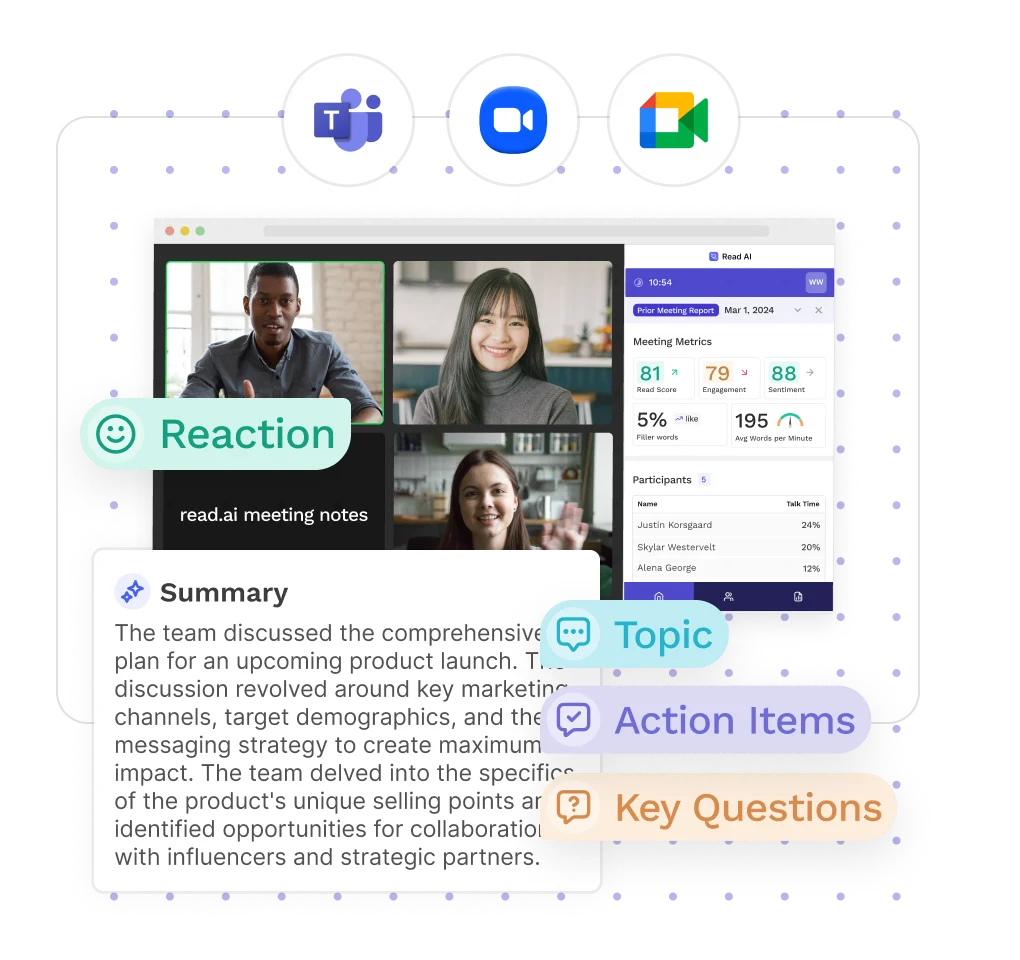
Get instant summaries, key topics, action items, and participant insights from your meetings.
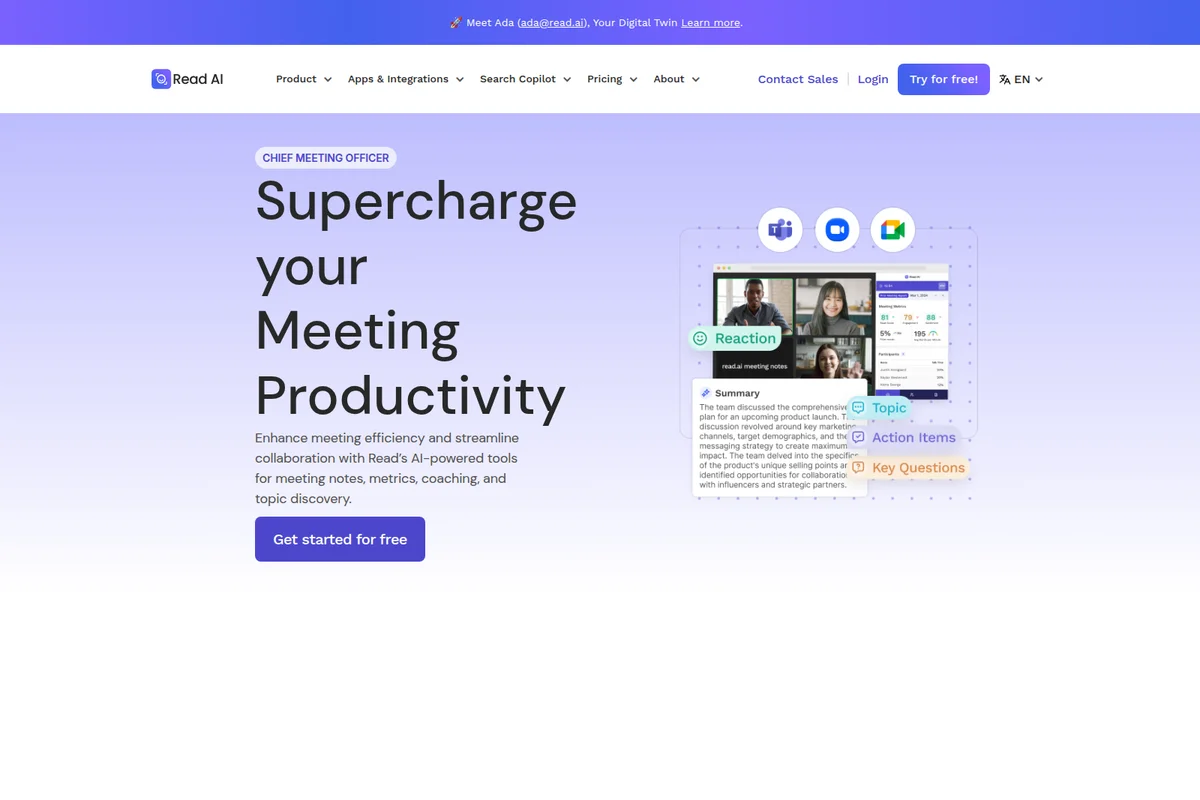
Automatically summarize meetings, identify action items, and track key topics.
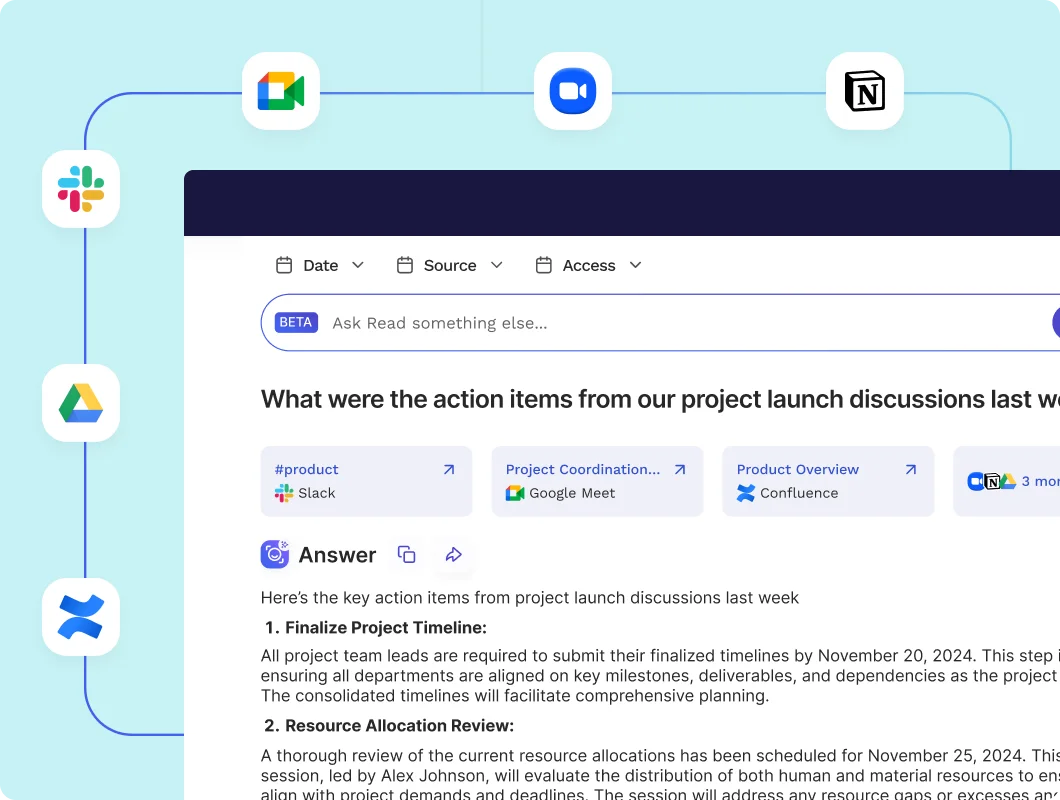
Get AI-generated action items from all your team's discussions and tools.
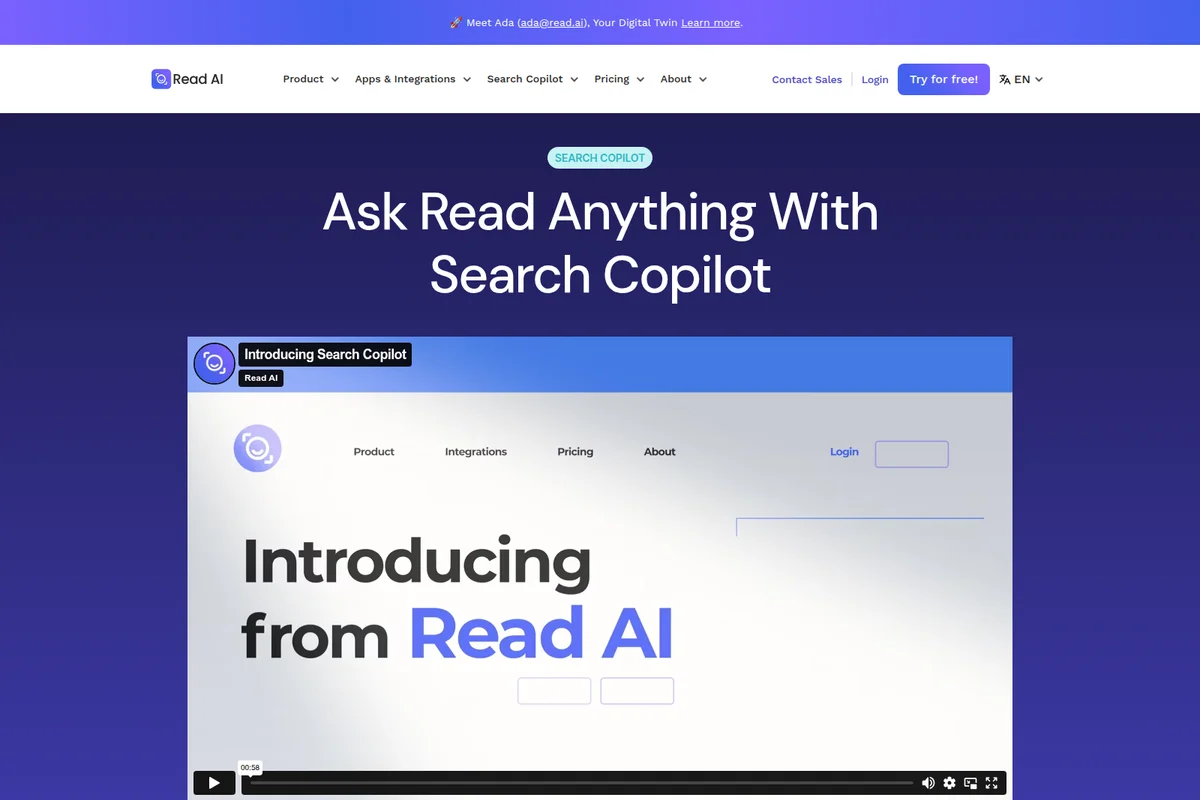
Ask anything and get answers with Read AI's powerful Search Copilot.
Read AI Review: Tooliverse Consensus




Based on 425 verified reviews across 5 platforms,
combined with Tooliverse's expert analysis
Read AI is a passive meeting recorder that turns Zoom, Teams, and Meet calls into accurate transcripts, structured summaries, and speaker-level breakdowns. Reviewers credit it with reliably capturing decisions and tracking engagement over time. The price of that convenience is control: calendar sync can send the bot into meetings uninvited, removing it is reported as difficult, and several universities have banned it over consent concerns. Sentiment scoring also misreads sarcasm and silence, so treat it as a rough signal.
Bottom line: A strong meeting recorder whose accurate summaries and speaker tracking earn their keep, as long as you lock down calendar sync before the bot starts showing up uninvited.
Read AI | Key Specs
- Platforms
- Web, iOS, Android, macOS, Windows, Chrome extension
- Pricing Model
- Freemium ($0-39.75/user/mo) See plans
- Privacy/Data Use
- No training on your data by default, zero retention by LLM subprocessors
- Security
- SOC 2 Type 2, GDPR, HIPAA, SAML SSO See details
Wins
- •Generates highly accurate meeting transcripts and structured summaries that capture key decisionsmentioned in 185 reviews
- •Identifies unique speakers and their contributions with impressive precision across multiple platformsmentioned in 142 reviews
- •Integrates seamlessly with major video conferencing tools like Zoom, Teams, and Google Meetmentioned in 128 reviews
Watch-Outs
- •The AI bot can join meetings uninvited if calendar sync is not carefully managedmentioned in 156 reviews
- •Users report significant difficulty in removing the bot or deleting accounts once integratedmentioned in 112 reviews
- •Institutional bans at several universities due to data privacy and consent concernsmentioned in 84 reviews
Read AI Features 2026
AI Meeting Reports
Automatically generated summaries, topics, action items, key questions, and transcripts with sentiment and engagement.
Ask Read (Enterprise Search)
AI search and chat across meetings, email, messages, and documents with citations; unlimited searches on all plans, including free.
Ada Digital Twin
An AI executive assistant that works alongside you, handling tasks and managing your workflow over email.
Cross-Platform Meeting Assistant
Joins Zoom, Microsoft Teams, and Google Meet calls, plus captures in-person meetings via mobile and desktop apps.
Read AI User Reviews
Selected Reviews
"I like how easy it is to use and implement during meetings. The platform automatically generates clear, well-structured recaps."
"The summaries are a lifesaver. I can skip meetings and still know exactly what happened without watching the full recording."
"Automated summaries and action items helped improve follow-through, but the quality varies with accents and meeting structure."
More from the Community
"It's my personal assistant. I use it to accept recordings from vendors or for sales meetings. Site functions well."
"In order to use this application, you must sync a calendar to it, but what happens if you want to do an impromptu meeting?"
"I can ask it for key takeaways or things I should follow up on. Video playback is good and doesn't cause issues."
"Read AI provides us with a more detailed transcription and better captures what was spoken compared to our previous tool."
"It's my personal assistant. I use it to accept recordings from vendors or for sales meetings. Site functions well."
"In order to use this application, you must sync a calendar to it, but what happens if you want to do an impromptu meeting?"
"I can ask it for key takeaways or things I should follow up on. Video playback is good and doesn't cause issues."
"Read AI provides us with a more detailed transcription and better captures what was spoken compared to our previous tool."
"The mobile app is great for recording in-person meetings, which most other bots can't do because they need a link."
"I do not wish to share access to my calendar so I cannot use this app. It should be optional."
"The sentiment analysis is a bit hit or miss. It thought my sarcasm was genuine negative sentiment during a team joke."
"Game-changer for call transcripts. The clear summaries and key takeaways save me at least 3 hours of admin a week."
"The mobile app is great for recording in-person meetings, which most other bots can't do because they need a link."
"I do not wish to share access to my calendar so I cannot use this app. It should be optional."
"The sentiment analysis is a bit hit or miss. It thought my sarcasm was genuine negative sentiment during a team joke."
"Game-changer for call transcripts. The clear summaries and key takeaways save me at least 3 hours of admin a week."
Read AI Pricing 2026
View SourceThe free plan's five-meeting, one-hour cap runs out quickly for anyone with a full calendar. Pro at $15/user/month billed annually removes the cap and adds the CRM and project-tool integrations that make the notes useful beyond a transcript. Audio and video playback sits behind Enterprise, so pay for that only if you regularly need to rewatch moments instead of rereading summaries.
Read AI In-Depth Review 2026

Read AI is an AI meeting assistant that joins Zoom, Microsoft Teams, and Google Meet calls, and records in-person conversations through its mobile and desktop apps. It produces transcripts, summaries, action items, and engagement metrics, then pulls in context from your calendar, email, CRM, and past meetings through Ask Read, a search tool that answers with citations. Its independence from any single video platform is the draw: one assistant follows you across whatever tools your colleagues and clients happen to prefer.
What It's Like Day-to-Day
After a call, a report arrives with a summary, topic breakdown, key questions, and action items attached to a full transcript. Reviewers on G2 and the app stores describe skipping meetings they only needed the outcome of, and one G2 user says the clear summaries "save me at least 3 hours of admin a week." Speaker identification earns repeated praise as well, with users saying it attributes contributions to the right person across platforms, which matters when you need to know who actually committed to the deadline.
The output doesn't stay in a document.
Read AI Security & Compliance
Verified Compliance
- SOC 2 Type 2
- GDPR Compliant
- HIPAA Compliant
Security Features
- Encryption at rest and in transit
- SAML SSO and SCIM provisioning (Enterprise+)
- Domain capture
- Bottom-up authorization and permissioning layers
Privacy Commitments
- No training on your data by default
- LLM subprocessors (Anthropic, OpenAI) bound by DPA with zero re-use and zero retention
- Users control what is searchable and what remains private
- Custom data retention policy (Enterprise+)
- EU/Canada data processing available on request
Read AI: Frequently Asked Questions (FAQs)
Does Read AI have a free plan?
Yes, Read AI has an always-free plan with 5 meeting transcripts per month and no credit card required. It includes summaries, Ask Read search, a personalized meeting coach, basic integrations, and desktop and mobile apps.
How much do Read AI paid plans cost?
Pro costs $15 per user/month billed annually ($19.75 monthly), Enterprise costs $22.50 annually ($29.75 monthly), and Enterprise+ costs $29.75 annually ($39.75 monthly) and requires 5+ licenses.
Does Read AI offer a free trial of paid plans?
Yes, Read AI offers all new users a 7-day free trial of the Enterprise plan, including all premium integrations.
What is Ask Read?
Ask Read is Read AI's AI-powered search and discovery engine that searches meeting transcripts and connected email, chat, and document apps. It uses Retrieval-Augmented Generation to return answers with citations, and unlimited searches are included in free and paid plans.
Read AI Integrations
| Zoom | Google Meet | Microsoft Teams |
| Google Calendar | Outlook 365 | Zoom Calendar |
| Gmail | Outlook | Slack |
| HubSpot | Salesforce | Asana |
| Jira | Linear | Confluence |
| Notion | Google Drive | Microsoft OneDrive |
| Google Docs | Microsoft OneNote | Claude |
| ChatGPT | MCP | Zapier |
| Webhooks |
Read AI: Verified Data Sheet
| # | Label | Data Point |
|---|---|---|
| [1] | Read AI Consensus: 8.46/10 | Read AI is a highly-rated tool among AI productivity tools in the Tooliverse index, with a consensus score of 8.46/10 across 425 verified reviews. |
| [2] | What is Read AI | Read AI is a SOC 2 Type 2 certified AI meeting notetaker and enterprise search platform that works across Zoom, Teams, and Meet. It offers a free plan with 5 meetings/month, with paid plans from $15/user/month. |
| [3] | Tooliverse Consensus on Read AI | Read AI is a passive meeting recorder that turns Zoom, Teams, and Meet calls into accurate transcripts, structured summaries, and speaker-level breakdowns. Reviewers credit it with reliably capturing decisions and tracking engagement over time. The price of that convenience is control: calendar sync can send the bot into meetings uninvited, removing it is reported as difficult, and several universities have banned it over consent concerns. Sentiment scoring also misreads sarcasm and silence, so treat it as a rough signal. |
| [4] | Read AI Verdict | Read AI bottom line: A strong meeting recorder whose accurate summaries and speaker tracking earn their keep, as long as you lock down calendar sync before the bot starts showing up uninvited. |
| [5] | Free: Free | Read AI offers a Free tier with 5 meeting transcripts per month and unlimited enterprise search (Ask Read), making AI tools accessible at no cost. |
| [6] | Accurate transcripts and decision-focused summaries | Read AI generates accurate meeting transcripts and structured summaries that capture key decisions, a strength cited in 185 user reviews and delivered as reports with action items, key questions, and topics. |
| [7] | Precise speaker identification across platforms | Read AI identifies unique speakers and attributes their contributions with high precision across Zoom, Microsoft Teams, and Google Meet, according to 142 user reviews. |
| [8] | Works across Zoom, Teams, Meet, and in person | Read AI integrates with Zoom, Microsoft Teams, and Google Meet, and captures in-person meetings through Windows, MacOS, Android, and iOS apps, a strength noted in 128 user reviews. |
| [9] | Pro (annual): $15/user/mo (annual) | Read AI, Inc.'s Pro (annual) plan costs $15/user/month billed annually and adds unlimited meeting transcripts and reports, significantly expanding on the free tier's capabilities. |
| [10] | Dashboard for productivity and engagement trends | Read AI provides a centralized dashboard that tracks meeting productivity and engagement over time, including sentiment, engagement, and talk time, according to 96 user reviews. |
| [11] | Bot may join meetings uninvited | Read AI's bot can join meetings uninvited when calendar sync is not carefully managed, according to 156 user reviews. |
| [12] | Hard to remove bot or delete account | Read AI users report significant difficulty removing the bot or deleting accounts once integrated, according to 112 user reviews. |
| [13] | Privacy: No training on your data by default | Read AI's privacy protections include No training on your data by default, LLM subprocessors (Anthropic, OpenAI) bound by DPA with zero re-use and zero retention, and Users control what is searchable and what remains private. |
| [14] | Enterprise: Encryption at rest and in transit | Read AI delivers enterprise security with Encryption at rest and in transit, SAML SSO and SCIM provisioning (Enterprise+), and Domain capture. |
| [15] | Saves at least 3 hours of admin weekly | A verified G2 reviewer called Read AI a "game-changer for call transcripts," saying its clear summaries and key takeaways "save me at least 3 hours of admin a week." |
Best Read AI Alternatives
Fireflies.ai
Never miss a detail again: let AI record, summarize, and search every meeting for you.
Otter
Never take meeting notes again—Otter records, summarizes, and turns every conversation into searchable knowledge.
Fathom
Capture every meeting, get instant summaries and action items, and stay fully present in the conversation.