
Reclaim.ai Review 2026 - AI Calendar Scheduling
Verified Oct 6, 2026 by Tooliverse Editorial
Reclaim.ai turns your Google or Outlook calendar into a self-adjusting schedule. AI agents protect focus time, reschedule meetings around conflicts, and sync tasks, saving users an average of 7.6 hours a week.
Agentic AI for your calendar ✨ NEW Reclaim.ai 2.0 demo
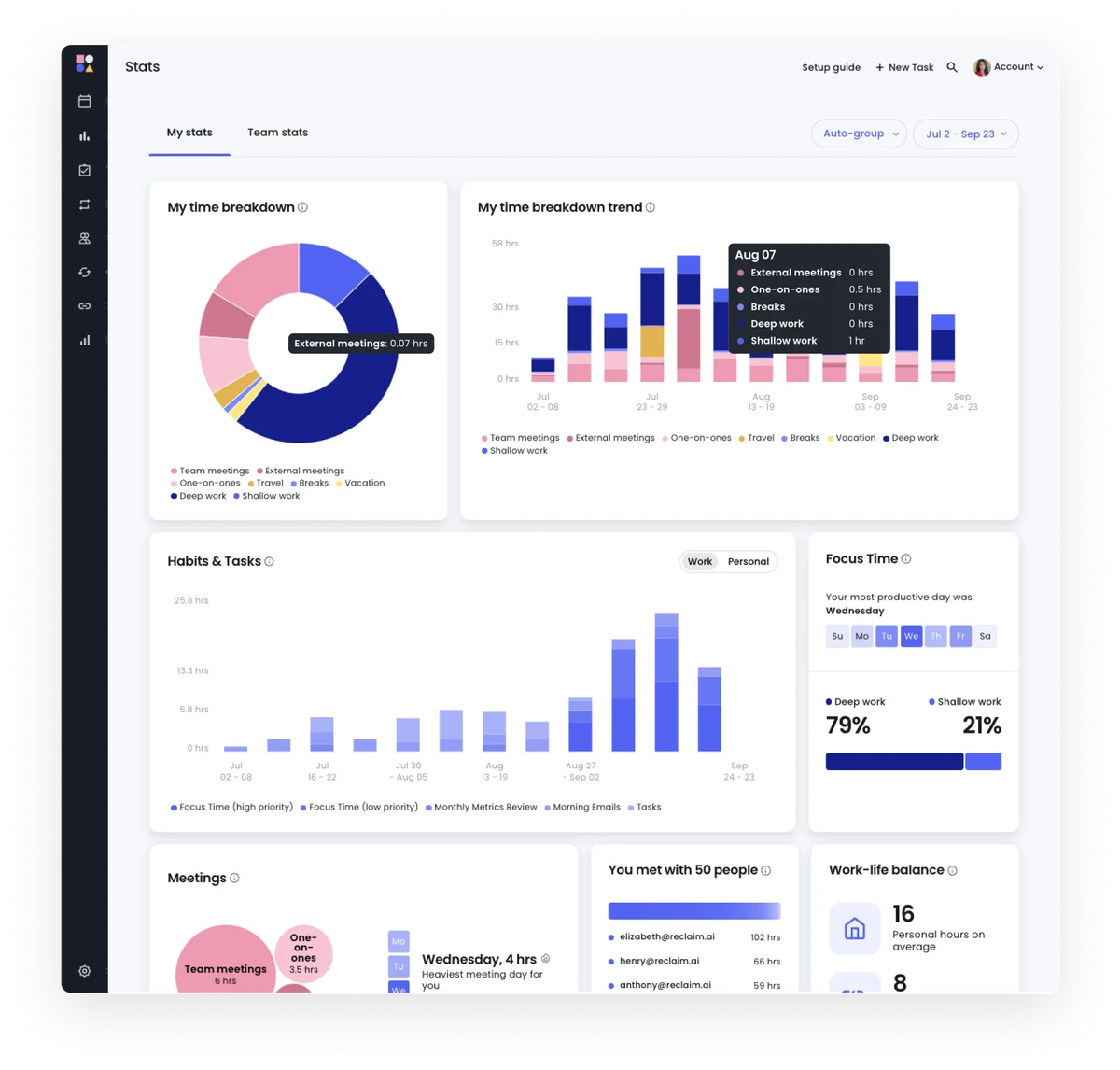
Understand your time allocation across meetings, deep work, and personal habits.
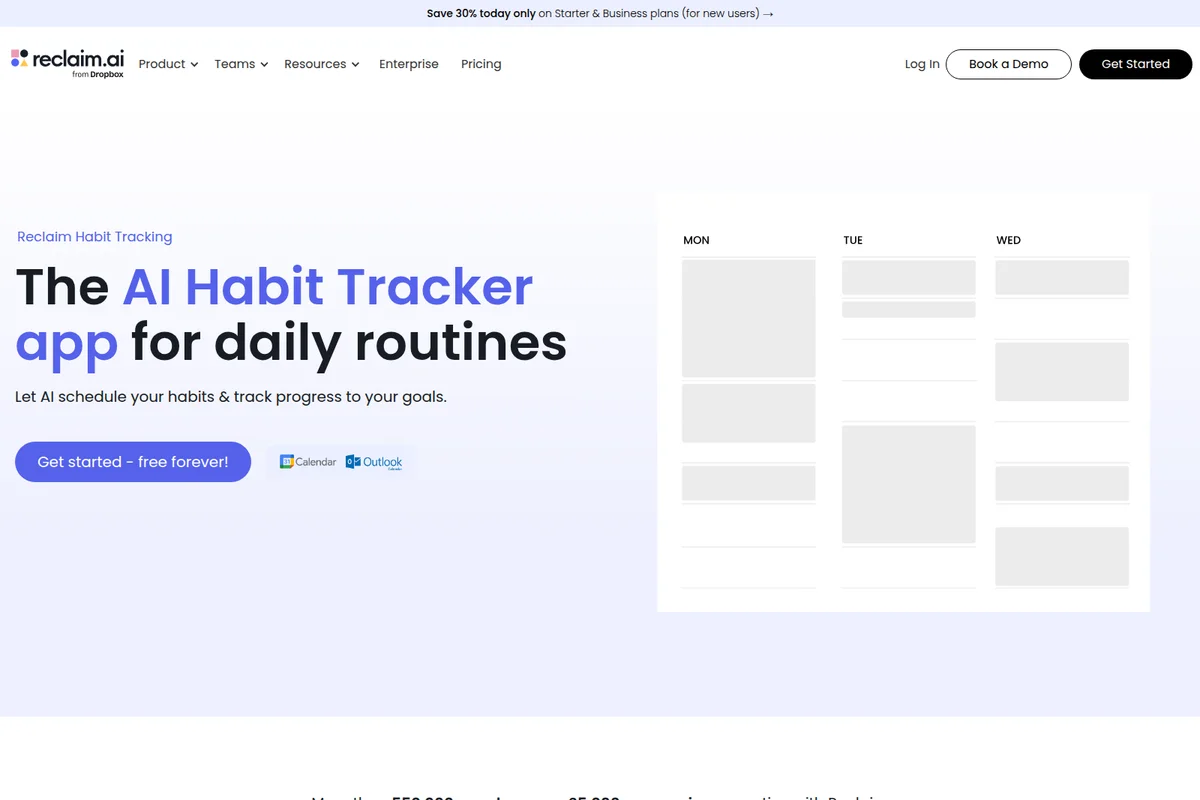
Let AI schedule your habits & track progress to your goals.
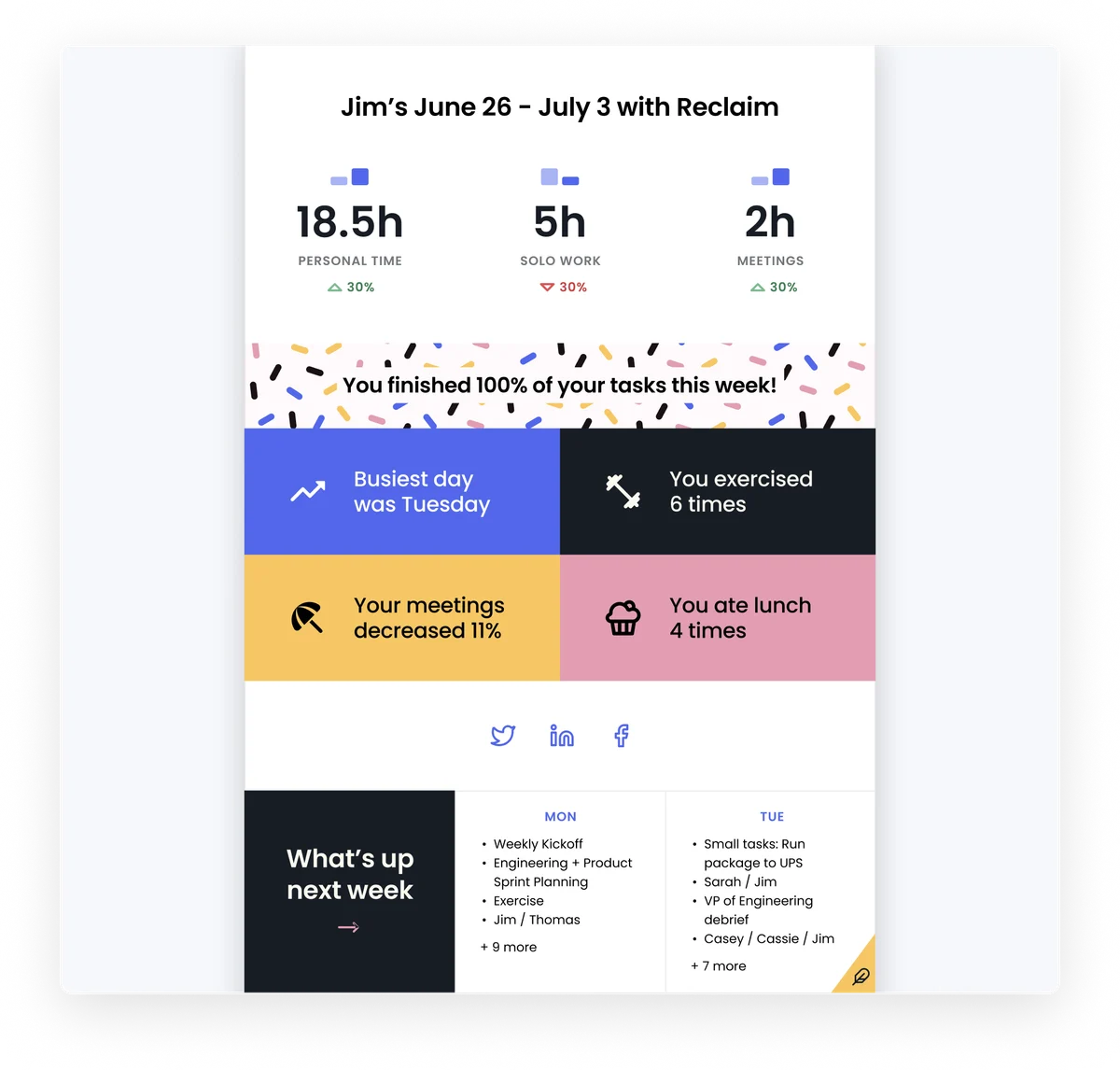
Understand your weekly productivity and plan for the next.
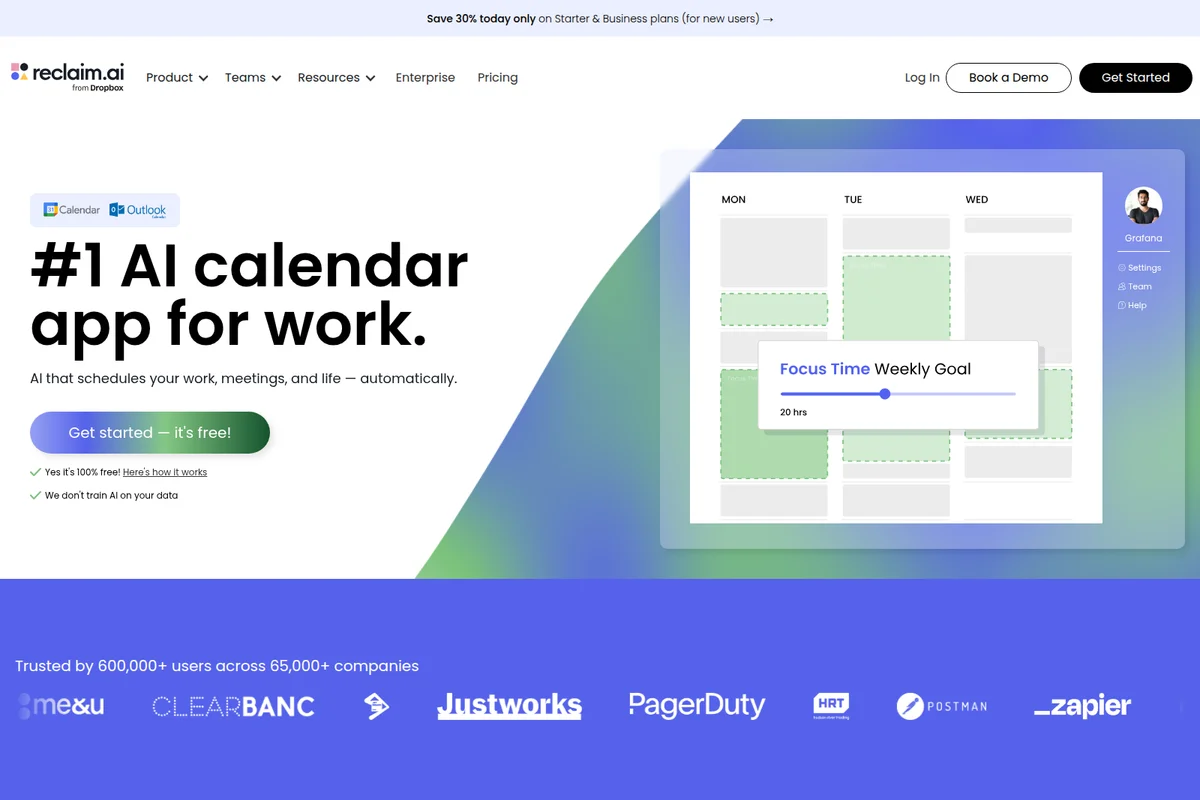
Automatically schedule work and meetings, and visually manage weekly focus time goals.
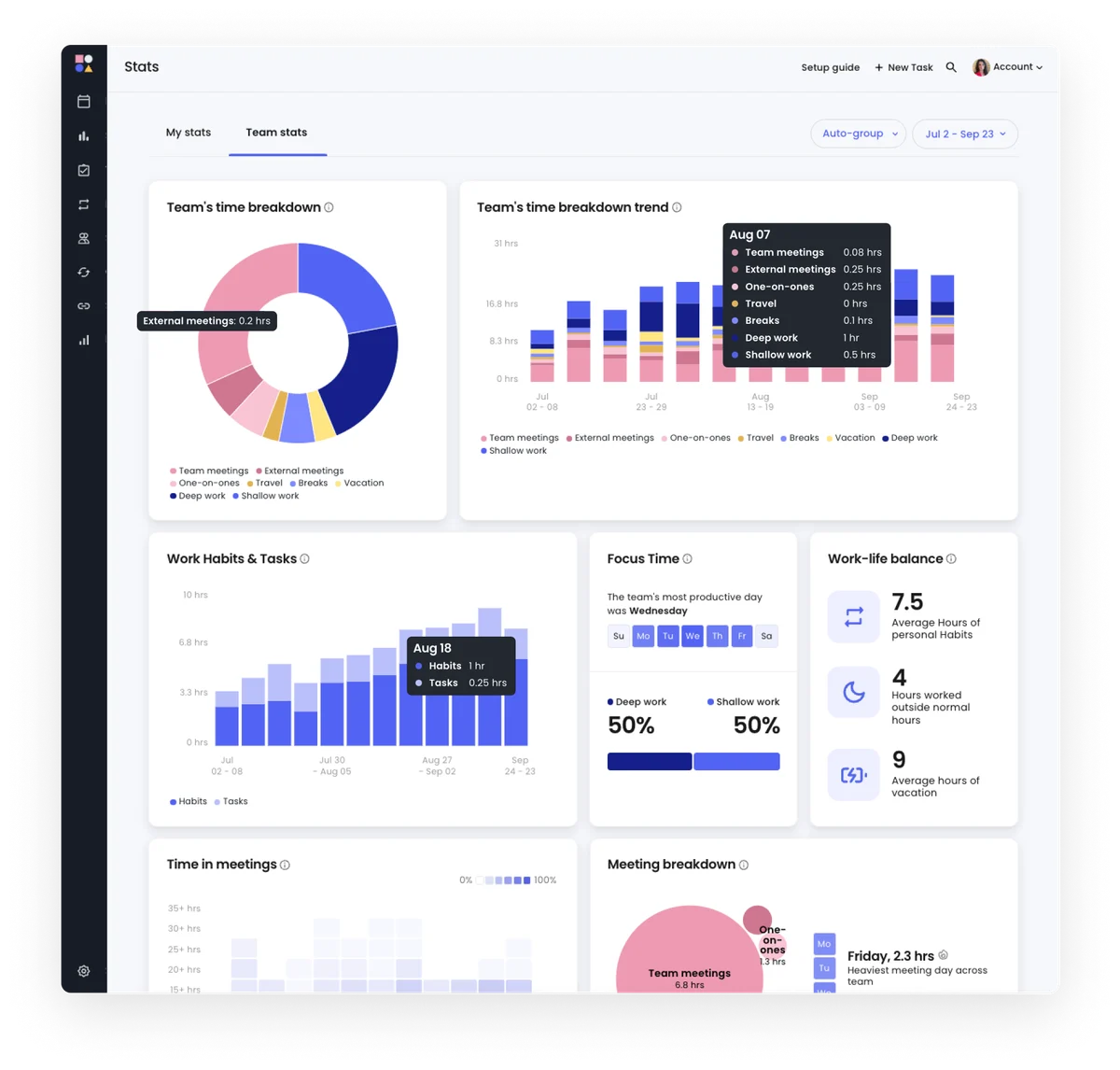
Gain comprehensive insights into your team's time allocation and productivity.

Discover the top causes of wasted time and money in the workplace.

Learn about the new Habits feature in just 30 seconds.
Discover top scheduling apps for efficient time management.
Reclaim.ai Review: Tooliverse Consensus






Based on 2k+ verified reviews across 7 platforms,
combined with Tooliverse's expert analysis
Reclaim.ai turns a calendar into a self-adjusting plan, placing focus blocks, habits and tasks by priority and re-placing them whenever a meeting or PTO request lands. Reviewers credit it most for protecting deep-work hours and syncing multiple calendars without double-bookings, with Slack status updates a frequent bonus. The cost is setup: configuring priorities takes a few hours, the mobile app trails the web version, and the scheduling logic can place tasks at awkward times, particularly for Outlook users who see fewer features.
Bottom line: A strong calendar automation tool that reliably protects focus time and syncs calendars, though its steep setup and thinner mobile and Outlook experience will test patience before the payoff arrives.
Reclaim.ai | Key Specs
- Platforms
- Web (Google Calendar & Outlook Calendar)
- Pricing Model
- Freemium ($0-22/seat/mo) See plans
- Privacy/Data Use
- No AI training on your data, never sells data
- Security
- SOC 2 Type II, GDPR, SSO & SCIM See details
Wins
- •Automates complex time-blocking to protect deep work hours effectivelymentioned in 842 reviews
- •Synchronizes multiple calendars seamlessly to prevent scheduling conflictsmentioned in 715 reviews
- •Prioritizes tasks dynamically based on deadlines and availabilitymentioned in 628 reviews
Watch-Outs
- •Presents a significant learning curve for configuring advanced scheduling rulesmentioned in 312 reviews
- •Mobile application offers limited functionality compared to the web interfacementioned in 285 reviews
- •Occasional rigidity in "Smart" logic can lead to inconvenient task placementmentioned in 198 reviews
Reclaim.ai Features 2026
AI Focus Time
Set a weekly Focus Time goal and an AI agent defends deep-work blocks, moving them around meetings, PTO and conflicts, with proactive and reactive modes and optional auto-decline.
AI Smart Meetings
Recurring 1:1 and team meetings automatically find the best time for all attendees and auto-reschedule around conflicts and PTO, with optional attendees and priority-aware scheduling.
AI Assistant (chat)
Chat to find time to meet, resolve conflicts, analyze your day and set up agents, with preview and approval controls before changes are applied.
AI Scheduling Links
Share availability with smart priority settings; claims 524% more availability than Calendly and meetings booked 15.3% sooner.
Reclaim.ai User Reviews
Selected Reviews
"Reclaim has completely changed how I manage my deep work sessions. It automatically finds time for my coding tasks without me having to play Tetris with my calendar every morning."
"The best calendar extension I've used. The "Sync" feature between my work and personal calendars is a lifesaver for avoiding double-bookings."
"It's a powerful tool but the learning curve is steeper than I expected. Setting up "Priorities" vs "Tasks" vs "Habits" took me a few hours to really get right, and the UI can feel cluttered."
More from the Community
"The integration with Google Calendar is flawless. I love how it protects my habits like lunch and exercise, though I wish the Slack status sync was a bit more customizable."
"The mobile app is okay but lacks the full power of the web dashboard. I can't easily reschedule complex tasks on the go, which is frustrating when my day changes suddenly."
"Reclaim is the only reason I actually get my tasks done. It forces me to be realistic about how much time I actually have in a day."
"Excellent for team scheduling. Our 1:1s are now automatically moved if a conflict arises, saving us so much back-and-forth on Slack."
"I've tried every calendar app and Reclaim is the only one that stuck. The way it handles 'buffer time' between meetings is genius."
"The integration with Google Calendar is flawless. I love how it protects my habits like lunch and exercise, though I wish the Slack status sync was a bit more customizable."
"The mobile app is okay but lacks the full power of the web dashboard. I can't easily reschedule complex tasks on the go, which is frustrating when my day changes suddenly."
"Reclaim is the only reason I actually get my tasks done. It forces me to be realistic about how much time I actually have in a day."
"Excellent for team scheduling. Our 1:1s are now automatically moved if a conflict arises, saving us so much back-and-forth on Slack."
"I've tried every calendar app and Reclaim is the only one that stuck. The way it handles 'buffer time' between meetings is genius."
"The Dropbox acquisition seems to be going well. I've noticed some nice performance improvements lately, though I'm still waiting for better Outlook support."
"Finally, a tool that understands that my 'Habits' aren't fixed appointments but things I need to fit in whenever possible."
"Good tool, but the pricing for the Pro tier is a bit steep for what it offers over the free version if you're just a solo user."
"The automated task prioritization is a game changer. It knows exactly what to move when a high-priority meeting drops into my lap."
"The Dropbox acquisition seems to be going well. I've noticed some nice performance improvements lately, though I'm still waiting for better Outlook support."
"Finally, a tool that understands that my 'Habits' aren't fixed appointments but things I need to fit in whenever possible."
"Good tool, but the pricing for the Pro tier is a bit steep for what it offers over the free version if you're just a solo user."
"The automated task prioritization is a game changer. It knows exactly what to move when a high-priority meeting drops into my lap."
Reclaim.ai Pricing 2026
View SourceLite is free but deliberately tight: one calendar sync, one scheduling link and a one-week planning range. Anyone juggling a work and a personal calendar will hit that wall fast. Starter at $10/seat/month billed annually stretches the horizon to eight weeks and adds three syncs, which covers most individuals comfortably. Watch the seat cap, though. Starter tops out at 10 people, so a growing team will outgrow it quickly.
Reclaim.ai In-Depth Review 2026

Reclaim.ai, now part of Dropbox, layers AI agents over your existing Google Calendar or Outlook Calendar and keeps re-planning focus time, habits, tasks and meetings as your schedule shifts. You set a weekly focus goal, add recurring routines, sync tasks from tools like Jira, Linear, Asana, ClickUp or Todoist, and the agents place everything by priority. When something moves, the rest moves with it, so the plan never goes stale the way a static block does.
What It's Like Day-to-Day
The daily experience is mostly the absence of upkeep. Users describe setting up Focus Time, habits and priorities once, then watching blocks slide around new meetings and PTO without intervention. One iOS App Store reviewer says Reclaim finds time for coding tasks "without me having to play Tetris with my calendar every morning", and that theme of automated time-blocking shows up in more than 840 reviews. Priority levels from P1 to P4 decide what yields when a high-stakes meeting drops in, and optional auto-decline keeps protected hours from being booked over.
The supporting cast matters too.
Reclaim.ai Security & Compliance
Verified Compliance
- SOC 2 Type II
- GDPR compliant
- CCPA compliant
- Data Privacy Framework
Security Features
- AES-256 encryption at rest with rotating keys; TLS in transit
- SSO & SCIM
- 2FA and least-privilege access management
Privacy Commitments
- We don't train AI on your data
- Never sells or shares data with third parties for profit
- Self-service data deletion within one hour
Reclaim.ai: Frequently Asked Questions (FAQs)
Does Reclaim.ai have a free plan?
Yes, Reclaim.ai offers a free forever Lite plan for individuals with no credit card required. It includes 5 AI Agents, a 1-week scheduling range, 1 Calendar Sync and 1 Scheduling Link.
How much do Reclaim.ai paid plans cost?
On yearly billing, Starter is $10 per seat/month, Business is $15 and Enterprise is $22. Monthly billing is $12 for Starter and $18 for Business; Enterprise is unavailable monthly. Yearly saves 20%.
Is there a free trial of Reclaim.ai?
Yes, all users get a free 14-day trial of the Business plan, after which they roll into the free Lite plan if they don't upgrade.
What is Reclaim.ai?
Reclaim.ai is an AI calendar assistant that moves organizations from reactive scheduling to proactive time optimization by protecting focus time, improving meeting quality and giving leaders visibility into how time is spent.
Reclaim.ai Integrations
| Google Calendar | Outlook Calendar | Claude |
| ChatGPT | Slack | Jira |
| Asana | Google Tasks | Todoist |
| ClickUp | Linear | Zoom |
| Raycast | Webhooks | Google Meet |
| Microsoft Teams | Gmail |
Reclaim.ai: Verified Data Sheet
| # | Label | Data Point |
|---|---|---|
| [1] | Reclaim.ai Consensus: 8.46/10 | Reclaim.ai is a highly-rated tool among AI productivity tools in the Tooliverse index, with a consensus score of 8.46/10 across 2,995 verified reviews. |
| [2] | What is Reclaim.ai | Reclaim.ai, now part of Dropbox, is a SOC 2 Type II AI calendar assistant for Google and Outlook that auto-schedules focus time, tasks and meetings. It serves 600,000+ users, with a free plan and paid plans from $10/seat/month. |
| [3] | Tooliverse Consensus on Reclaim.ai | Reclaim.ai turns a calendar into a self-adjusting plan, placing focus blocks, habits and tasks by priority and re-placing them whenever a meeting or PTO request lands. Reviewers credit it most for protecting deep-work hours and syncing multiple calendars without double-bookings, with Slack status updates a frequent bonus. The cost is setup: configuring priorities takes a few hours, the mobile app trails the web version, and the scheduling logic can place tasks at awkward times, particularly for Outlook users who see fewer features. |
| [4] | Reclaim.ai Verdict | Reclaim.ai bottom line: A strong calendar automation tool that reliably protects focus time and syncs calendars, though its steep setup and thinner mobile and Outlook experience will test patience before the payoff arrives. |
| [5] | Lite: Free | Reclaim.ai provides a functional Lite tier with 5 AI Agents and a 1 user team, making AI scheduling tools accessible at no cost. |
| [6] | Flexible habit scheduling | Reclaim.ai maintains daily routines through AI Habits that flex within set schedule windows instead of sitting as fixed appointments, a benefit mentioned in 512 user reviews; the company reports +2.6 lunches defended per week. |
| [7] | Slack status updates from calendar | Reclaim.ai integrates with Slack to update user status based on calendar events, a strength cited in 435 user reviews, though one G2 reviewer wanted more customization of the status sync. |
| [8] | Starter (Yearly): $10/seat/mo (annual) | Dropbox's Reclaim.ai Starter (Yearly) plan gives each seat 10 AI Agents for $10/seat/month billed annually, a significant expansion over the free tier. |
| [9] | Automated deep-work time-blocking | Reclaim.ai automates time-blocking to protect deep work, with its AI Focus Time agent moving protected blocks around meetings, PTO and conflicts, a strength cited in 842 user reviews. |
| [10] | Multi-calendar sync prevents conflicts | Reclaim.ai synchronizes multiple calendars across Google Calendar and Outlook Calendar to prevent double-booking, a capability validated by 715 user reviews; Starter includes 3 Calendar Syncs and Business offers unlimited syncs. |
| [11] | Steep learning curve for advanced rules | Reclaim.ai presents a learning curve when users configure advanced scheduling rules such as Priorities, Tasks and Habits, according to 312 user reports. |
| [12] | Mobile app trails web interface | Reclaim.ai's mobile app offers less functionality than its web interface, with complex task rescheduling easier on the web dashboard, according to 285 user reports. |
| [13] | Privacy: We don't train AI on your data | Reclaim.ai's privacy protections cover We don't train AI on your data, Never sells or shares data with third parties for profit, and Self-service data deletion within one hour. |
| [14] | Enterprise: AES-256 encryption at rest with rotating keys; TLS in transit | Reclaim.ai provides enterprise security through AES-256 encryption at rest with rotating keys; TLS in transit, SSO & SCIM, and 2FA and least-privilege access management. |
| [15] | No more calendar Tetris | Reclaim.ai finds time for coding tasks automatically "without me having to play Tetris with my calendar every morning," according to a verified iOS App Store reviewer who gave it 5/5. |
Best Reclaim.ai Alternatives
Circleback
Unbelievably good meeting notes that turn conversations into action, automatically.

SaneBox
Reclaim 3-4 hours a week by letting AI keep only important email in your inbox.
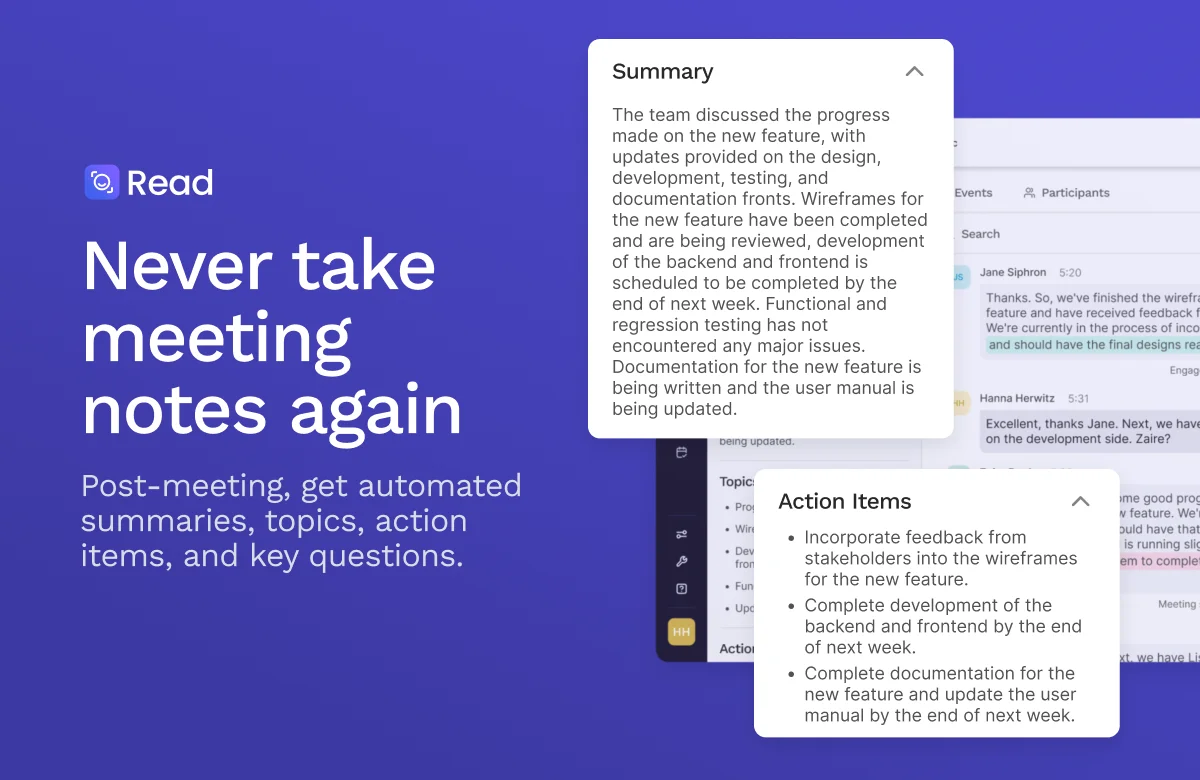
Read AI
Turn every meeting into clear outcomes, with summaries, answers, and next steps handled for you.