
Remotion Review 2026 - Code Your Videos in React
Verified Sep 20, 2026 by Tooliverse Editorial
Remotion lets developers create videos and motion graphics programmatically using React. Render millions of videos on your own infrastructure, build video editors, or animate with AI coding agents.
Remotion Effects – Better motion graphics on the web!
I Made Vox-Style Motion Graphics Using Only Claude Code & Remotion
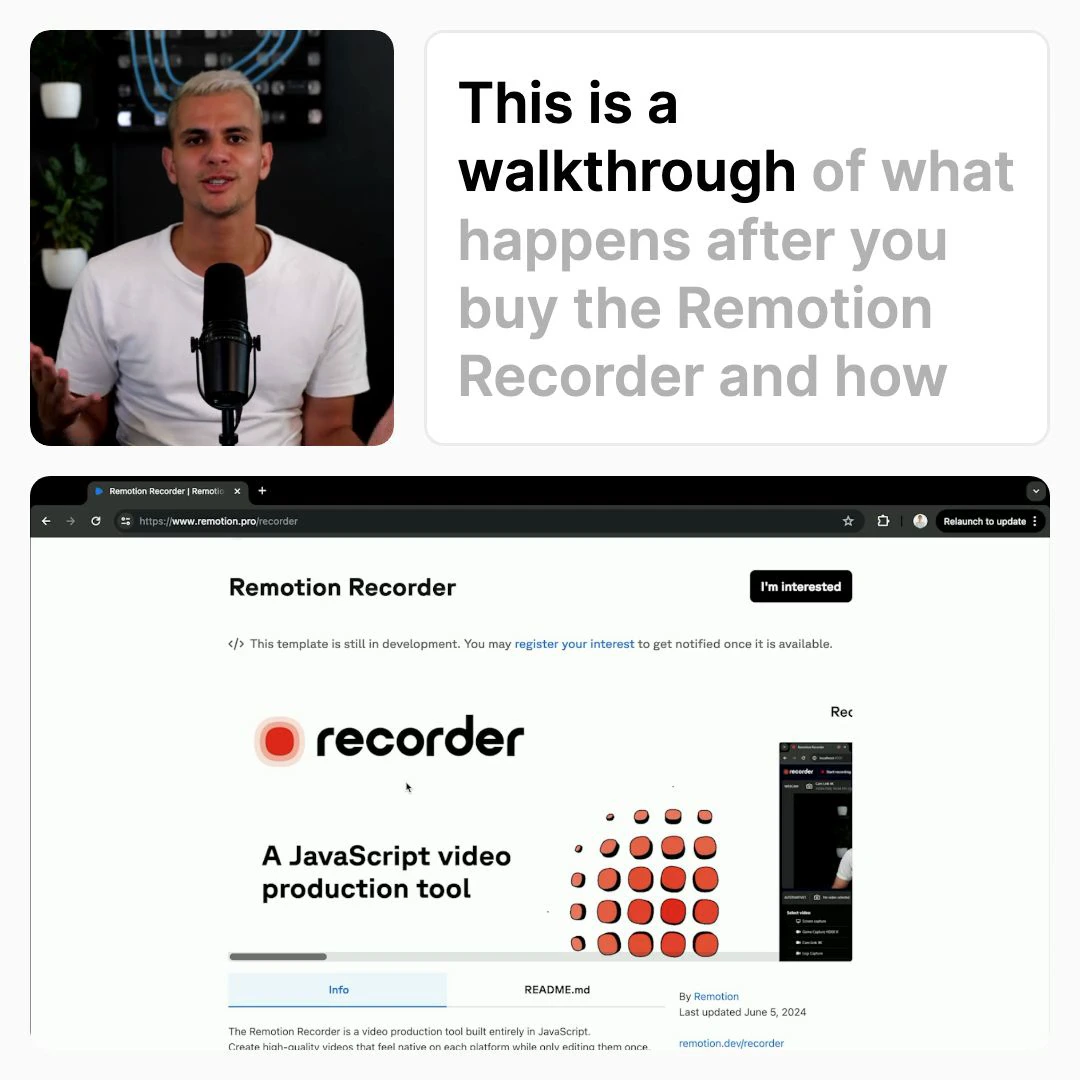
Understand the journey after purchasing Remotion, a JavaScript video production tool.
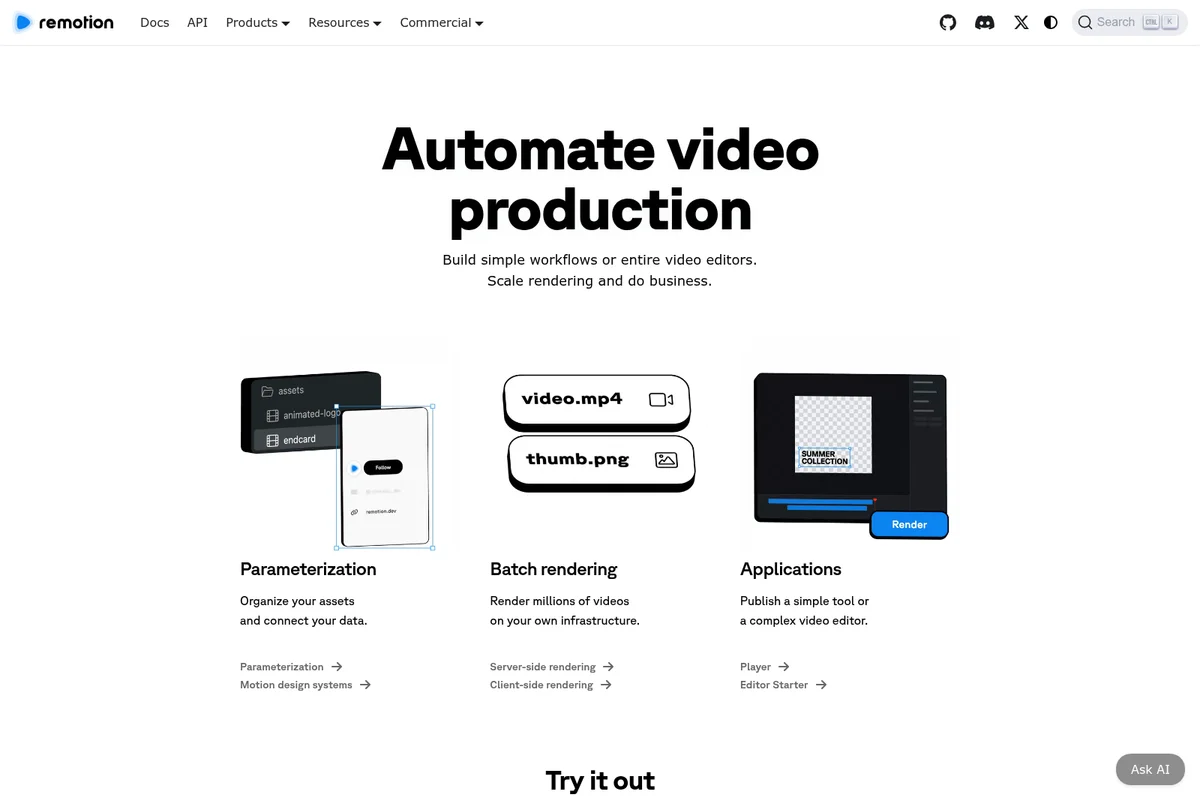
Automate video production: from asset organization to batch rendering and custom applications.
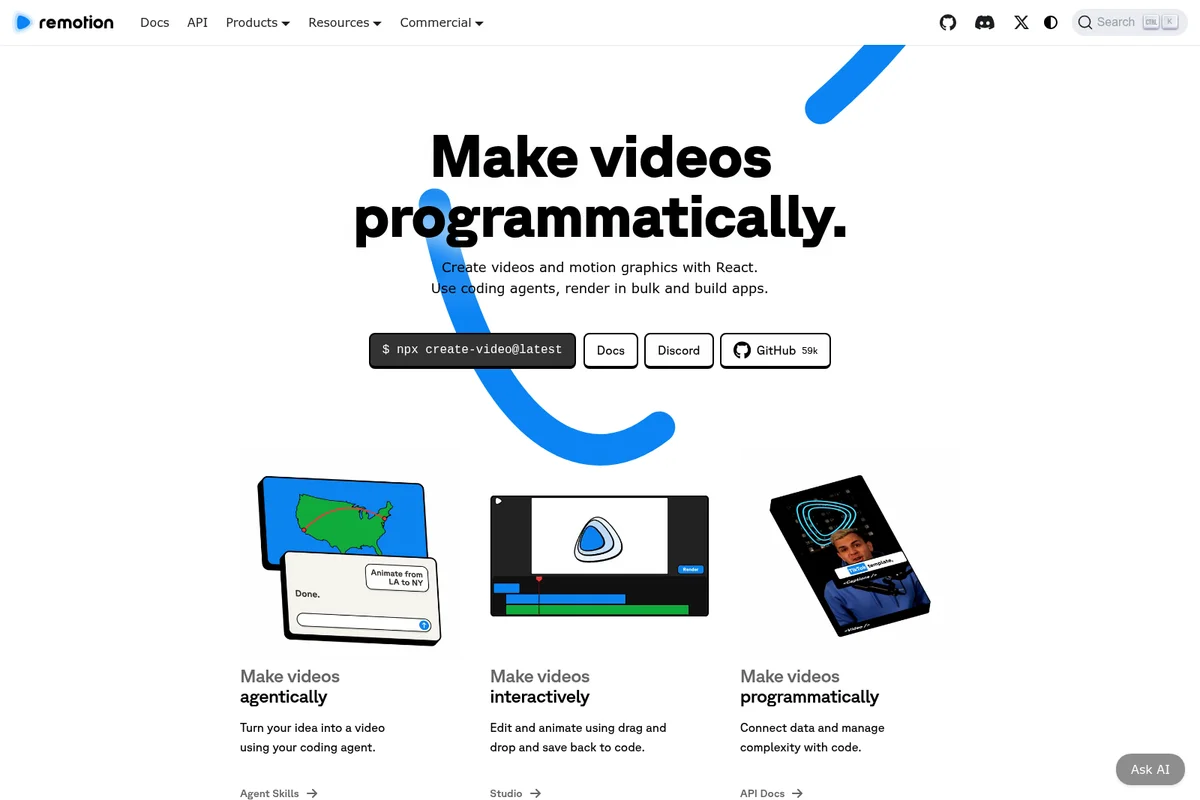
Create videos programmatically, interactively, or using coding agents.
Remotion Review: Tooliverse Consensus





Based on 358 verified reviews across 4 platforms,
combined with Tooliverse's expert analysis
Remotion turns video production into a software engineering problem, letting developers define compositions as React components and render them at scale instead of hand-editing timelines. Reviewers consistently praise the documentation, the AWS Lambda rendering pipeline, and the ability to pipe live data into thousands of personalized videos automatically. The tradeoff is steep for non-developers: complex SVG animation work has a real learning curve, and Lambda costs demand active monitoring once render volume climbs.
Bottom line: One of the strongest tools for developers who need data-driven, automated video at scale, though its React-only workflow and Lambda costs shut out non-technical teams.
Remotion | Key Specs
- Platforms
- Web (React library, self-hosted deployment)
- Pricing Model
- Free for small teams; Paid Company License ($25/seat/mo or $0.01/render) up to Enterprise (from $500/mo) See plans
- Privacy/Data Use
- No data processing on Remotion's servers; runs on user's own infrastructure
- Security
- No SOC2/ISO27001 certification; dependency scanning via Socket See details
Wins
- •Enables programmatic video creation using familiar React components and logicmentioned in 145 reviews
- •Provides lightning-fast rendering through seamless AWS Lambda integration and scalingmentioned in 112 reviews
- •Offers exceptional documentation and a supportive community for developer onboardingmentioned in 98 reviews
Watch-Outs
- •Presents a steep learning curve for complex SVG and canvas animationsmentioned in 54 reviews
- •Incurs significant AWS Lambda costs for high-volume or complex rendering tasksmentioned in 42 reviews
- •Lacks a visual GUI, making it inaccessible for non-technical creative teamsmentioned in 38 reviews
Remotion Features 2026
Videos with React
Create videos and motion graphics using React components, with code as the single source of truth for full programmatic control.
Agent Skills & Plugins
Turn an idea into a video using coding agents like Claude or Cursor, letting AI generate Remotion videos from prompts.
Remotion Studio
Edit and animate videos interactively with drag-and-drop tools, saving changes back to code.
Elements
Drag-and-drop motion design elements that integrate with the code-based workflow.
Remotion User Reviews
Selected Reviews
"Remotion has completely changed how we handle personalized video marketing. Being able to use React components to generate thousands of unique videos is a game-changer."
"We use Remotion for our automated social media clips. It's reliable and the community is very helpful when you run into rendering edge cases."
"Solid framework. I'd love to see more built-in templates for common motion graphics patterns, but building them yourself isn't too hard."
More from the Community
"The documentation is incredible. I was able to get a basic video rendering in under 30 minutes. The Lambda integration is the cherry on top."
"Great tool, but the learning curve for complex SVG animations is steeper than I expected. Still better than After Effects for my needs."
"Powerful framework, but I wish there was a better way for my designers to contribute without needing to write full React code. It's very dev-centric."
"Finally, a way to make videos that doesn't involve a GUI. As a dev, this is exactly what I've been looking for for years."
"Rendering costs on AWS Lambda can spike quickly if you aren't careful with your composition complexity. Monitor your usage closely."
"The documentation is incredible. I was able to get a basic video rendering in under 30 minutes. The Lambda integration is the cherry on top."
"Great tool, but the learning curve for complex SVG animations is steeper than I expected. Still better than After Effects for my needs."
"Powerful framework, but I wish there was a better way for my designers to contribute without needing to write full React code. It's very dev-centric."
"Finally, a way to make videos that doesn't involve a GUI. As a dev, this is exactly what I've been looking for for years."
"Rendering costs on AWS Lambda can spike quickly if you aren't careful with your composition complexity. Monitor your usage closely."
"The ability to preview videos in the browser with hot reloading is a massive productivity boost compared to traditional video editing."
"Remotion is the only tool that makes sense for data-driven video. We use it to generate weekly reports for our users and they love it."
"It's a bit heavy on the dependencies, but the output quality is top-notch. Perfect for technical teams."
"The transition from v3 to v4 had some friction, but the performance improvements were worth it. Just be prepared for some refactoring."
"The ability to preview videos in the browser with hot reloading is a massive productivity boost compared to traditional video editing."
"Remotion is the only tool that makes sense for data-driven video. We use it to generate weekly reports for our users and they love it."
"It's a bit heavy on the dependencies, but the output quality is top-notch. Perfect for technical teams."
"The transition from v3 to v4 had some friction, but the performance improvements were worth it. Just be prepared for some refactoring."
Remotion Pricing 2026
View SourceMost solo developers and small teams should just use the Free License: full features, unlimited commercial use, no sign-up, covering companies up to three people. Once you're four or more, or automating renders at scale, Remotion for Automators at $0.01 per render with a $100 monthly minimum is the tier to know, since it's usage-based rather than per-seat and fits batch video pipelines better than the seat-based Creators plan.
Remotion In-Depth Review 2026

Remotion is a React framework for building videos and motion graphics programmatically, letting developers define compositions as components instead of dragging clips along a timeline. It runs anywhere Node and a browser do, from a laptop to a CI pipeline to an AWS Lambda function rendering thousands of videos in parallel. The pitch is simple: code is the single source of truth, and video becomes just another output of your application logic.
What It's Like Day-to-Day
The core workflow feels like building a web app, because it is one. You write JSX, style with CSS, and Remotion Studio gives you a browser-based preview with hot reloading that updates the moment you save a file. One Product Hunt reviewer summed up why this matters, noting that previewing videos in the browser with hot reloading is "a massive productivity boost compared to traditional video editing" and it shows the moment you start iterating on an animation timing instead of waiting for a full re-render.
Where Remotion earns its reputation, though, is in automation.
Remotion Security & Compliance
Security Features
- Environment variable isolation for headless browser (REMOTION_ prefix and .env handling)
Privacy Commitments
- No data processing done by Remotion's servers - runs on your own infrastructure after obtaining a license
- Dependency security scanning reports publicly viewable on Socket for all Remotion NPM packages
Remotion: Frequently Asked Questions (FAQs)
How much does Remotion cost?
Remotion offers a Free License for individuals and companies up to 3 people with all features and unlimited commercial use. Companies of 4+ people need a Company License, combining Automators pricing ($0.01 per render, $100/mo minimum) and Creators pricing ($25/mo per seat), with Enterprise License starting at $500/month for advanced needs.
Is Remotion free to use?
Yes, Remotion is completely free for individuals and companies of up to 3 people, with all features included and unlimited commercial use allowed, no sign-up needed.
What is Remotion for Automators vs Remotion for Creators?
Remotion for Automators is for batch rendering and automated video products like video editors and prompt-to-video apps, costing $0.01 per render with a $100/mo minimum and no Seat required. Remotion for Creators is for low-volume manual video creation and building motion design systems locally, costing $25/mo per seat.
Does Remotion offer a hosted rendering solution?
No, Remotion Lambda is self-hosted - you deploy and run it in your own AWS account. Remotion does not offer a hosted rendering solution at this time.
Remotion Integrations
| AWS Lambda | AWS S3 | Mux |
| Supabase | Cloudflare R2 | Google Cloud Run |
| PHP | Go | Python |
| Ruby | Serverless Framework |
Remotion: Verified Data Sheet
| # | Label | Data Point |
|---|---|---|
| [1] | Remotion Consensus: 9.51/10 | Remotion is one of the highest-rated AI video tools in the Tooliverse index, with a consensus score of 9.51/10 across 358 verified reviews. |
| [2] | What is Remotion | Remotion, developed by Zurich-based Remotion AG, is a source-available React framework for creating videos and motion graphics programmatically, agentically, or interactively. It has 5M+ monthly npm installs, 59,000+ GitHub stars, and is trusted by 400+ companies, with pricing starting free for small teams and Enterprise from $500/month. |
| [3] | Tooliverse Consensus on Remotion | Remotion turns video production into a software engineering problem, letting developers define compositions as React components and render them at scale instead of hand-editing timelines. Reviewers consistently praise the documentation, the AWS Lambda rendering pipeline, and the ability to pipe live data into thousands of personalized videos automatically. The tradeoff is steep for non-developers: complex SVG animation work has a real learning curve, and Lambda costs demand active monitoring once render volume climbs. |
| [4] | Remotion Verdict | Remotion bottom line: One of the strongest tools for developers who need data-driven, automated video at scale, though its React-only workflow and Lambda costs shut out non-technical teams. |
| [5] | Free License: Free | Remotion offers a functional Free License tier for creating and automating videos, with unlimited commercial use, making it accessible at no cost. |
| [6] | Strong documentation and community | Remotion offers documentation and community support strong enough that 98 user reviews cite it as a key factor in smooth developer onboarding. |
| [7] | Data-driven, automated video generation | Remotion automates dynamic video generation by injecting real-time data into compositions, a data-driven workflow highlighted in 84 user reviews. |
| [8] | Instant hot-reload preview | Remotion's browser-based preview supports instant hot reloading, an experience 76 user reviews describe as a major productivity gain over traditional editors. |
| [9] | Company License - Remotion for Automators: $100/month | Remotion's Company License - Remotion for Automators charges $0.01 per render with a $100 monthly minimum, extending well beyond the Free License's limits for high-volume rendering needs. |
| [10] | Videos built with React components | Remotion enables programmatic video creation using familiar React components and logic, a workflow validated by 145 user reviews as its core strength. |
| [11] | Steep curve for complex animations | Remotion presents a steep learning curve for complex SVG and canvas animations, an issue raised in 54 user reviews. |
| [12] | Lambda costs scale with usage | Remotion can incur significant AWS Lambda rendering costs for high-volume or complex jobs, a concern noted in 42 user reviews, since Lambda usage is billed directly through the user's own AWS account. |
| [13] | Privacy: No data processing done by Remotion's servers - runs on your own infrastructure after obtaining a license | Remotion privacy protections include No data processing done by Remotion's servers - runs on your own infrastructure after obtaining a license and Dependency security scanning reports publicly viewable on Socket for all Remotion NPM packages. |
| [14] | Enterprise: Environment variable isolation for headless browser (REMOTION_ prefix and .env handling) | Remotion provides enterprise security with Environment variable isolation for headless browser (REMOTION_ prefix and .env handling). |
| [15] | Rendering working in under 30 minutes | Remotion's documentation lets developers get a basic video rendering in under 30 minutes, according to a verified Reddit reviewer who called the Lambda integration "the cherry on top." |
Best Remotion Alternatives

Descript
Edit video and podcasts as easily as editing a doc—just delete the words you don't want.
Kapwing
Turn any idea into a polished video without downloads, editing skills, or a full production team.

VEED.IO
Imagine it, generate it, brand it: AI videos worth posting, in minutes.