
Spline Review 2026 - 3D Design Platform
Verified Jun 22, 2026 by Tooliverse Editorial
Spline turns 3D design into a collaborative, real-time workflow—create interactive scenes, export native apps for iOS and Android, or embed on the web with a code snippet. Teams at leading companies use it to build product showcases, AR experiences, and branded websites without engineering bottlenecks.
How to Learn 3D Design with Spline: A Practical Roadmap for Beginners to Pros

Stunning photorealistic renders created with Spline's advanced 3D tools.
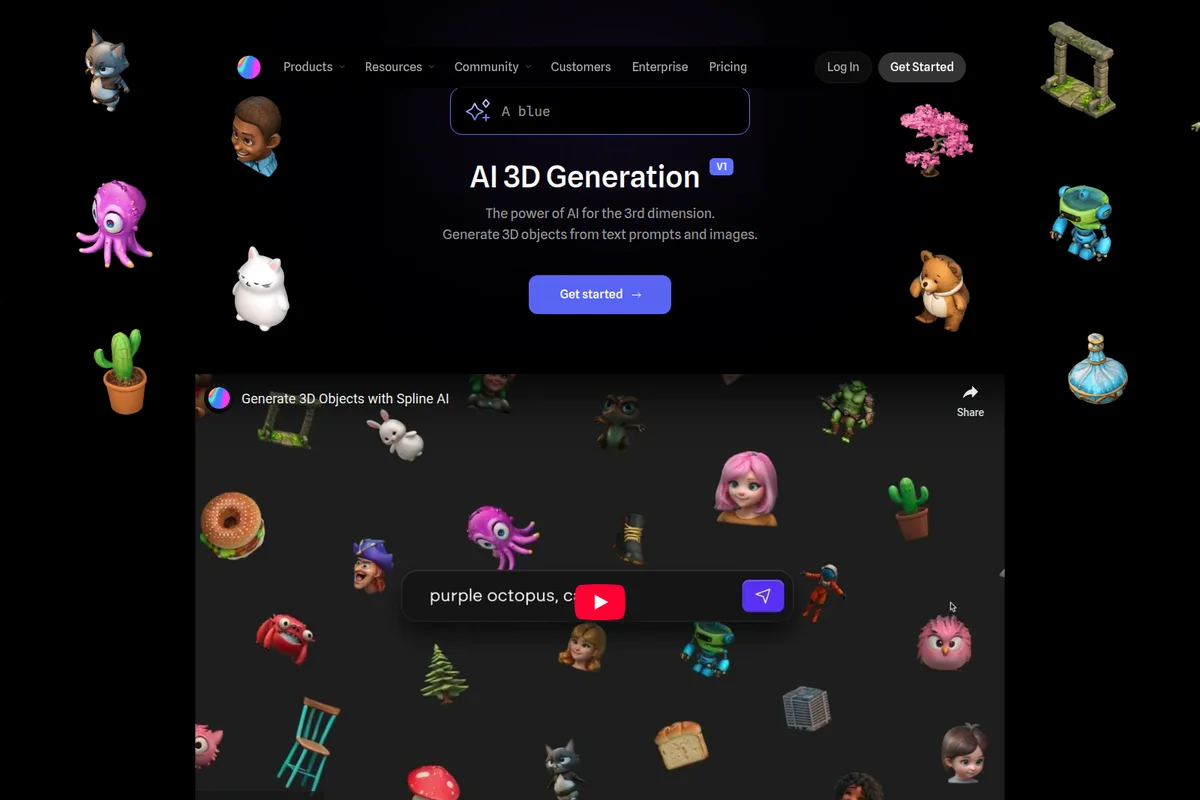
Instantly generate unique 3D objects from simple text prompts and images.
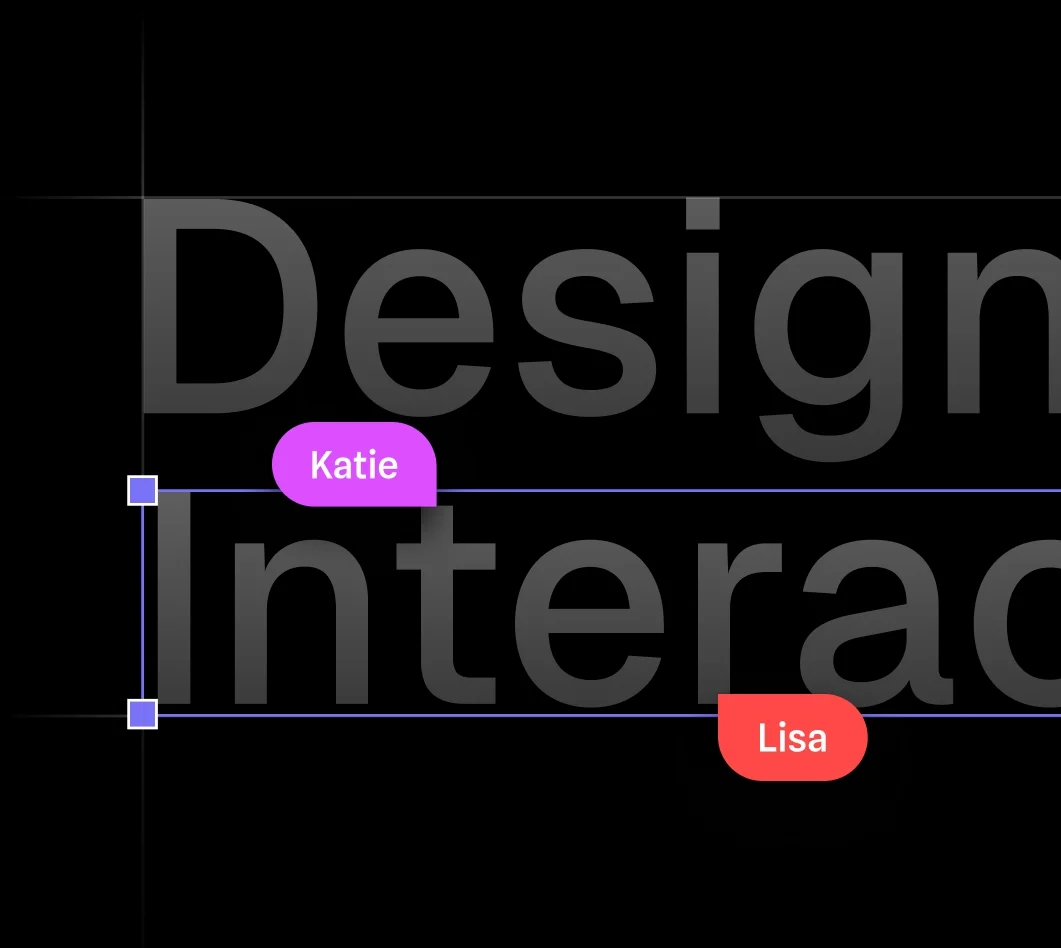
Collaborate on design projects with real-time editing and presence indicators.
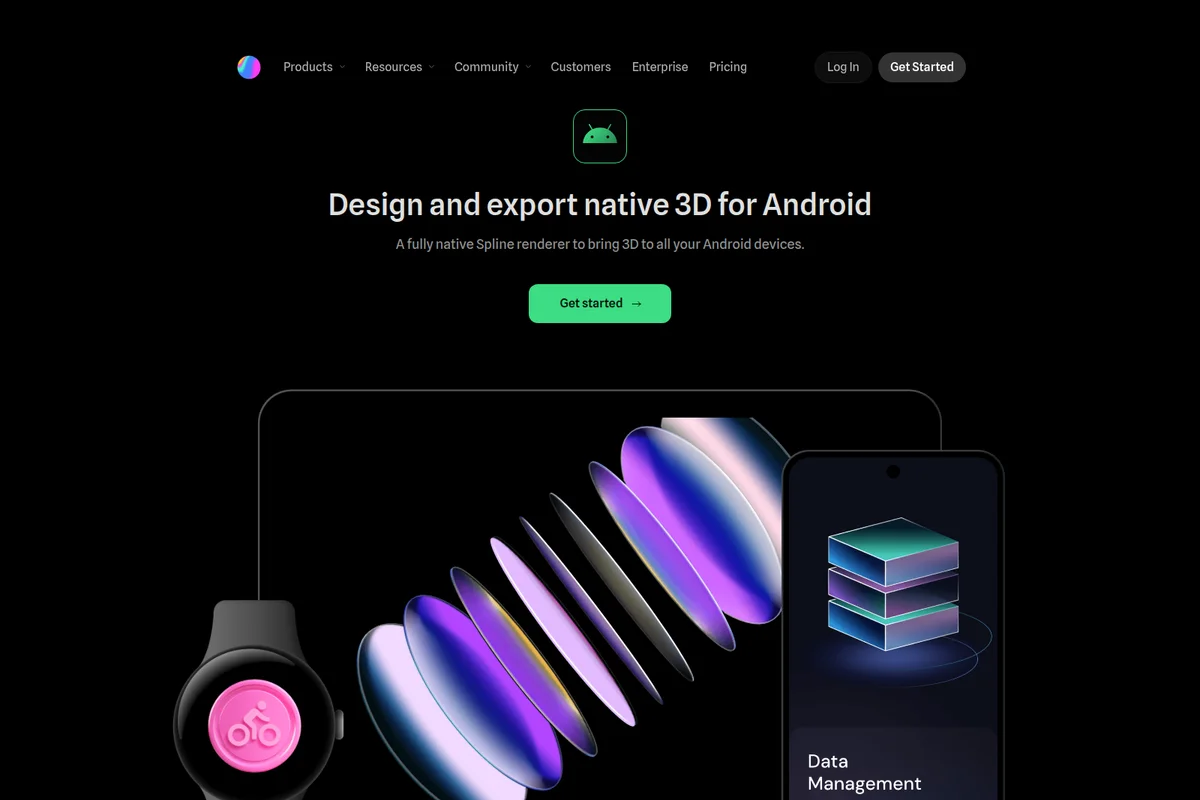
Create and export stunning native 3D experiences for all your Android devices.

Experience the high-speed, chaotic fun of the No Brakes racing game.
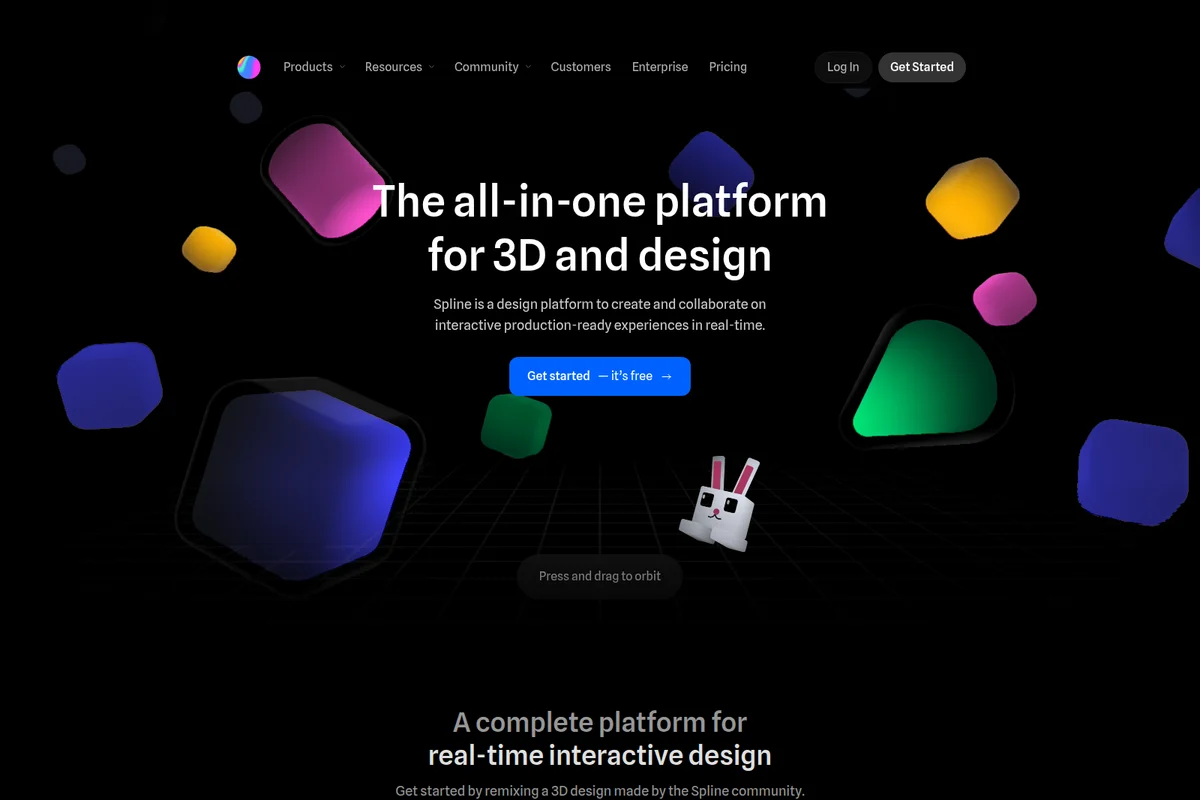
The all-in-one platform for interactive 3D and design.

Advanced industrial robots for production automation across diverse industries.
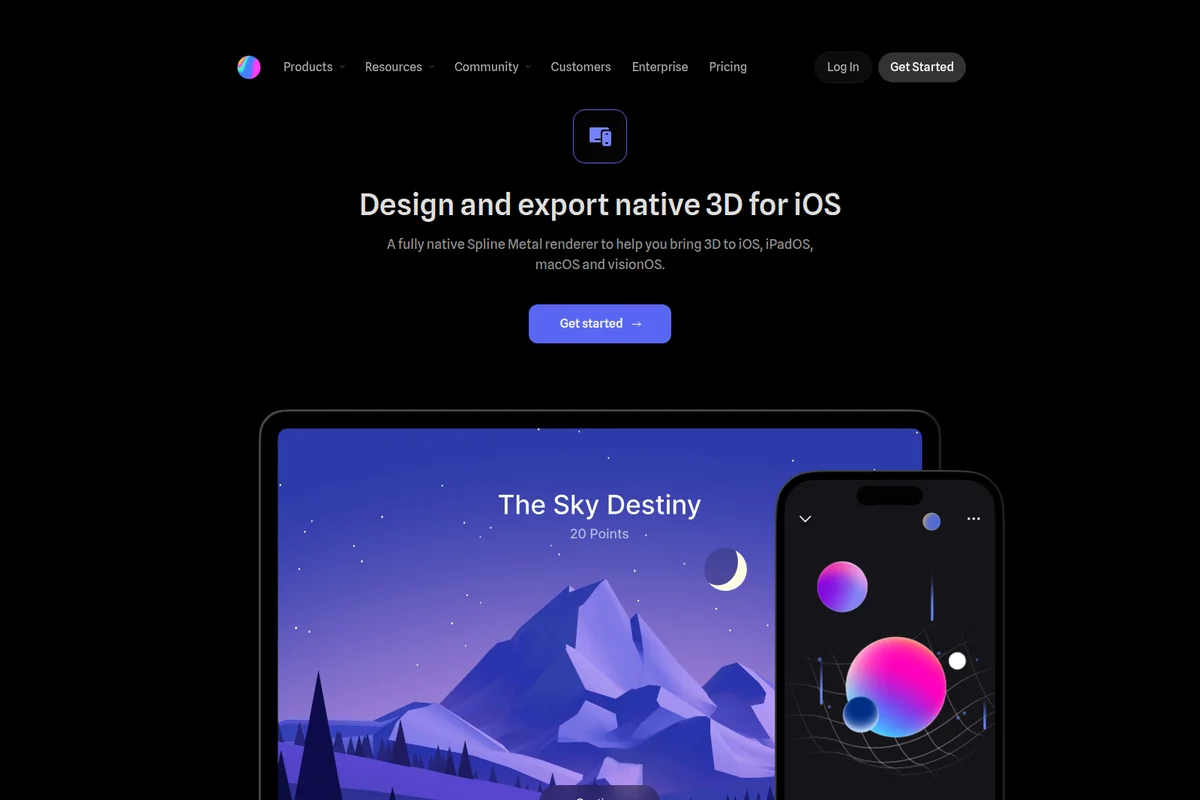
Design and export native 3D experiences for iOS, iPadOS, macOS, and visionOS with Spline.
Spline Review: Tooliverse Consensus




Based on 2k+ verified reviews across 5 platforms,
combined with Tooliverse's expert analysis
Spline translates the collaborative, component-based design patterns of tools like Figma into three-dimensional space, making interactive 3D accessible to web designers without requiring traditional modeling expertise or JavaScript fluency. The platform excels at bridging design and development through React, Swift, and Kotlin code exports, with real-time multiplayer editing that solves the versioning chaos typical of 3D workflows. Performance demands on older hardware and large export file sizes require optimization planning, and the tool intentionally trades Blender-level modeling depth for approachability.
Bottom line: A leading 3D design platform that removes traditional barriers for web designers, though production deployment requires attention to file optimization and hardware requirements.
Spline | Key Specs
- Platforms
- Web, iOS, Android, macOS, Windows
- Pricing Model
- Freemium ($0-25/seat/month) See plans
- Privacy/Data Use
- GDPR compliant, multi-region backup on AWS
- Security
- SOC 2 Type 2, ISO 27001, SAML SSO, 2FA See details
Wins
- •Simplifies 3D design with a Figma-like interface that feels immediately familiar to web designersmentioned in 412 reviews
- •Enables seamless real-time collaboration that allows teams to build 3D scenes togethermentioned in 328 reviews
- •Provides powerful web export options including React and Three.js for interactive site integrationmentioned in 295 reviews
Watch-Outs
- •Demands significant hardware resources which can lead to lag on older or mobile devicesmentioned in 156 reviews
- •Lacks the advanced mesh modeling and sculpting depth found in dedicated tools like Blendermentioned in 134 reviews
- •Generates large export files that can negatively impact website loading speeds if not optimizedmentioned in 112 reviews
Spline Features 2026
Native iOS/Android Exports
Export native 3D content for Apple platforms (iOS, iPadOS, macOS, visionOS) using Metal renderer with Swift code snippets, or generate Xcode projects and Android APKs/AABs ready to publish.
AI 3D Generation
Generate 3D objects from text prompts or 2D images using AI. Create 4 variants per generation, remix results, and build a custom 3D library without modeling experience.
SAML SSO
Enterprise-grade single sign-on with SAML support for secure organization-wide access control and centralized user management.
Real-time Collaboration
Multiple team members can work simultaneously in the same 3D scene with live cursors, comments, and feedback directly in the editor.
Spline User Reviews
Selected Reviews
"The new Spline AI features have significantly cut down my prototyping time. It's not perfect, but it gets the base geometry right most of the time."
"Best tool for web designers looking to level up. The community tutorials are top-notch and the learning curve isn't as scary as other 3D software."
"I really want to love this, but the export sizes are just too big for production sites. We ended up having to recreate the assets in Three.js manually to save on load time."
More from the Community
"Spline is the Figma of 3D. The real-time collaboration works flawlessly and the export to React is a lifesaver for our dev team."
"I've tried Blender and Three.js, but Spline is the only one that lets me create interactive 3D scenes without writing a single line of code."
"The physics engine is surprisingly capable. I built a whole interactive landing page with falling objects in an afternoon."
"Performance is the main issue. My MacBook fans go crazy as soon as the scene gets a bit complex with lighting and shadows."
"The interface is beautiful and intuitive. However, I've noticed some bugs when importing SVG files where the paths get distorted."
"Spline is the Figma of 3D. The real-time collaboration works flawlessly and the export to React is a lifesaver for our dev team."
"I've tried Blender and Three.js, but Spline is the only one that lets me create interactive 3D scenes without writing a single line of code."
"The physics engine is surprisingly capable. I built a whole interactive landing page with falling objects in an afternoon."
"Performance is the main issue. My MacBook fans go crazy as soon as the scene gets a bit complex with lighting and shadows."
"The interface is beautiful and intuitive. However, I've noticed some bugs when importing SVG files where the paths get distorted."
"Great for simple interactions, but once you want to do complex logic, the state machine becomes a bit of a mess to manage."
"The mobile app is a bit of a letdown. It's great for viewing, but trying to edit anything on a phone screen is a nightmare."
"The pricing model is a bit confusing. I wish there was a middle tier between free and the full pro version for occasional users."
"Spline AI is a great start, but it often struggles with more specific prompts. It's better for inspiration than final assets right now."
"Spline is simply the best tool for adding 3D to your web projects without the headache."
"Great for simple interactions, but once you want to do complex logic, the state machine becomes a bit of a mess to manage."
"The mobile app is a bit of a letdown. It's great for viewing, but trying to edit anything on a phone screen is a nightmare."
"The pricing model is a bit confusing. I wish there was a middle tier between free and the full pro version for occasional users."
"Spline AI is a great start, but it often struggles with more specific prompts. It's better for inspiration than final assets right now."
"Spline is simply the best tool for adding 3D to your web projects without the headache."
Spline Pricing 2026
View SourceThe free tier works for learning and personal projects, but the watermark on web exports limits professional use. Starter at $12/month billed annually is where most working designers land: it removes the watermark, provides unlimited files, and adds the material library and video uploads that matter for client work. Professional at $20/month makes sense if you're building native iOS or Android apps, since it adds the code exports and unlimited scenes that app development demands. The AI add-on at $5/month with 2,000 credits is worth testing if text-to-3D generation fits your prototyping workflow.
Spline In-Depth Review 2026

Spline runs on web, iOS, Android, and visionOS, translating the collaborative design patterns from Figma into three-dimensional space. You work with familiar concepts like layers, components, and real-time multiplayer editing, but the output is WebGL scenes, native iOS apps, or Android experiences. The platform exports React components, Swift code, and Kotlin snippets, bridging the designer-developer handoff that typically bogs down 3D projects.
What It's Like Day-to-Day
The interface removes the friction that makes traditional 3D tools intimidating. You're manipulating objects, adjusting materials, and building animations through visual controls instead of memorizing keyboard shortcuts or writing shader code. The state-based animation system handles complex interactions—hover effects, click triggers, scroll-driven animations—through a logic builder that feels more like connecting blocks than programming. One Product Hunt reviewer captured it well: Spline is "the Figma of 3D" with collaboration that "works flawlessly" and React exports that are "a lifesaver for our dev team."
The AI text-to-3D generator accelerates the blank-canvas problem. Describe what you need, generate four variants, pick the closest match, and refine from there.
Spline Security & Compliance
Verified Compliance
- SOC 2 Type 1
- SOC 2 Type 2
- ISO 27001
- GDPR
Security Features
- SAML Single Sign-On (SSO)
- Two-Factor Authentication (2FA)
- Email verification with TOTP
- Data encryption in transit and at rest
- Multi-region backup on AWS
Privacy Commitments
- 99% uptime commitment for application and hosting services
- Data hosted on Amazon Web Services (AWS) in the United States
- GDPR compliant
- Multi-region backup for data protection
Spline: Frequently Asked Questions (FAQs)
Can I use Spline for free?
Yes, Spline offers a free tier with limited file creation, unlimited viewers, and access to Spline templates. Web exports on the free tier include a watermark.
Why should I upgrade to a Starter or Professional workspace?
Upgrading removes watermarks on web exports, unlocks unlimited files and folders, enables Apple and Android exports, provides code export capabilities, and grants access to advanced features like unlimited scenes per file, variables, APIs, and webhooks.
What payment methods can I use?
Spline accepts standard payment methods for subscription billing. Contact the sales team for enterprise payment options.
How can I cancel my subscription?
You can cancel your Spline subscription through your account settings. Visit the account page to manage your subscription.
Spline Integrations
| Figma | Framer | Webflow |
| Notion | Shopify | Wix |
| Wix Studio | Typedream | Tome |
| Toddle | Instant.so | Play |
Spline: Verified Data Sheet
| # | Label | Data Point |
|---|---|---|
| [1] | Spline Consensus: 8.50/10 | Spline is a highly-rated tool among AI design tools in the Tooliverse index, with a consensus score of 8.50/10 across 2,593 verified reviews. |
| [2] | What is Spline | Spline, operated by Spline, Inc., is a SOC 2 Type 2 and ISO 27001 certified real-time 3D design platform for creating interactive experiences across web, iOS, Android, and visionOS. The platform serves world's leading organizations with pricing starting at $12/seat/month. |
| [3] | Tooliverse Consensus on Spline | Spline translates the collaborative, component-based design patterns of tools like Figma into three-dimensional space, making interactive 3D accessible to web designers without requiring traditional modeling expertise or JavaScript fluency. The platform excels at bridging design and development through React, Swift, and Kotlin code exports, with real-time multiplayer editing that solves the versioning chaos typical of 3D workflows. Performance demands on older hardware and large export file sizes require optimization planning, and the tool intentionally trades Blender-level modeling depth for approachability. |
| [4] | Spline Verdict | Spline bottom line: A leading 3D design platform that removes traditional barriers for web designers, though production deployment requires attention to file optimization and hardware requirements. |
| [5] | Free: Free | Spline offers a Free tier with limited 3D and 2D files plus unlimited viewers, making 3D design accessible at no cost. |
| [6] | Figma-like interface for 3D design | Spline simplifies 3D design with a Figma-like interface that feels immediately familiar to web designers, validated by 412 user reviews as a key differentiator from traditional 3D tools. |
| [7] | Real-time collaborative 3D editing | Spline enables seamless real-time collaboration that allows teams to build 3D scenes together with live cursors and comments, highlighted in 328 user reviews as essential for distributed design workflows. |
| [8] | React and Three.js code exports | Spline provides powerful web export options including React and Three.js code snippets for interactive site integration, praised in 295 user reviews for bridging design and development workflows. |
| [9] | Starter: $12/seat/mo (annual) | Spline, Inc.'s Starter empowers users with Unlimited 3D & 2D files for $12/seat/month billed annually, significantly expanding on the free tier's capabilities. |
| [10] | AI text-to-3D generation | Spline features an AI-driven text-to-3D generator that accelerates the initial prototyping phase, with 214 user reviews validating its ability to create base geometry from prompts. |
| [11] | Hardware-intensive performance | Spline demands significant hardware resources which can lead to lag on older or mobile devices, reported in 156 user reviews as a performance constraint during complex scene editing. |
| [12] | Limited advanced modeling tools | Spline lacks the advanced mesh modeling and sculpting depth found in dedicated tools like Blender, noted in 134 user reviews as a tradeoff for its accessibility-focused approach. |
| [13] | SOC 2 Type 1 | Spline maintains SOC 2 Type 1, SOC 2 Type 2, ISO 27001, and GDPR certifications. |
| [14] | Enterprise: SAML Single Sign-On (SSO) | Spline secures enterprise deployments with SAML Single Sign-On (SSO), Two-Factor Authentication (2FA), and Email verification with TOTP. |
| [15] | Figma of 3D with flawless collaboration | Spline is "the Figma of 3D" with real-time collaboration that "works flawlessly" and React export capabilities that are "a lifesaver for our dev team," according to a verified Product Hunt reviewer. |
Best Spline Alternatives

Figma
Design, prototype, and ship products together with your team and AI agents on one canvas.
Framer
Design, build, and publish stunning websites with AI agents that work alongside you.
Hyper3D
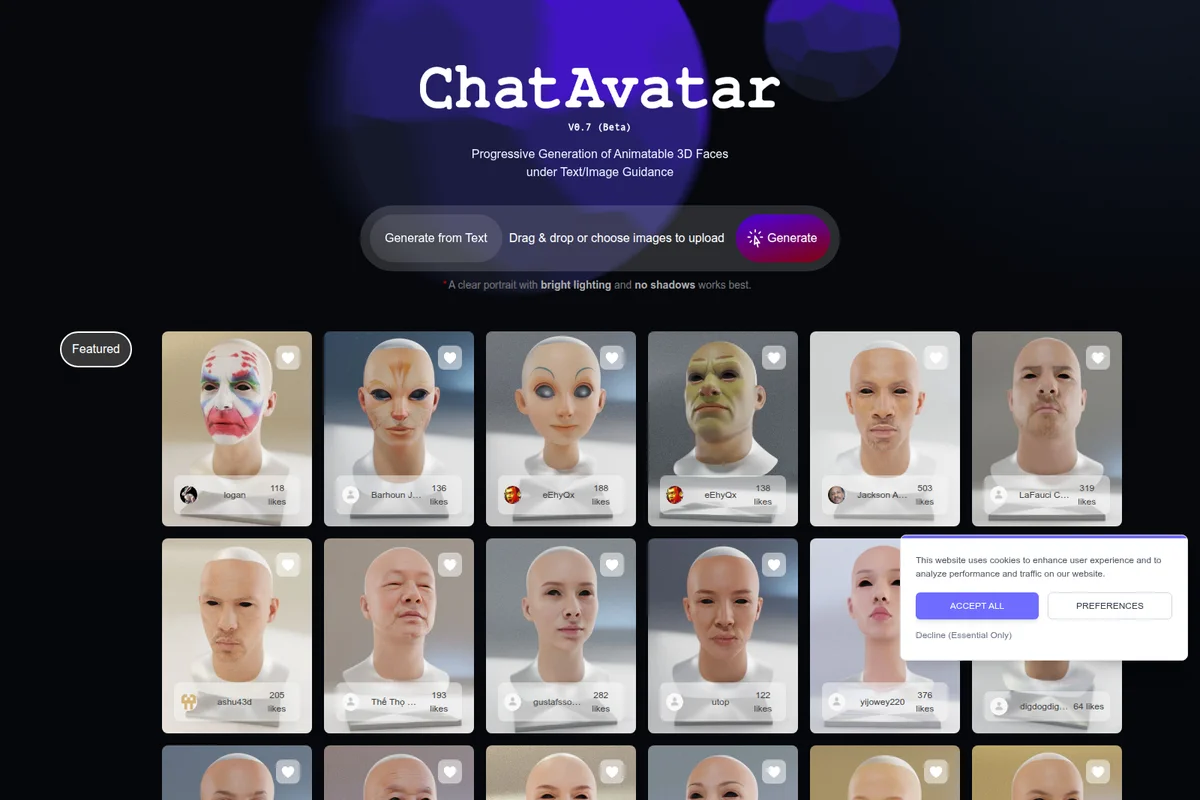
Turn text or a single image into detailed, production-ready 3D models in seconds.