
tl;dv Review 2026 - AI Meeting Intelligence
Verified Jun 23, 2026 by Tooliverse Editorial
tl;dv transforms meetings into searchable intelligence by recording, transcribing in 30+ languages, and extracting insights across multiple conversations. Over 2 million users rely on it to surface trends, coach sales teams, and automate CRM updates—no manual note-taking required.
How to Use tl;dv for Newbies | AI Notetaker for Zoom, Teams & Google Meet (full tutorial)
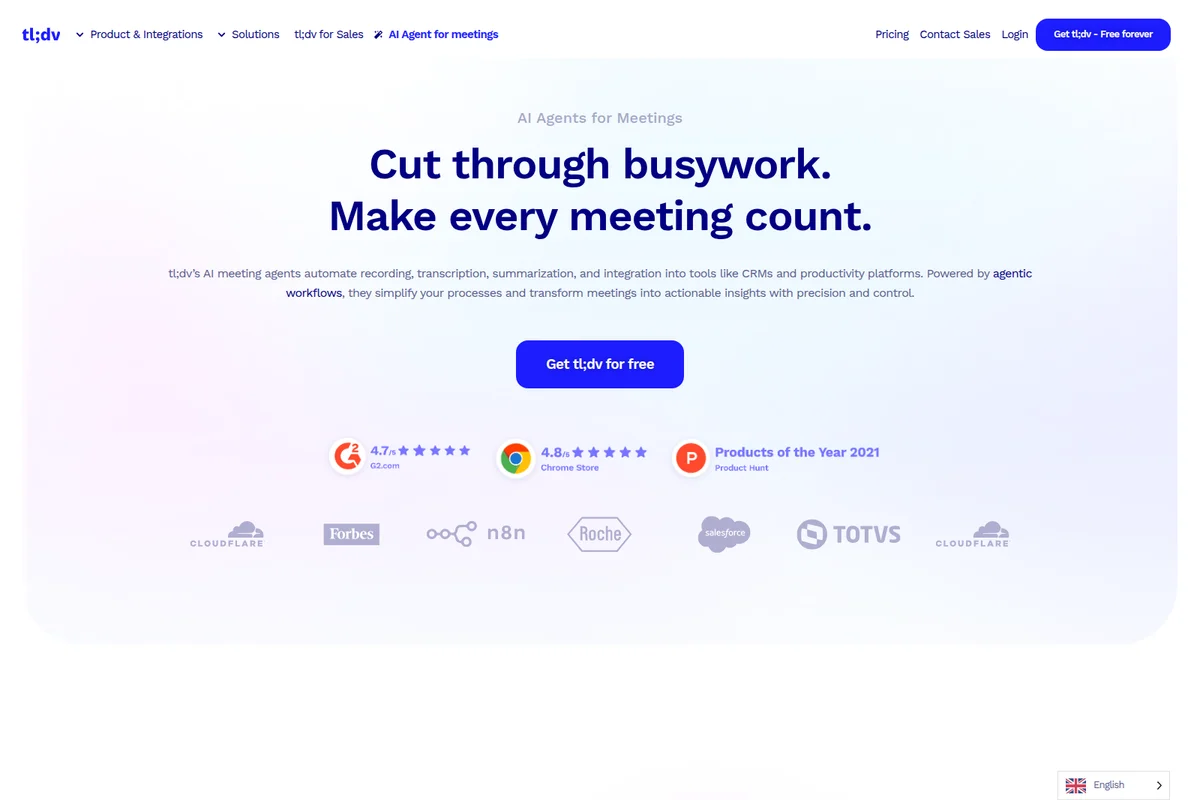
Cut through busywork and make every meeting count with AI agents.
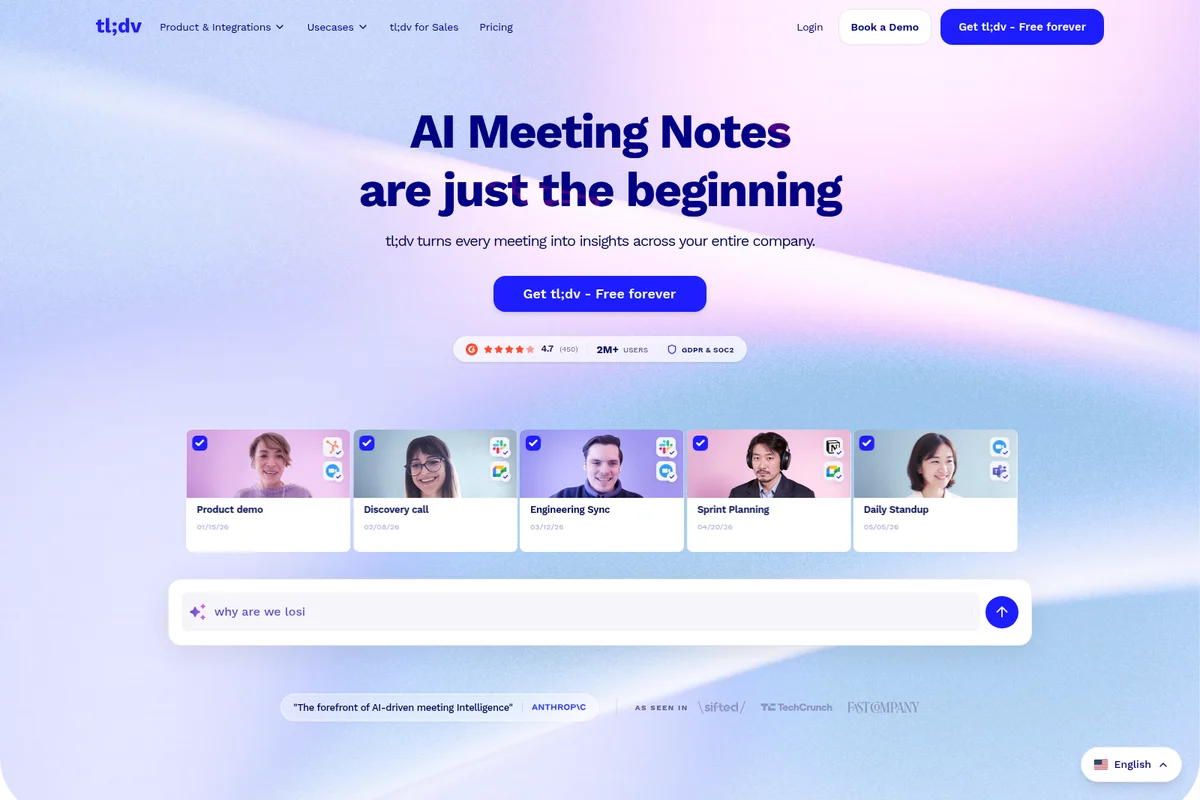
Effortlessly turn every meeting into actionable insights with AI notes.
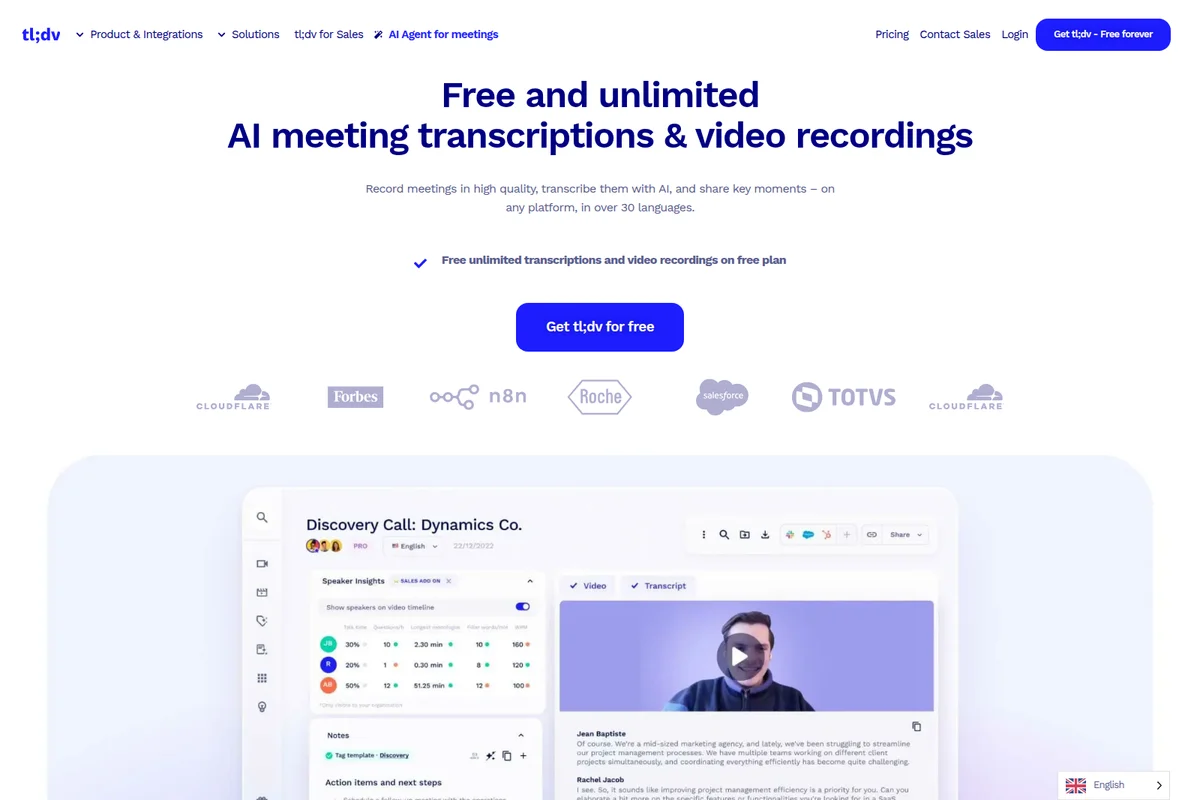
Review AI-generated meeting transcripts, speaker insights, and video recordings.
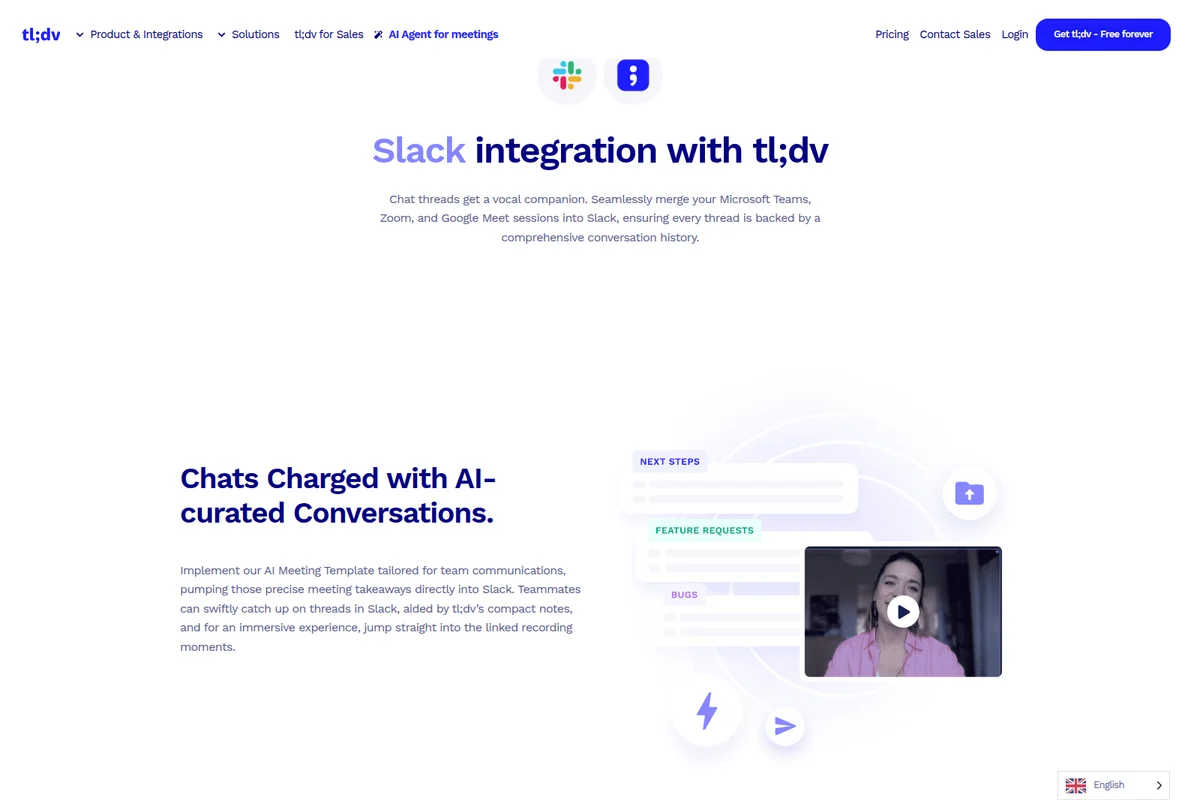
Seamlessly merge meeting insights into Slack for comprehensive conversation history.
tl;dv Review: Tooliverse Consensus







Based on 3k+ verified reviews across 7 platforms,
combined with Tooliverse's expert analysis
tl;dv transforms meeting recordings from passive archives into searchable, actionable intelligence by automatically capturing conversations across Google Meet, Zoom, and Teams, then surfacing decisions and commitments through AI summaries users describe as remarkably accurate. The clip-sharing workflow and CRM integrations eliminate information loss between sales handoffs and cross-functional collaboration, while 30-language support makes it work for global teams. The visible bot can feel intrusive in sensitive conversations, and transcription quality drops with heavy accents, but the core promise—never lose track of what was decided—holds up at scale.
Bottom line: A leading meeting intelligence platform that captures and surfaces decisions automatically across global teams, though the visible bot presence and accent-handling limitations require workarounds for sensitive or highly technical conversations.
tl;dv | Key Specs
- Platforms
- Web, iOS, Android, API
- Pricing Model
- Freemium ($0-29/seat/month) See plans
- Privacy/Data Use
- No training on user data, GDPR compliant
- Security
- SOC 2 Type II, AES-256 Encryption, SSO (SAML, OIDC) See details
Wins
- •Delivers impressively accurate AI summaries that capture key meeting decisionsmentioned in 412 reviews
- •Supports over 40 languages with high transcription precision for global teamsmentioned in 328 reviews
- •Features a seamless Chrome extension that joins meetings without manual setupmentioned in 285 reviews
Watch-Outs
- •Bot presence can feel intrusive or distracting for some meeting participantsmentioned in 145 reviews
- •Transcription accuracy drops significantly when handling heavy accents or technical jargonmentioned in 112 reviews
- •Free tier limits AI summary credits, making it feel like a trialmentioned in 98 reviews
tl;dv Features 2026
Multi-Meeting AI Insights
Ask AI questions across multiple meetings simultaneously to surface trends, objections, and feature requests without watching hours of recordings. Get aggregated insights from dozens of customer calls at once.
CRM Auto-Sync
Automatically logs call notes, outcomes, and action items to HubSpot, Salesforce, and other CRMs. AI drafts follow-up emails based on conversation context.
Scheduled AI Reports
Set up automated reports that analyze selected meetings on a schedule and deliver insights via email. Track objections, feature requests, or custom topics across your team's calls.
Sales Coaching & Playbooks
AI-driven call analysis tracks playbook adherence, objection handling, and rep performance. New hires learn from curated clips of best-in-class sales moments.
tl;dv User Reviews
Selected Reviews
"Best meeting recorder I've used. The multi-language support is actually usable, unlike some competitors that only do English well."
"Transformed our sales handovers. I just tag the AE in the clip and they have full context without watching a 45-minute recording."
"The mobile app is okay for reviewing, but the desktop experience is where the real power is. Transcription struggles with my team's heavy accents sometimes."
More from the Community
"The AI summaries are scary accurate. It captures action items I didn't even realize I'd committed to until I read the recap."
"Great tool, but the bot name is annoying. I wish I could hide the 'tl;dv Notetaker' participant so it doesn't clutter the gallery view."
"Pricing is getting steep for small teams. The free version used to be more generous with AI summaries, now it feels very restricted."
"It's a solid tool for general notes, but if you need deep sales coaching metrics, you might find it a bit basic compared to enterprise tools."
"I love the clip sharing feature. Being able to send a 30-second video of a customer request directly to Slack is a game changer."
"The AI summaries are scary accurate. It captures action items I didn't even realize I'd committed to until I read the recap."
"Great tool, but the bot name is annoying. I wish I could hide the 'tl;dv Notetaker' participant so it doesn't clutter the gallery view."
"Pricing is getting steep for small teams. The free version used to be more generous with AI summaries, now it feels very restricted."
"It's a solid tool for general notes, but if you need deep sales coaching metrics, you might find it a bit basic compared to enterprise tools."
"I love the clip sharing feature. Being able to send a 30-second video of a customer request directly to Slack is a game changer."
"The bot sometimes fails to join if the meeting link is changed last minute. It's reliable 95% of the time, but that 5% is frustrating."
"Helpful for my lectures, but the transcription of technical terms in my biology class is often way off. Needs a custom dictionary feature."
"Seamless integration with Google Meet. I don't even have to think about it anymore, it just works in the background."
"The AI notes are good, but I still find myself having to edit them for clarity. It's a great starting point but not a total replacement for human review."
"The bot sometimes fails to join if the meeting link is changed last minute. It's reliable 95% of the time, but that 5% is frustrating."
"Helpful for my lectures, but the transcription of technical terms in my biology class is often way off. Needs a custom dictionary feature."
"Seamless integration with Google Meet. I don't even have to think about it anymore, it just works in the background."
"The AI notes are good, but I still find myself having to edit them for clarity. It's a great starting point but not a total replacement for human review."
tl;dv Pricing 2026
View SourceThe Free tier with unlimited recordings but only 10 AI-analyzed meetings monthly works for occasional users, but most professionals hit that ceiling fast. Pro at $18/month billed annually is the tier that delivers the full product: unlimited AI summaries, custom note templates, and the single-meeting analysis that replaces manual note-taking entirely. Business at $29/month adds the multi-meeting insights and scheduled reports that matter for managers analyzing patterns across team calls, but only upgrade if you're actually coordinating multiple people or need the premium transcription for technical vocabulary.
tl;dv In-Depth Review 2026

tl;dv runs across Google Meet, Zoom, and Microsoft Teams, automatically recording and transcribing conversations in over 30 languages while generating AI summaries that pull out the decisions and action items that matter. The Chrome extension joins meetings without manual setup, and the platform syncs directly with HubSpot, Salesforce, and 5,000+ other tools to turn meeting intelligence into actionable data wherever your team actually works.
What It's Like Day-to-Day
The experience starts with not thinking about it at all. Once configured, tl;dv joins your scheduled meetings automatically, records in the background, and delivers a searchable transcript with AI-generated summaries within minutes of the call ending. The summaries are where the tool earns its keep: they don't just transcribe what was said, they extract what was decided. As one G2 reviewer put it, the AI is "scary accurate" and captures "action items I didn't even realize I'd committed to until I read the recap."
The clip-sharing feature changes how teams handle knowledge transfer.
tl;dv Security & Compliance
Verified Compliance
- SOC 2 Type II
- GDPR Compliant
- ISO 27001 (data centers)
- EU AI Act Compliant
Security Features
- AES-256 Encryption
- Single Sign-On (SSO) - SAML, OIDC
- SCIM Provisioning
- End-to-End Encryption
- Privately Hosted AI
Privacy Commitments
- No customer data used to train AI
- Data anonymized before AI processing (metadata stripped)
- Data hosted and stored in EU
- Choose AI hosting region (Europe or US)
- Meetings chunked and randomized during AI processing
tl;dv: Frequently Asked Questions (FAQs)
What is tl;dv?
tl;dv ("Too Long, Didn't View") is an AI-powered notetaker that records, transcribes, and summarizes meetings while delivering actionable insights across your organization. It integrates with Google Meet, Zoom, and Microsoft Teams, and syncs with CRMs, ticketing systems, and 5000+ tools to make meeting intelligence instantly accessible.
Is tl;dv free?
Yes, tl;dv offers a Free Forever plan with unlimited meetings, recordings, and transcriptions in 30+ languages. The free plan includes 10 AI-analyzed meetings per month and unlimited storage. Unlike competitors like Gong (which requires $5,000+ upfront), tl;dv provides core features at no cost with no time limits.
Does tl;dv work with Zoom, Google Meet, and Microsoft Teams?
Yes, tl;dv integrates with all three platforms—Google Meet, Zoom, and Microsoft Teams—providing AI-powered transcription, automatic recording, and smart meeting summaries across all of them.
Which languages does tl;dv support?
tl;dv provides AI-powered transcription in over 30 languages including English (US, UK, Australia, Hindi), Spanish, Portuguese, French, German, Italian, Dutch, Russian, Chinese (Mandarin), Korean, Japanese, Hindi, Filipino, Thai, Ukrainian, Turkish, Romanian, Polish, Hungarian, Czech, Hebrew, Norwegian, and Catalan. The platform is fully localized in 7 languages.
tl;dv Integrations
| Google Meet | Zoom | Microsoft Teams |
| HubSpot | Salesforce | Slack |
| Notion | Zapier | Asana |
| Trello |
tl;dv: Verified Data Sheet
| # | Label | Data Point |
|---|---|---|
| [1] | tl;dv Consensus: 8.86/10 | tl;dv is a highly-rated tool among AI productivity tools in the Tooliverse index, with a consensus score of 8.86/10 across 3,004 verified reviews. |
| [2] | What is tl;dv | tl;dv is a SOC 2 Type II certified AI meeting assistant that records, transcribes, and analyzes conversations across Google Meet, Zoom, and Microsoft Teams in 30+ languages. Trusted by 2M+ users including Forbes, Salesforce, and Cloudflare, with pricing starting at $18/month. |
| [3] | Tooliverse Consensus on tl;dv | tl;dv transforms meeting recordings from passive archives into searchable, actionable intelligence by automatically capturing conversations across Google Meet, Zoom, and Teams, then surfacing decisions and commitments through AI summaries users describe as remarkably accurate. The clip-sharing workflow and CRM integrations eliminate information loss between sales handoffs and cross-functional collaboration, while 30-language support makes it work for global teams. The visible bot can feel intrusive in sensitive conversations, and transcription quality drops with heavy accents, but the core promise—never lose track of what was decided—holds up at scale. |
| [4] | tl;dv Verdict | tl;dv bottom line: A leading meeting intelligence platform that captures and surfaces decisions automatically across global teams, though the visible bot presence and accent-handling limitations require workarounds for sensitive or highly technical conversations. |
| [5] | Free: Free | tl;dv offers a Free tier with unlimited video recordings and transcription in 30+ languages plus 10 meetings with AI notes monthly, making meeting intelligence accessible at no cost. |
| [6] | Accurate AI summaries capture decisions | tl;dv delivers impressively accurate AI summaries that capture key meeting decisions and action items, validated as a critical workflow improvement by 412 user reviews. |
| [7] | 30+ languages with 96% accuracy | tl;dv supports transcription in 30+ languages with 96% accuracy, enabling global teams to collaborate across language barriers without manual note-taking, according to 328 user reviews. |
| [8] | Auto-join Chrome extension | tl;dv features a seamless Chrome extension that automatically joins Google Meet, Zoom, and Microsoft Teams meetings without manual setup, praised in 285 user reviews for eliminating friction from the recording workflow. |
| [9] | Deep HubSpot/Salesforce CRM sync | tl;dv integrates deeply with HubSpot and Salesforce to automatically sync call notes, outcomes, and action items to CRM records, eliminating manual data entry according to 214 user reviews. |
| [10] | Pro: $18/seat/mo (annual) | tl;dv Pro empowers users with Unlimited meetings with AI notes for $18/seat/month billed annually, significantly expanding on the free tier's capabilities. |
| [11] | Bot presence can feel intrusive | tl;dv's bot presence can feel intrusive or distracting for some meeting participants, with 145 user reports noting concerns about the visible 'tl;dv Notetaker' participant in gallery view. |
| [12] | Struggles with accents and jargon | tl;dv transcription accuracy drops significantly when handling heavy accents or technical jargon, according to 112 user reports noting challenges with specialized terminology and non-native speakers. |
| [13] | Privacy: No customer data used to train AI | tl;dv privacy protections include No customer data used to train AI, Data anonymized before AI processing (metadata stripped), and Data hosted and stored in EU. |
| [14] | Enterprise: AES-256 Encryption | tl;dv provides enterprise security with AES-256 Encryption, Single Sign-On (SSO) - SAML, OIDC, and SCIM Provisioning. |
| [15] | Scary accurate AI summaries | A verified G2 reviewer noted that tl;dv AI summaries are "scary accurate" and capture "action items I didn't even realize I'd committed to until I read the recap." |
Best tl;dv Alternatives
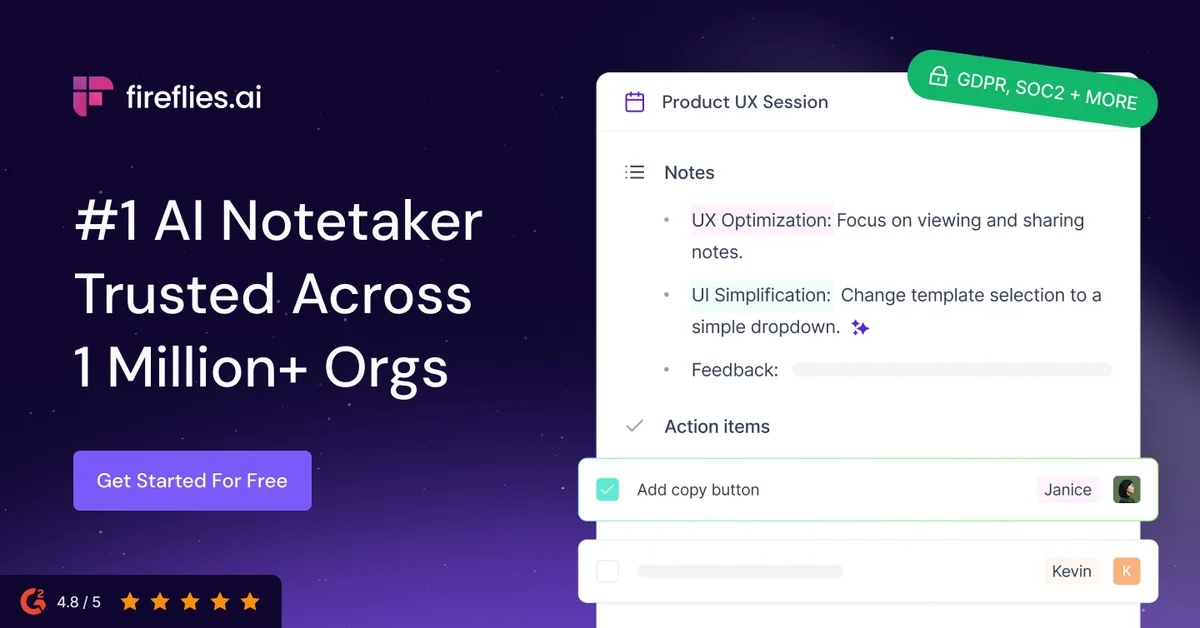
Fireflies.ai
Never miss a detail again: let AI record, summarize, and search every meeting for you.
Fathom
Capture every meeting, get instant summaries and action items, and stay fully present in the conversation.
Otter
Never take meeting notes again—Otter records, summarizes, and turns every conversation into searchable knowledge.